98
Views/Index
VIEWS/INDEX in the tool bar is used to select the
display mode. Once an application is open, you
can use VIEWS/INDEX to switch display modes.
Each display mode has its own unique variations,
functions and purposes.
Detail View
Detail View allows you to see the details for an
entry.
A basic Detail View is available for Contacts, Data
Files, Documents and Outlines. More advanced
Detail Views are available for Activities, Notes and
Filer.
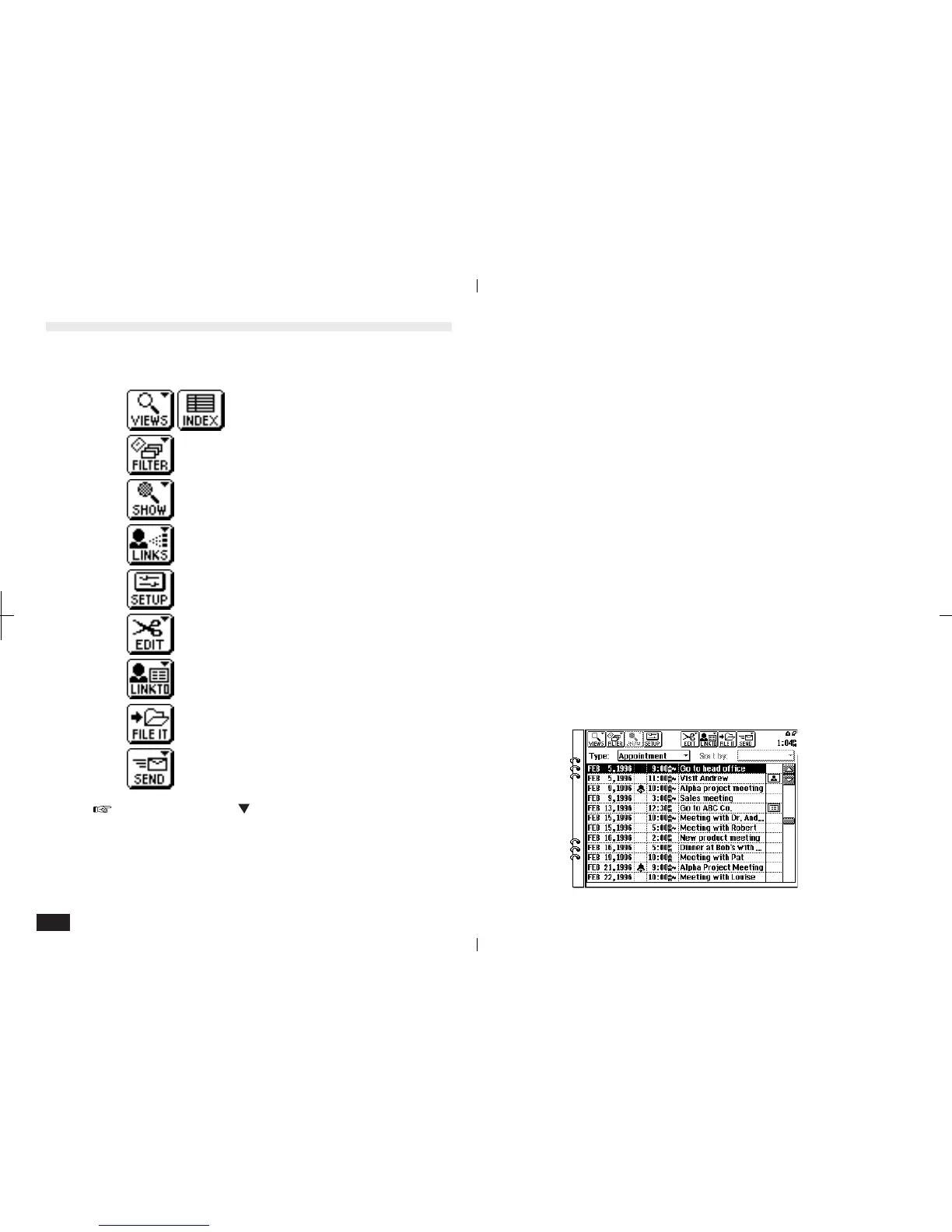
Index View
Index View shows a one line view for each entry,
making it easier to find a particular entry.
3-2-1
Tool Bar Functions
The tool bar across the top of the display has many
common functions as follows:
VIEWS/INDEX
FILTER
SHOW
LINKS
SET UP
EDIT
LINK TO
FILE IT
SEND
A small pointer (" ") on the upper right of a tool
bar item indicates a menu will be displayed if
touched.



 To Next Page