210
Basic Procedure for Wipe Settings
Chapter 5 Wipes
Splitting the wipe pattern (Split)
This splits the pattern, making the parts of the wipe move in opposite
directions.
The parameter Split No specifies the number of splits.
The parameter Spacing specifies the spacing between adjacent patterns.
1
In the M/E-1 >Wipe menu, select HF4 ‘Edge/Direction.’
The Edge/Direction menu appears.
2
Press [Split], turning it on.
3
Set the following parameters.
Modifying the wipe pattern edge (Edge)
You can apply a border to the pattern, soften the edges, or soften the applied
border.
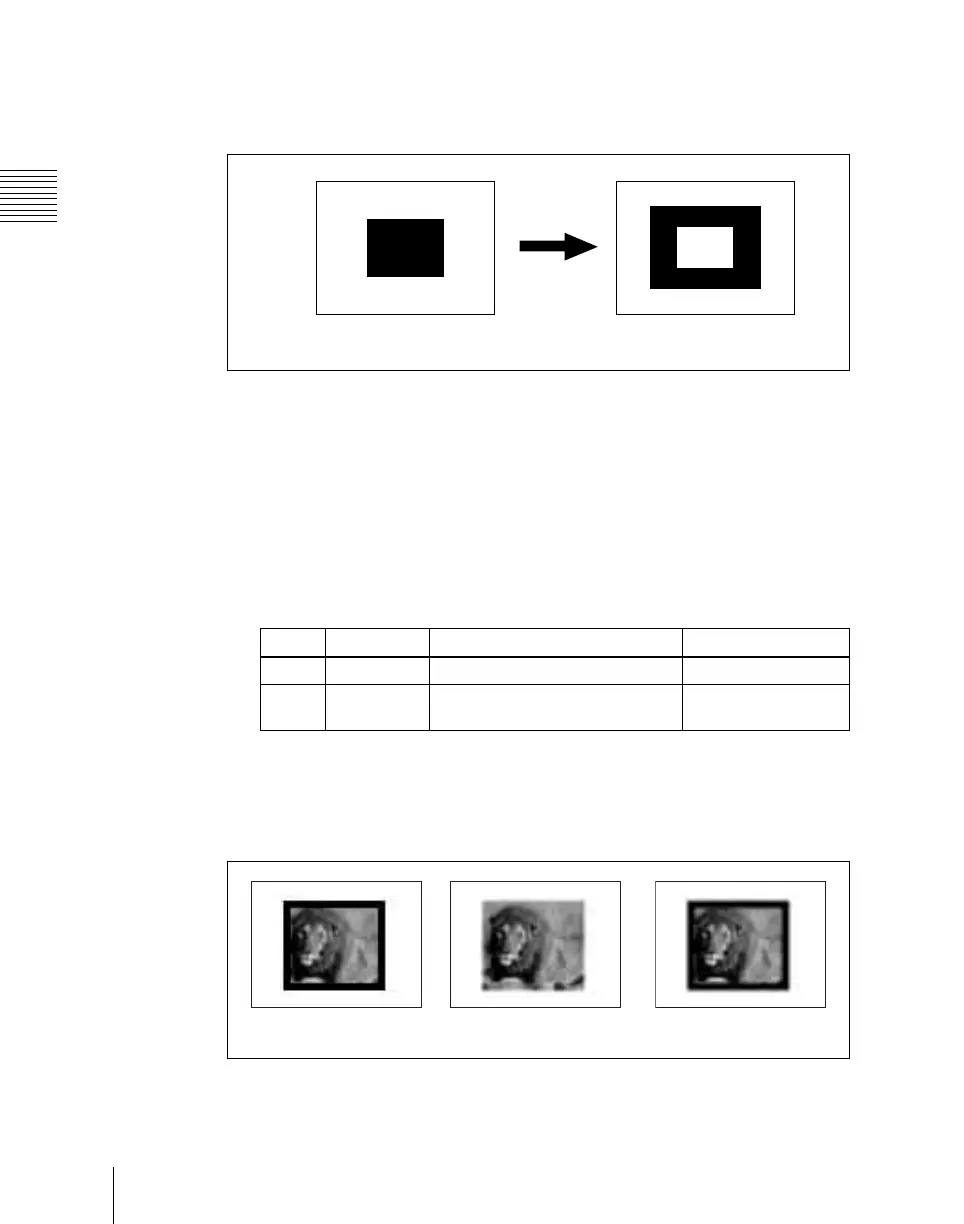
Border: You can adjust the border width.
Split onSplit off
Knob Parameter Adjustment Setting values
1 Split No Number of splits 1 to 4 (integer)
2 Spacing Spacing between adjacent
patterns
0.00 to 100.00
Border
Soft
Soft border













 To Next Page