216
Basic Procedure for Wipe Settings
Chapter 5 Wipes
4
Move the trackball or joystick, to set the wipe position. By pressing the [X]
button, turning it on, you can restrict movement to the horizontal direction,
and by pressing the [Y] button, turning it on, you can restrict movement to
the vertical direction.
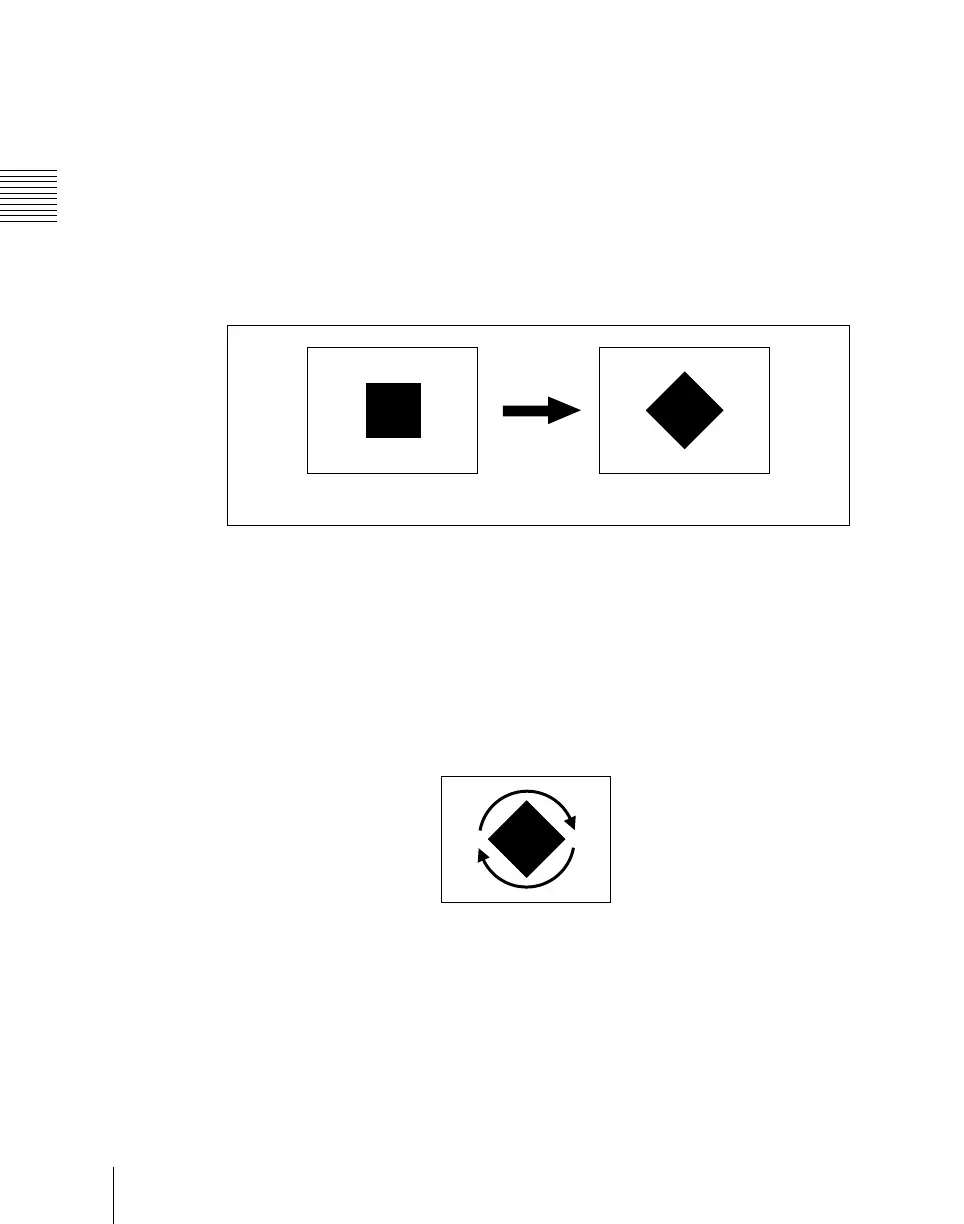
Rotating the wipe pattern (Rotation)
You can rotate the pattern. There are three rotation modes, as follows.
Angle
This carries out a wipe with the pattern in a fixed angle.
The parameter Angle determines the angle of pattern rotation.
A value of –100.00 of the parameter Angle corresponds to one whole turn
counterclockwise; a value of +100.00 corresponds to one whole turn
clockwise.
With a value of 0.00 there is no rotation.
Speed
Through the course of the transition the wipe pattern rotates at a fixed specified
speed.
The parameter Speed determines the speed of pattern rotation.
A value of –100.00 of the parameter Speed corresponds to one turn per second
counterclockwise; a value of +100.00 corresponds to one turn per second
clockwise. With a value of 0.00 the pattern is stationary.
Angle off
Angle on













 To Next Page