Chapter 11 DME Operations
574
Global Effect Operations
4
When you select Flat Color in step 3, adjust the parameters.
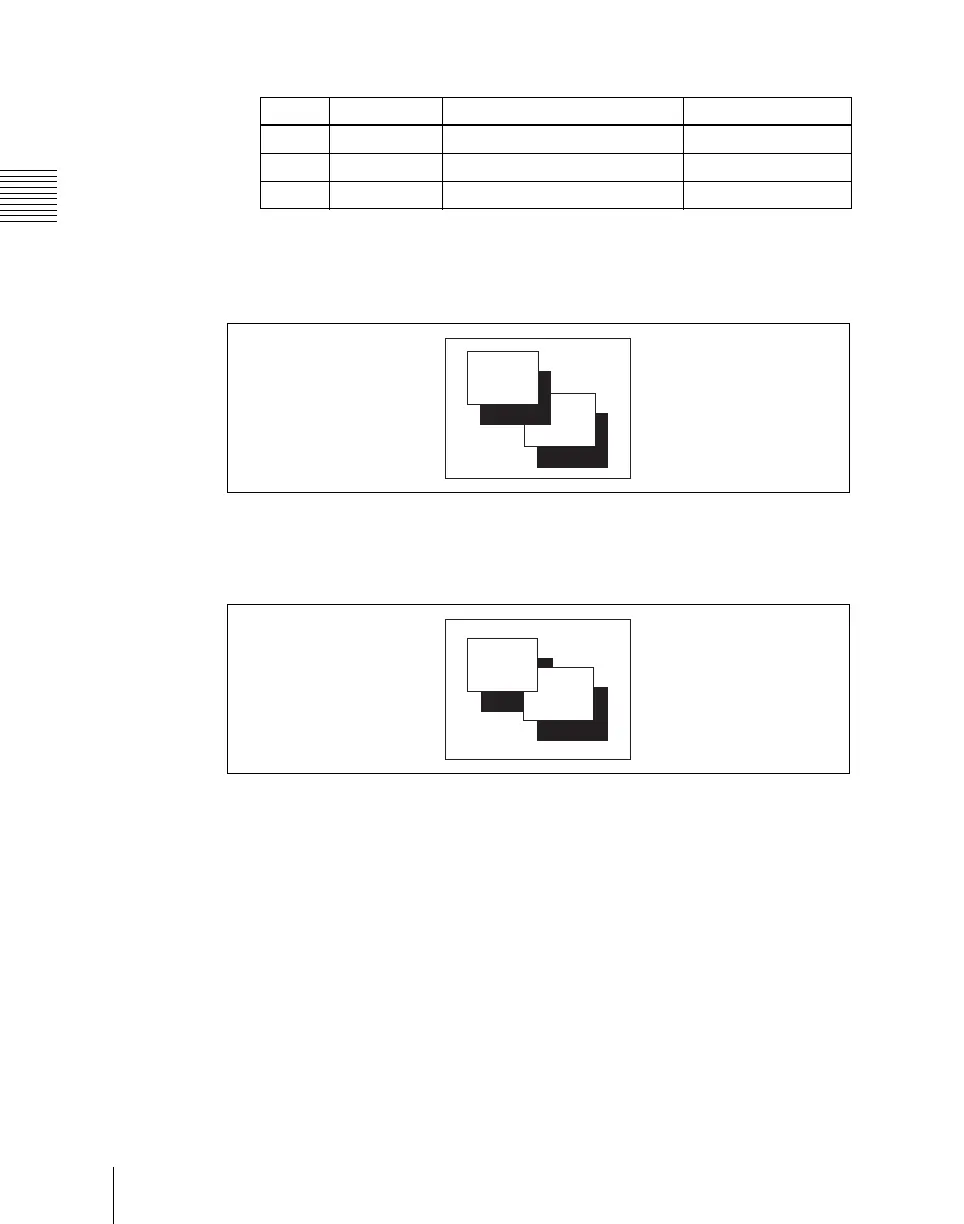
To combine the video images after applying a shadow
Use the Combiner function to select channel 1 + channel 2 and channel 3 +
channel 4, then turn [Ch 1 Shadow] and [Ch 3 Shadow] on.
To apply a shadow after combining the video images
Use the Combiner function to select channel 1 + channel 2 + channel 3 +
channel 4, then turn [Ch 1 + Ch 2 Shadow] on.
Knob Parameter Adjustment Setting values
1 Luminance Luminance 0.00 to 100.00
2 Saturation Saturation 0.00 to 100.00
3 Hue Hue 359.99 to 0.00
Ch4
Ch3
Ch2
Ch1
Ch4
Ch3
Ch2
Ch1













 To Next Page