764
Menu Macros
Chapter 16 Macros
Creating a new menu macro
1
In the Macro >Menu Macro Register >Recall & Run menu, select an
empty register in the menu macro register list.
For details of the method of operation, see “Recalling a Menu Macro
Register” (page 761).
2
Press [Menu Macro Edit].
The menu macro register is recalled, and the system is now in menu macro
editing mode.
The Menu Macro Edit menu appears.
3
If required, press [Auto Insert] to switch the auto insert mode on or off.
In the auto insert mode, when you carry out a menu operation, this is
automatically recorded as an event in the menu macro.
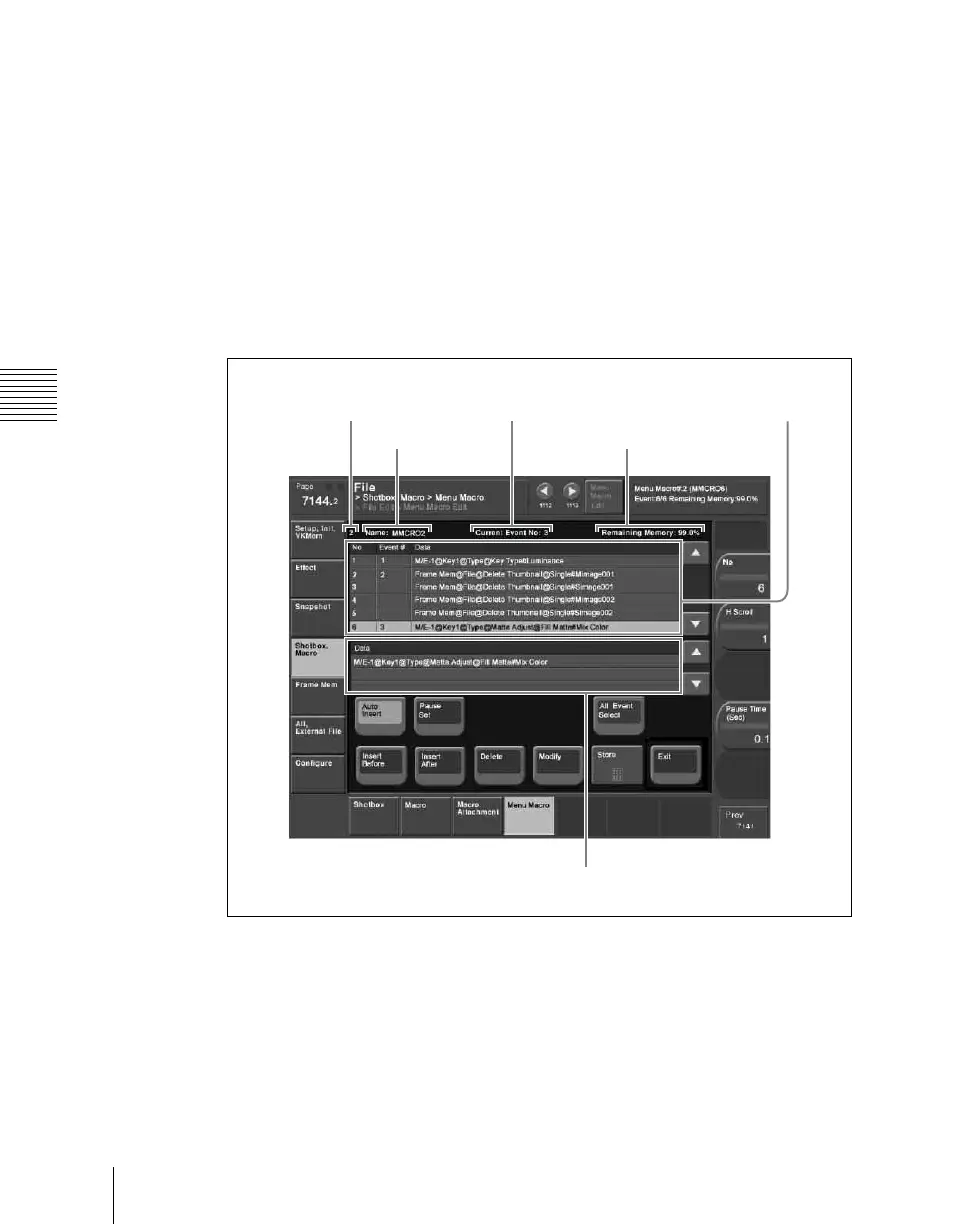
Menu macro register
number
Event number
Menu macro
register name
Remaining Memory
Menu macro creation event list
Menu macro register
configuration list


 To Next Page
 Loading...








