766
Menu Macros
Chapter 16 Macros
2
Press [Menu Macro Edit].
The Menu Macro Edit menu (see previous figure) appears. The menu
macro register is recalled, and the system is now in menu macro editing
mode.
3
Select the event you want to edit.
• Press directly on the menu macro register configuration list.
• Press the arrow keys on the right list to scroll the reverse video cursor.
• Turn the knob.
• To select all events, press [All Event Select].
4
If required, press [Auto Insert] to switch the auto insert mode on or off.
• When auto insert mode (see page 731) is on, a new menu is
automatically inserted after the event selected in step 3.
• When auto insert mode is off, skip to step 5.
5
Carry out the editing, using any of the following methods.
• To delete the selected event, press the [Delete] button.
• To overwrite the selected event, carry out the new menu operation, then
press the [Modify] button.
• To insert an event before the selected event, carry out the new menu
operation, then press the [Insert Before].
• To insert an event after the selected event, carry out the new menu
operation, then press the [Insert After].
6
With the same operation as steps 7 and 8 of “Creating a new menu macro,”
save the register.
Exiting the Menu Macro Edit menu without saving the results of
editing
In the Menu Macro Edit menu, press [Exit].
Scrolling event display using the menu macro listing
1
Move the cursor to the event you want to display.
2
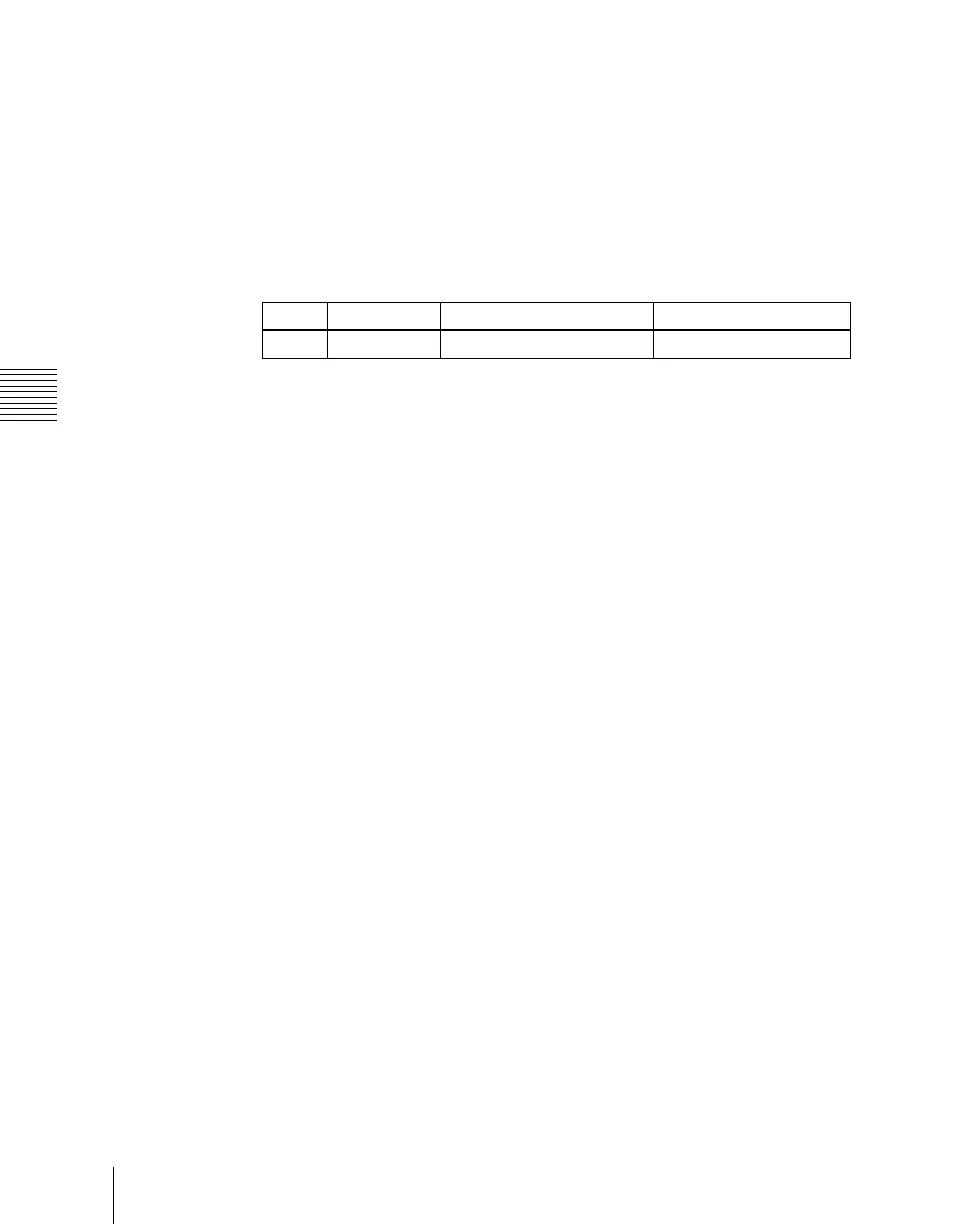
Turn the knob.
Knob Parameter Adjustment Setting values
1 No Event number 1 and upwards


 To Next Page
 Loading...








