Chapter 19 Control Panel Setup (Panel)
910
Setting Button Assignments (Prefs/Utility Menu)
When Menu Shortcut is selected: For the subsequent operations, see the
next item “Assigning a menu shortcut to a user preference button”
(page 913).
When Utility Command is selected: A list of commands appears on the
right of the status area; using any of the following methods, select the
command you want to assign.
• Press directly on the list.
• Press the arrow keys to scroll the reverse video cursor.
• Turn the knob.
a) When the Command parameter is set to Sw’er GPI Test Fire, Panel GPI Test Fire, DCU
GPI, or Test Fire
When Macro Recall is selected: Turn the knob to select the macro
register you want to assign.
When Shotbox Recall is selected: Turn the knob to select the shotbox
register you want to assign.
4
Press [Action Set].
This assigns the selected action, which is reflected in the status area.
To cancel an assignment
After selecting the relevant button, press [Clear].
Using the [PREFS 9] to [PREFS 16] settings
There are sixteen user preference buttons that can be set, [PREFS 1] to [PREFS
16], but there are only eight user preference buttons present in the menu control
block. By default these buttons are assigned to the [PREFS 1] to [PREFS 8]
settings. Therefore, to use the settings of [PREFS 9] to [PREFS 16], it is
necessary to access the Engineering Setup >Panel >Config >Link/Program
Button >Menu Panel menu, and assign these settings to buttons in the menu
control block.
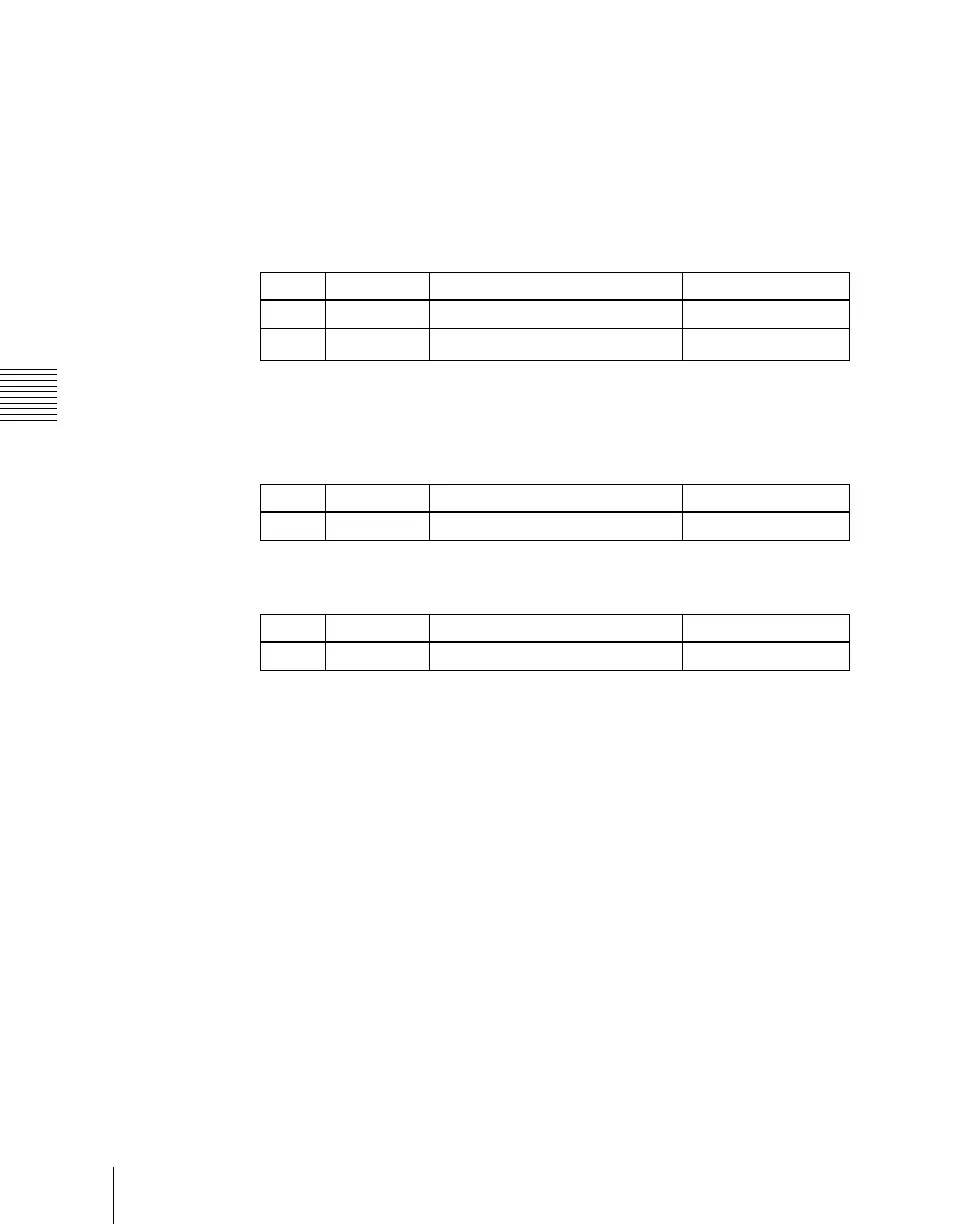
Knob Parameter Adjustment Setting values
3 Command Utility command selection 1 and upwards
4
a)
GPI No GPI port number 1 and upwards
Knob Parameter Adjustment Setting values
3 Macro Macro register selection 1 to 99
Knob Parameter Adjustment Setting values
3 Shotbox Shotbox register selection 1 to 99





 To Next Page