Operation 5
Lifting
Tilting the lift mast forwards with the "lift
mast vertical position"
6210_003-067_V2
2
1
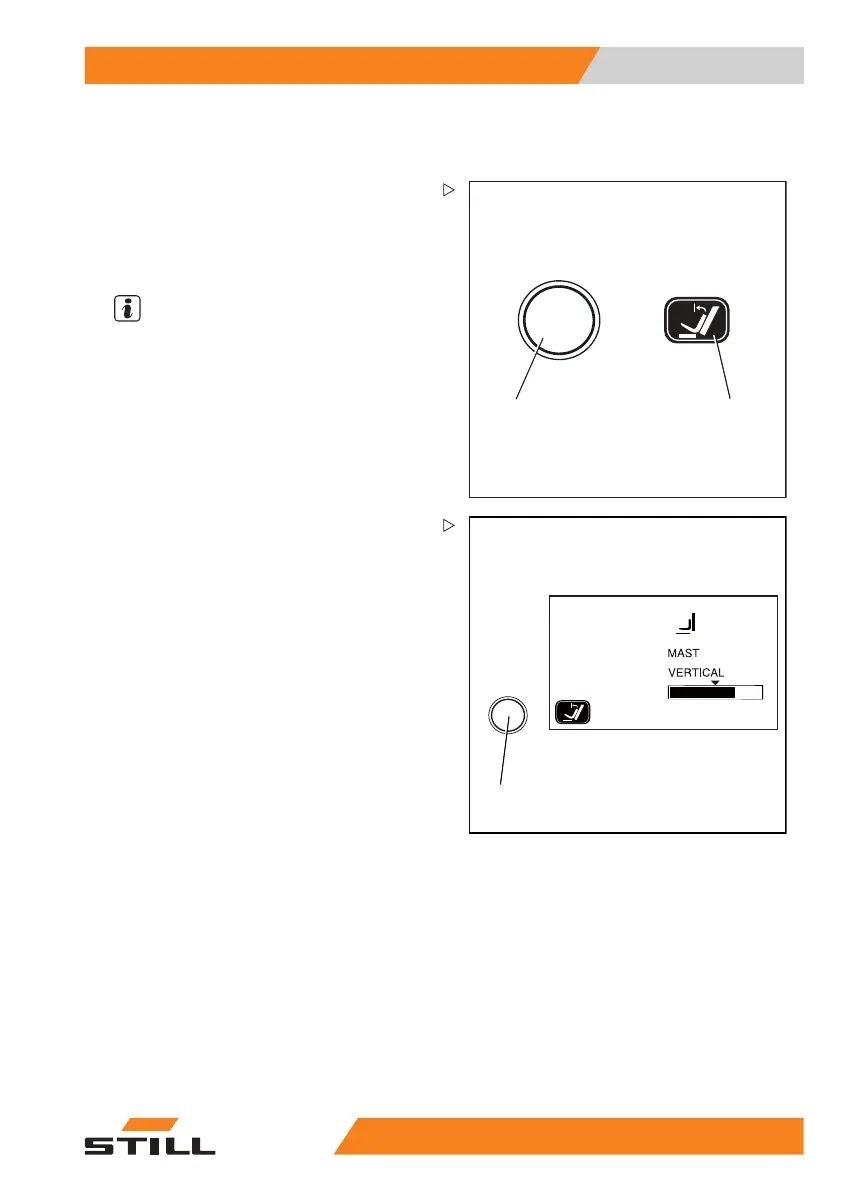
– Actuate the button (1) to switch on the "lift
mast vertical position" comfort feature; the
function display (2) in the display shows the
activated status.
– Tilttheliftmastforwards.
NOTE
The way in which the lifting
system is operated
depends on the operating de
vices included in
the truck’s equipment; see
the chapter entitled
"Lifting system operating
devices".
6210_003-069_en_V2
1
The lift mast is tilted forwards and stops as
soon as the vertical position is reached. The
arrow above the bar shown on the screen of
the display and operating unit represents the
"lift mast vertical position".
Tilting the lift m
ast forwards beyond the
vertical positio
n:
– Release the operating device for tilting and
actuate again.
The lift mast is tilted beyond the vertical
position up to the end stop. The current mast
tilt is shown in the display and operating unit.
– To deactivate th
e "lift mast vertical position",
actuate the butt
on (1) again.
Tilting the lif
t mast backwards with the
"liftmastver
tical position"
– Tilt the lift mast backwards.
The lift mast is tilted backwards without
stopping in the vertical position.
55
048011501 EN - 12/2015 127



 To Next Page