Operation 5
Operation of additional equipment
5060_003-047
4
5
NOTE
Pressing a button again turns the correspon-
ding lighting unit off again.
NOTE
The parking light can also
be switched on
without the key switch bei
ng switched on.
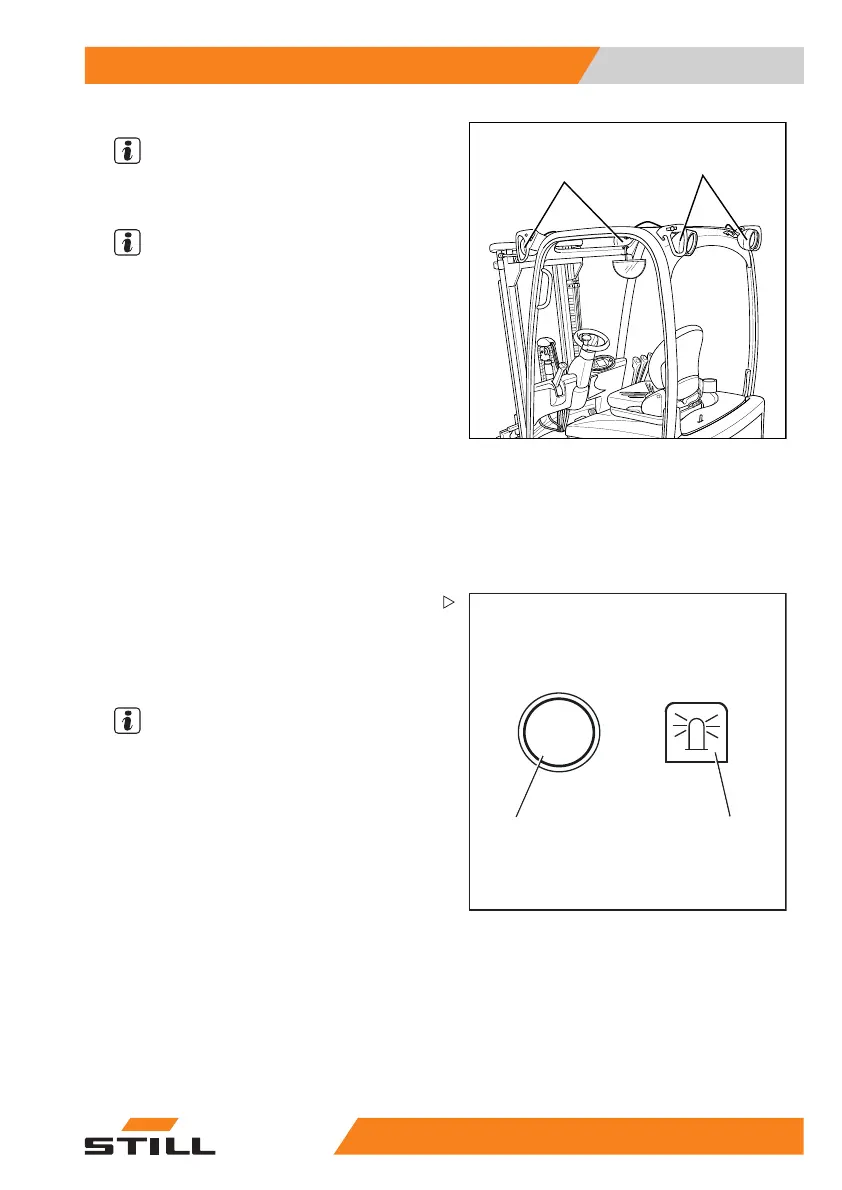
Switching the rotating beacon on and
off
5060_003-045_V2
2
1
– Push the button (1) for switching on the
rotating beacon.
The rotating beacon symbol (2) appears on
the display. The rotating beacon is switched
on.
NOTE
Pushing the button again switches the rotating
beacon off again.
55
048011501 EN - 12/2015 197



 To Next Page