5 Operation
Operation of additional equipment
– The rating plates show the permissible
values for:
• Load capacity Q (kg) (1)
• Lift height h (mm) (2)
• Load distance C (mm) (3)
Operation of additional equipment
5060_003-010_V2
1
7
6
2
6210_602-002
3
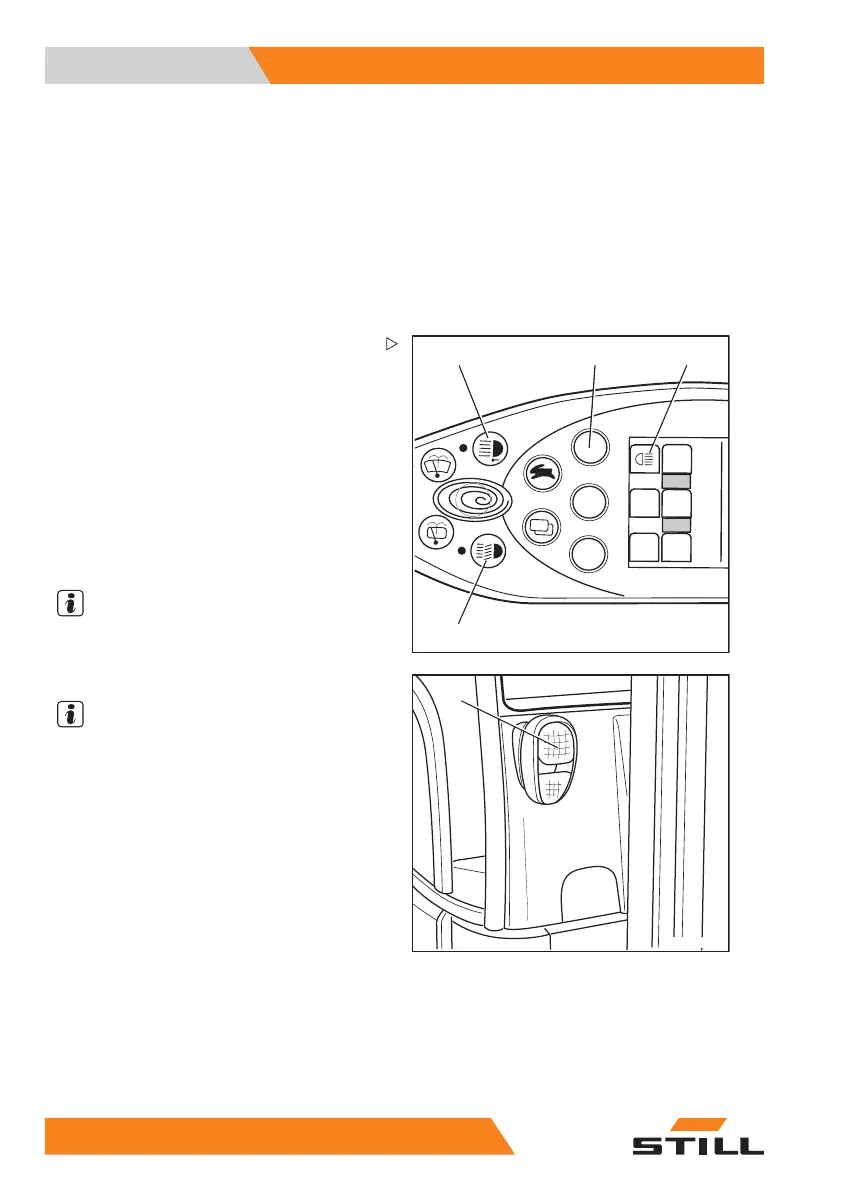
Switching lighting on and off
– Turn the key switch to position "I".
– Press button (1) for the front working
spotlights.
The front working spot
lights (4) are switched
on.
– Press button (7) for the rear working spot-
lights.
The rear working spotlights (5) are switched
on.
NOTE
The "rear working spotlights" symbol (6)
lights up until the rear working spotlights are
switched off again.
NOTE
Depending on the configuration, the rear
working spotlights (5) only light up when the
drive direction switch is set to reverse.
– Press button (2) for lighting.
The parking ligh
t (3, 4) is switched on.
– Press button (2) again.
The driving light (3, 4) is switched on.
19
6 55048011501 EN - 12/2015



 To Next Page