Operation 5
Operation of additional equipment
The lower working spotlights light up.
The upper working spotlights are switched on
by the proximity switch when the fork carriage
reaches or exceeds the preset lift height.
The upper working spotlights a
re switched off
by the proximity switch when th
e fork carriage
falls below the preset lift h
eight again.
CAUTION
Possible component damage caused by collision if
the proximity switch is set incorrectly.
– The proximity switch may be adjusted by trained
personnel.
– Inform the relevant service centre.
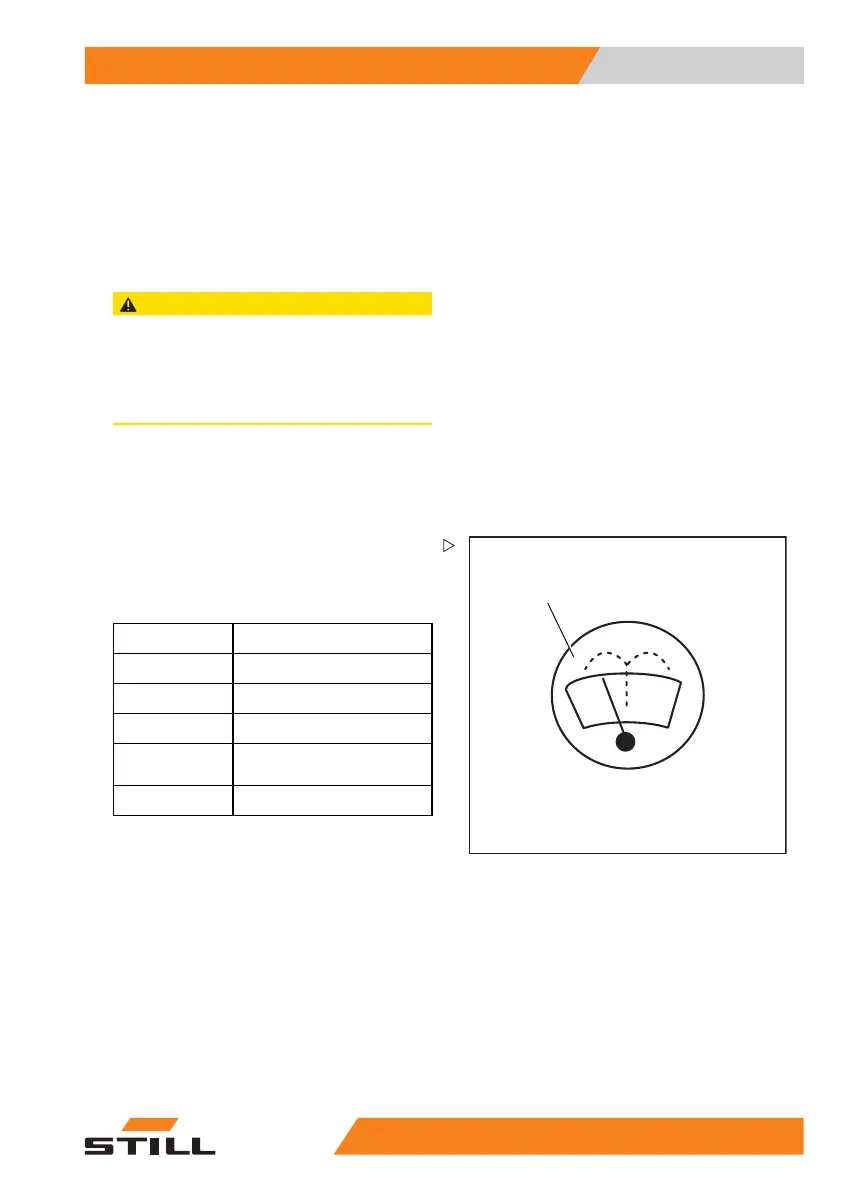
Operating the windscreen
wiper/washer
5060_003-013_V2
1
– Push the button (1) to actuate the front
windscreen wiper/washer (variant).
Every time the button is pressed, the wiper
interval increases:
Button 1
Operating stage
Off
1st time
On
2nd time Interval
3rd time
Washer, hold down the
thirdtimeyoupressit
4th time
Off
.
FleetManager (variant)
FleetManager is an equipment variant and
can be fitted to the truck in different versions.
The description and operation information can
be found in the separate operating instructions
for the corresponding FleetManager versions.
55
048011501 EN - 12/2015 203



 To Next Page