5 Operation
Operation of additional equipment
– Turn the key switch to position "I".
6311_003-030_V3
1
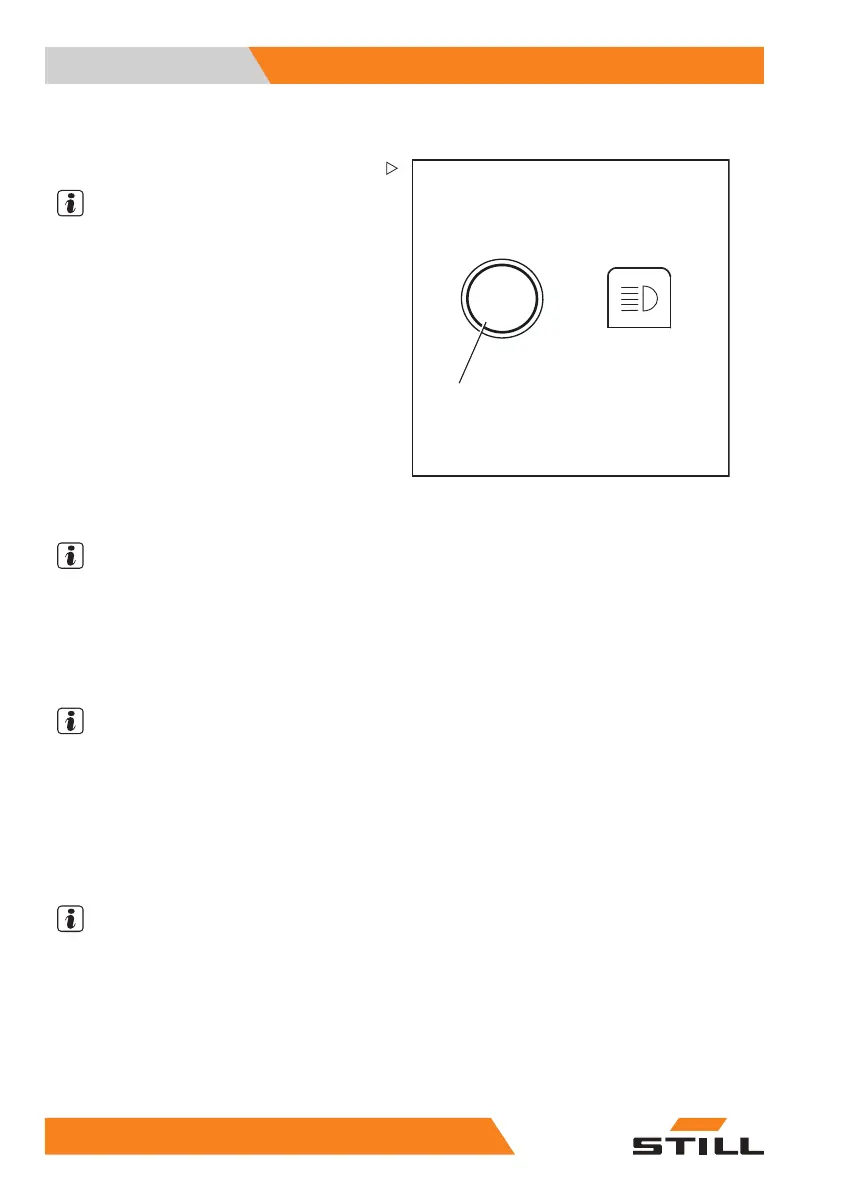
– Press button (1).
NOTE
Pressing the button again switches the work-
ing spotlights off again.
Switching the upper working spotlights
on/off automatically
– Turn the key switch to position "I".
– For information on switc
hing on working
spotlights, see the "Swi
tching lighting on
and off" chapter.
The lower working spotlights light up.
The upper working spotlights are switched on
automatically when the lift mast is lifted for a
period of at least two seconds.
NOTE
In these two second
s, a maximum of two lifts
can take place so th
at the working spotlights
do not switch on eac
h time a precise adjust-
ment is made. If mor
e lifts are carried out
during this time, t
he upper working spotlights
will remain switch
ed off.
NOTE
The upper working
spotlights are switched
off automaticall
y when the truck is driven for
longer than one se
cond and faster than 2.1
km/h.
Lift-height-co
ntrolled switching on/off of
the upper worki
ng spotlights
NOTE
This equipment is available only if a proximity
switch is fitted to the lift mast to record a
particular lift height of the fork carriage on
the lift mast.
– Turn the key switch to position "I".
– Switch on the working spotlights.
20
2 55048011501 EN - 12/2015



 To Next Page