5 Operation
Operation of additional equipment
5060_003-011_V2
1
2
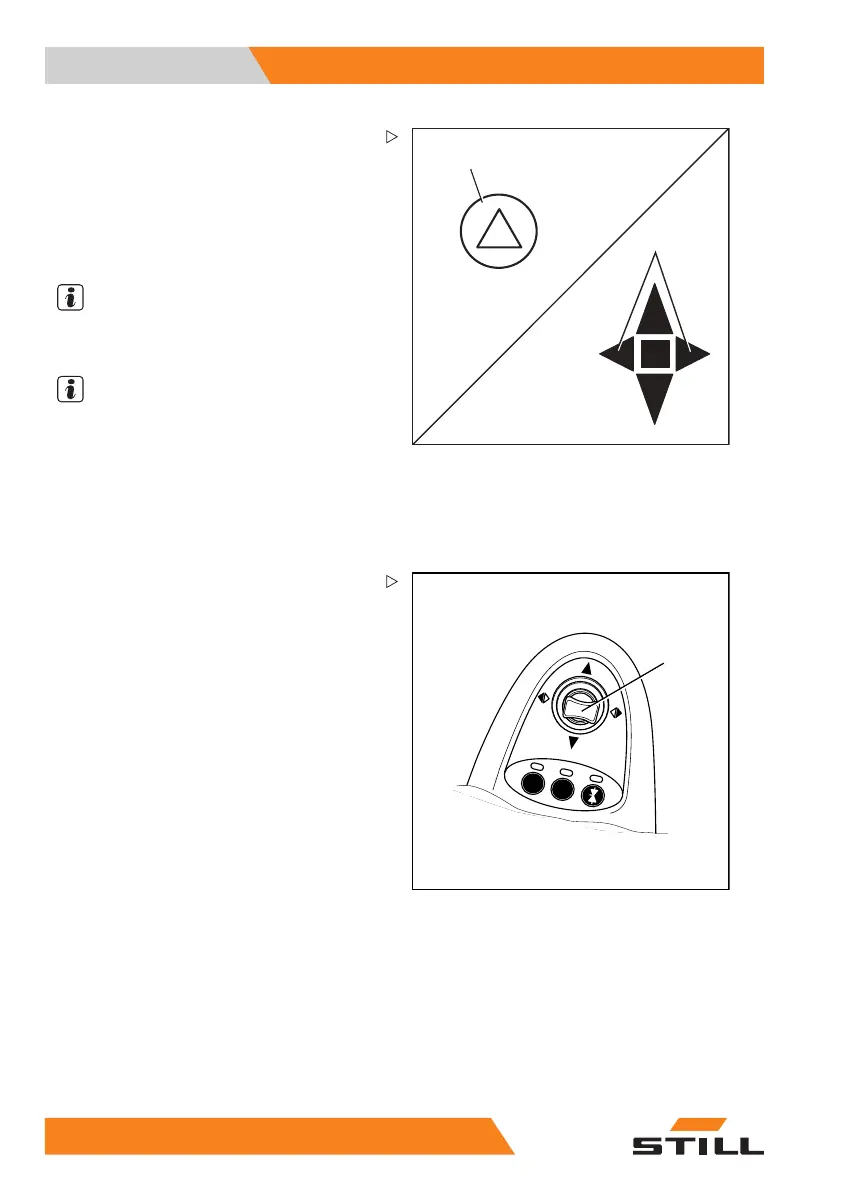
Switching the hazard warning
system on and off
– Push the button (1) to switch on the hazard
warning system.
All direction indicators and indicator
lights (2) flash.
NOTE
Pushing the button again switches the hazard
warning system off again.
NOTE
The hazard warning sy
stemcanalsobe
switched on without t
he key switch being
switched on.
Switching directio
n indicators on and
off
5060_003-096
1
Mini-lever versi
on
– Switch on the direction indicators by moving
the corresponding drive direction/turn
indicator cross lever (1) to the left or right.
The direction indicators and the correspond-
ing direction indicator lights (2) or (3) flash.
– Switch off the di
rection indicators by moving
the cross lever t
o the centre position.
19
8 55048011501 EN - 12/2015



 To Next Page