Operation 5
Handling the battery
frs_003-024
6
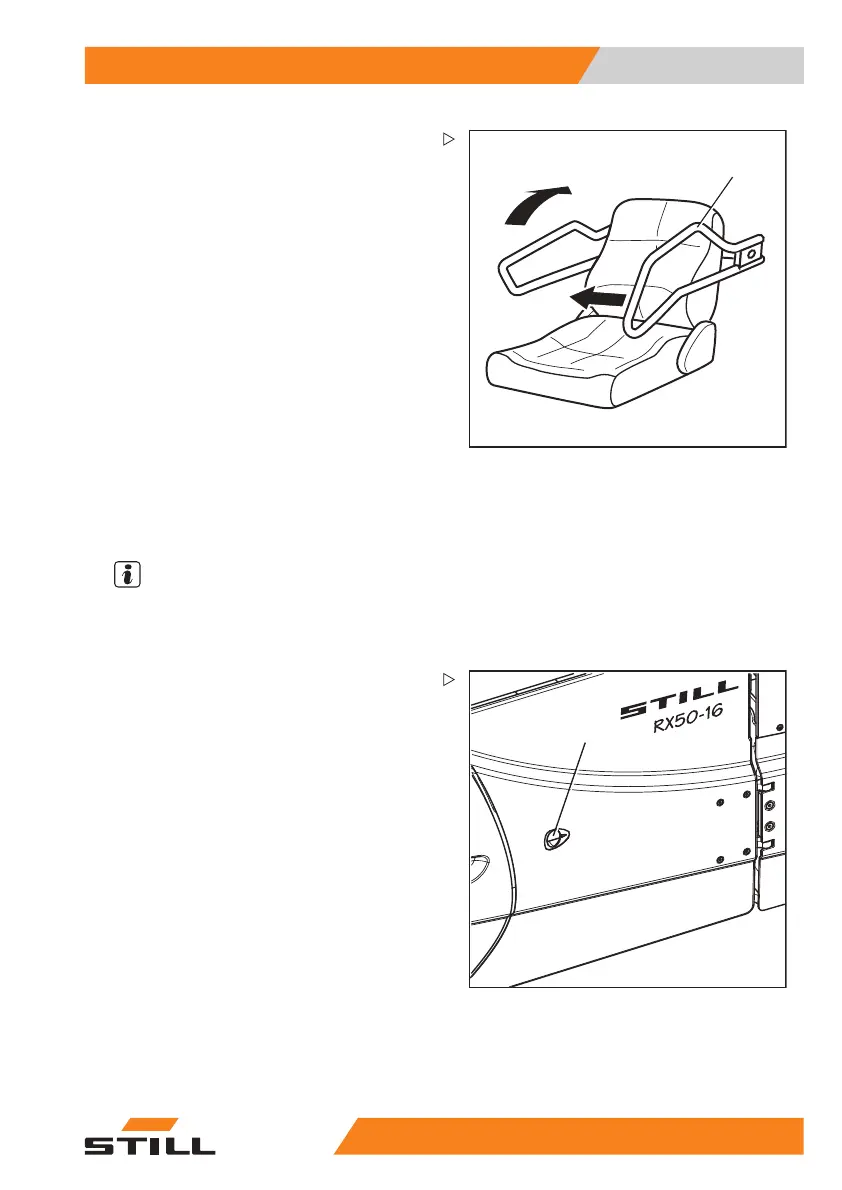
– Swivel the restraining brackets upwards.
Opening/closing t
he battery door
Opening the batte
ry door
NOTE
The battery door is equipped with a spring
mechanism and an end position latch so that it
does not close automatically.
1
5060_003-064_V3
– Push the battery door release button (1)
in the direction of the arrow, and open the
battery door forwards.
55
048011501 EN - 12/2015 259



 To Next Page