Operation 5
Working with loads
load capacity diagram must be created as the
stability will be affected.
•
Contact the authorised service centre on
this matter.
6210_800-015
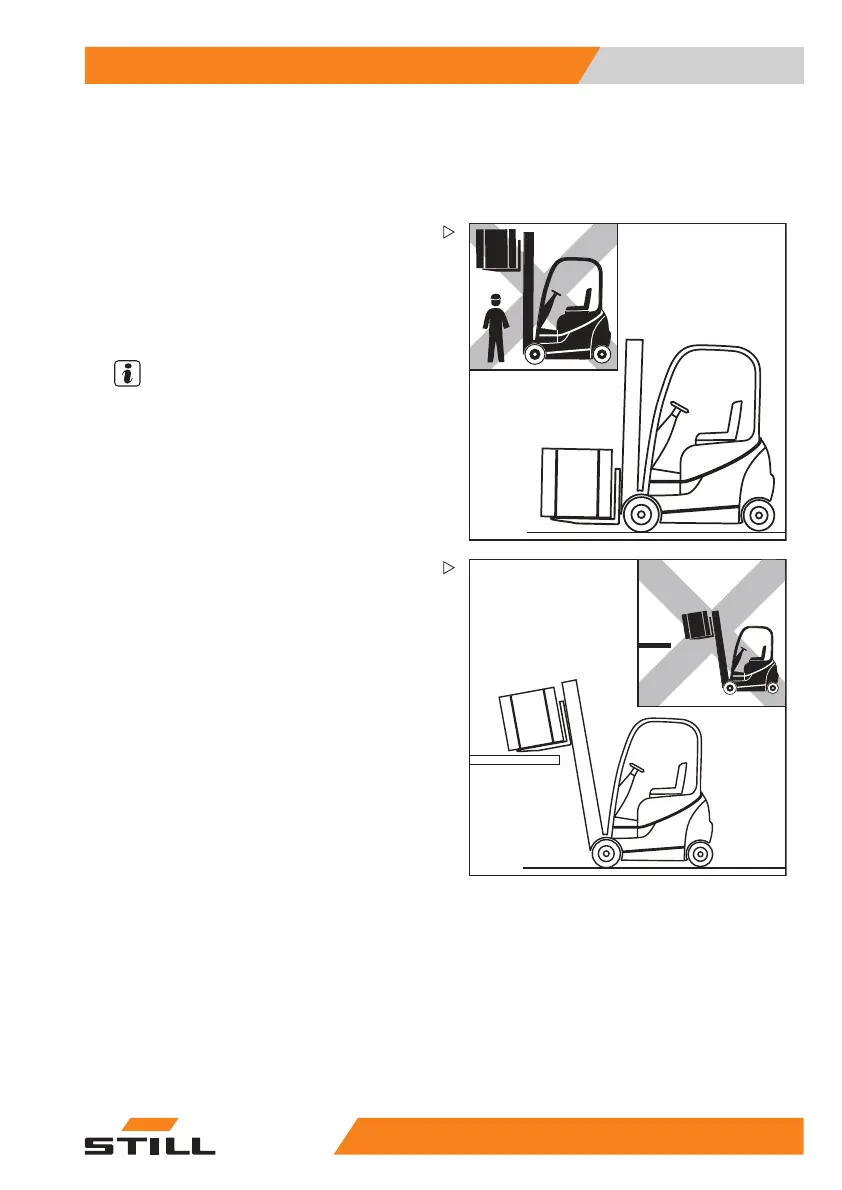
– Drive up to the stack with the load lowered
in accordance with regulations.
– Set the lift mast to vertical
.
– Lift the load to the stacking height.
– Approach the rack at a moderate speed.
NOTE
The tilt speed of the lift m
ast in this truck is
significantly higher th
an for previous products
in this series. This is s
ignalled by a warning
message shown on the dis
play and operating
unit after the key switc
h has been switched on.
6210_800-016
– Lower the load unt
il it rests securely on the
rack.
– Look behind you!
– Move the truck back until the fork arms can
be lowered without touching the stack.
– Lower the fork to t
he ground clearance
position.
– Tilt the lift mast backwards and drive away.
55
048011501 EN - 12/2015 161



 To Next Page