5 Operation
Operation of additional equipment
23
5060_003-012_V2
5060_003-046
1
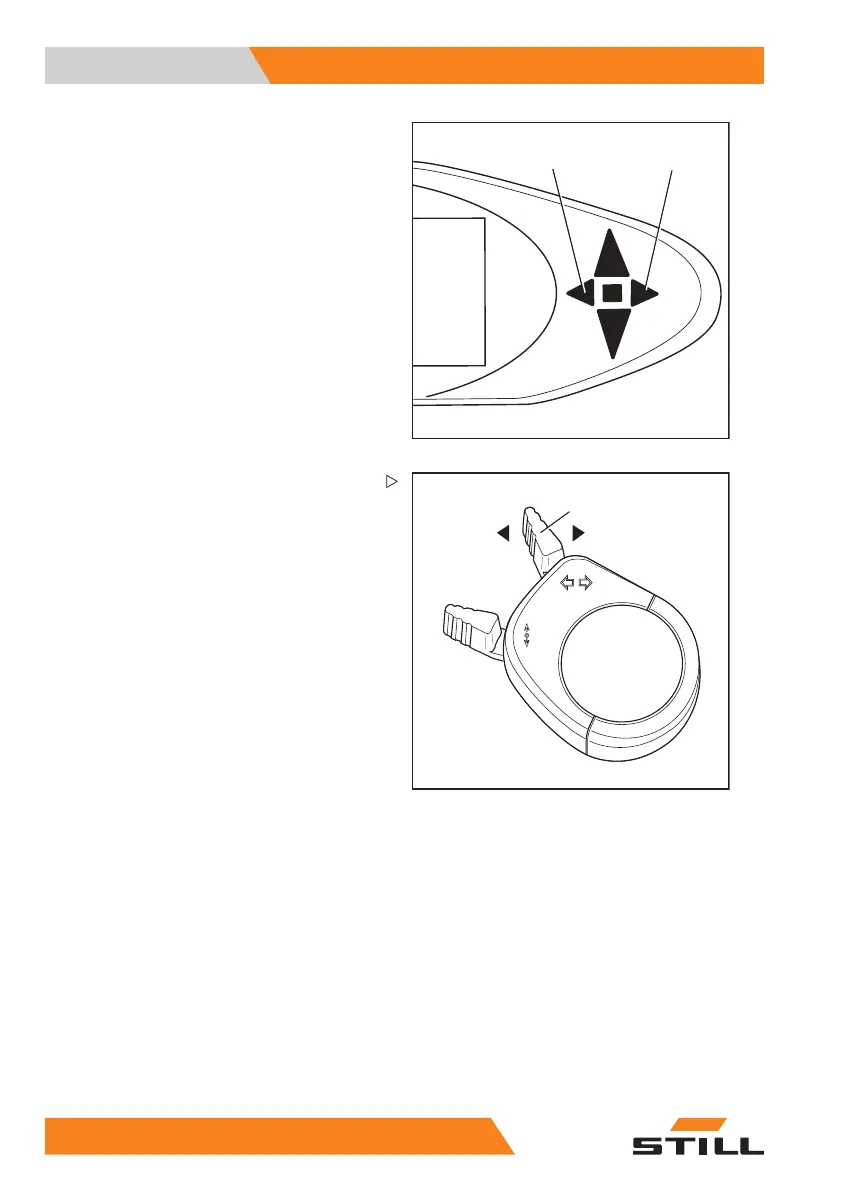
Mini-console version
– Switch on the direc
tion indicators by moving
the turn indicator
switch (1) to the left or to
the right.
The direction indicators and the correspond-
ing direction indicator lights (2) or (3) flash.
– Switch off the direction indicators by moving
the turn indicator switch to the centre
position.
20
0 55048011501 EN - 12/2015



 To Next Page