Operation 5
Operating the display and operatin
gunit
8
9
0
6
7
4
3
5
7312_003-179_en
12
34
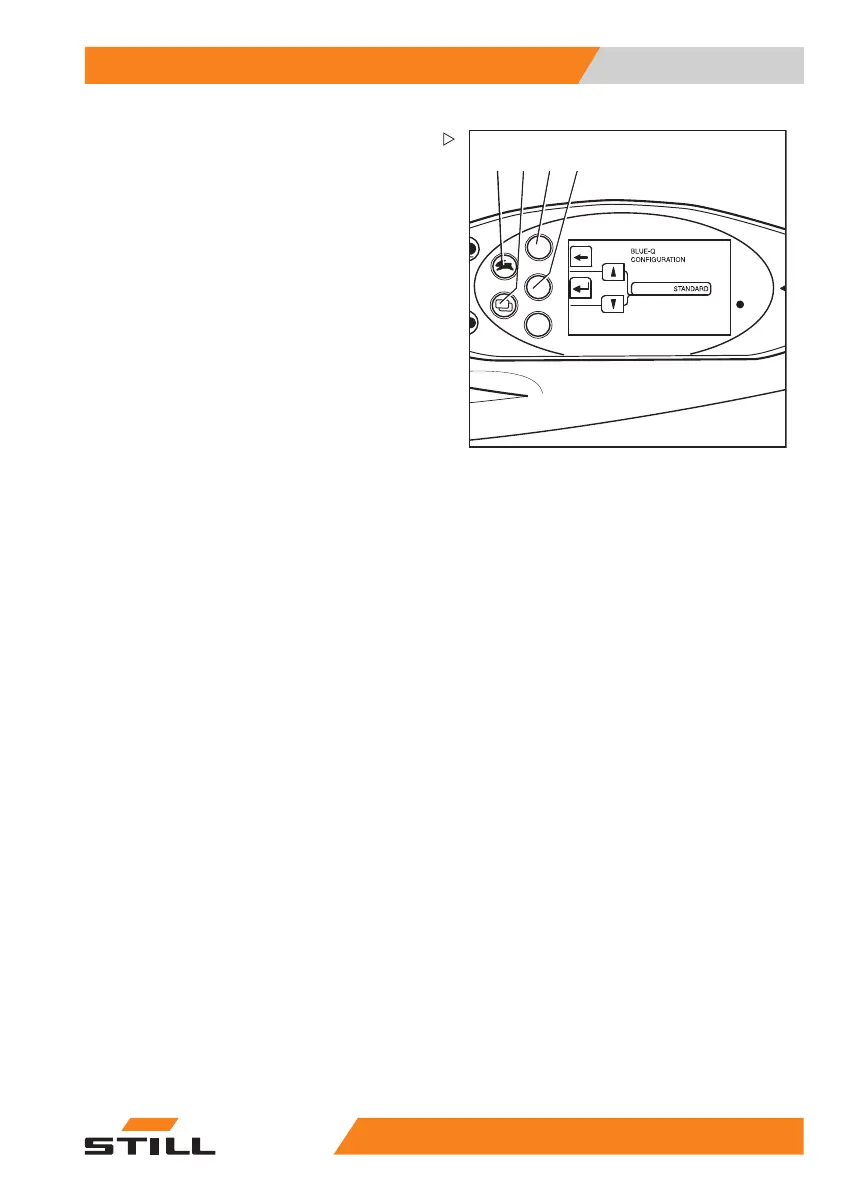
–SwitchtotheCONFIGURATION menu;
see ⇒ Chapter "Adjusting the dis-
plays", P. 5-217
– Keep pressing the drive programme button
(1) or the menu change button (2) until op-
tion
BLUE Q CONFIGURATION appears.
– Confirm your selection by pre
ssing the
Return key (4).
The
BLUE-Q CONFIGURATION menu
appears.
– Press drive program button (1) or menu
change button (2) until the desired effi-
ciency mode appears in the display.
– Confirm the set efficiency m
ode with Return
button (4).
– Use arrow key (3) to exit the menu and
return to the next higher level.
55
048011501 EN - 12/2015 225



 To Next Page