INSTALLATION AND STARTUP
22-6 Belanger, Inc.® * PO BOX 5470. * Northville, MI 48167-5470 * Ph (248) 349-7010 * Fax (248) 380-9681 1MANUL220
Chapter 22 Initial Startup
SCC and Other Components
4) Flush air line for 1 minute and connect to system air regulator.
Set air pressure to 105 psi and check HMI (E-1063 Human Machine Interface) for E-Stop condition.
Troubleshoot E-Stop circuit if necessary.
5) Check the Fault Screen on the HMI (E-1063 Human Machine Interface) for any faults and troubleshoot if needed.
6) Turn down air pressure while someone watches the Monitor Inputs field on the HMI (E-1063 Human Machine
Interface Monitor Inputs Screen) for the LOW AIR Input to turn off.
Note: The LOW AIR Input should turn off at 75 psi and lower.
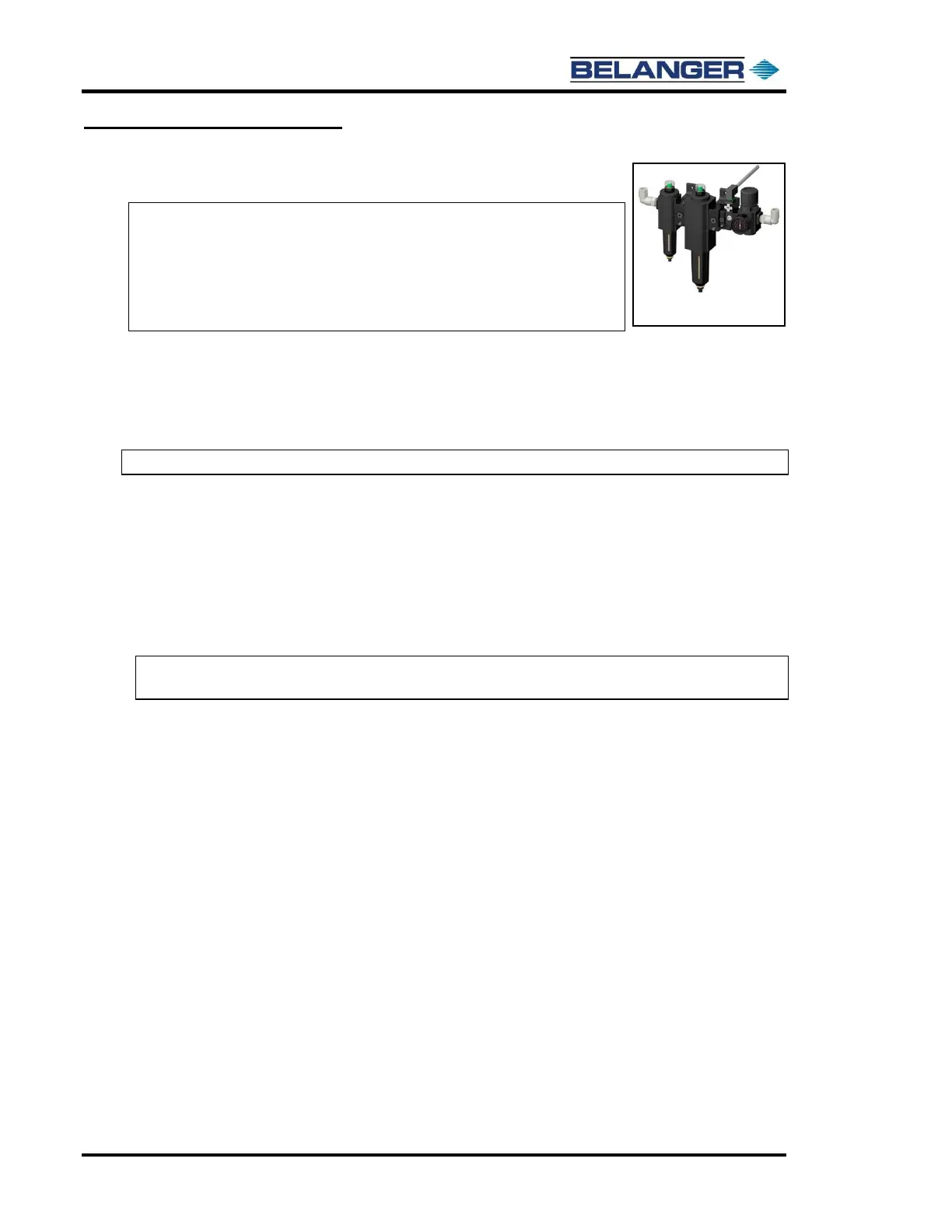
Adjust the pressure switch on the System Pneumatic Regulator Assembly to achieve this condition.
7) Reset the air pressure to 105 psi.
8) Turn off disconnect at each electrical panel and verify e-stop trips. (MCC, Dryer, Optional Wheel Cleaner Pump
Panel, other E-Stops, etc.).
9) Flush freshwater line to FreeStyler®,
Connect the line and turn it on.
10) Perform the appropriate startup procedure on all optional equipment if not already done. (Dryer, RO, Reclaim, Spot
Free, Wheel Cleaner etc.)
Note: Be aware that when wheel movement is triggered manually, the water will come on. If you
do not wish to get wet, turn off the water main before moving the wheels.
Note: CLEAN DRY AIR IS NECESSARY TO PROTECT YOUR
PNEUMATIC COMPONENTS.
Note: An Air Dryer may be needed.
Note: Verify that the optional system air compressor Cut In/Cut Out
settings are 1400 PSI Minimum.











 To Next Page