3 • Operation and Maintenance
Doc. 065051-03 1/08 93
3.7.1 Selecting Syringe Speeds on the Control Panel
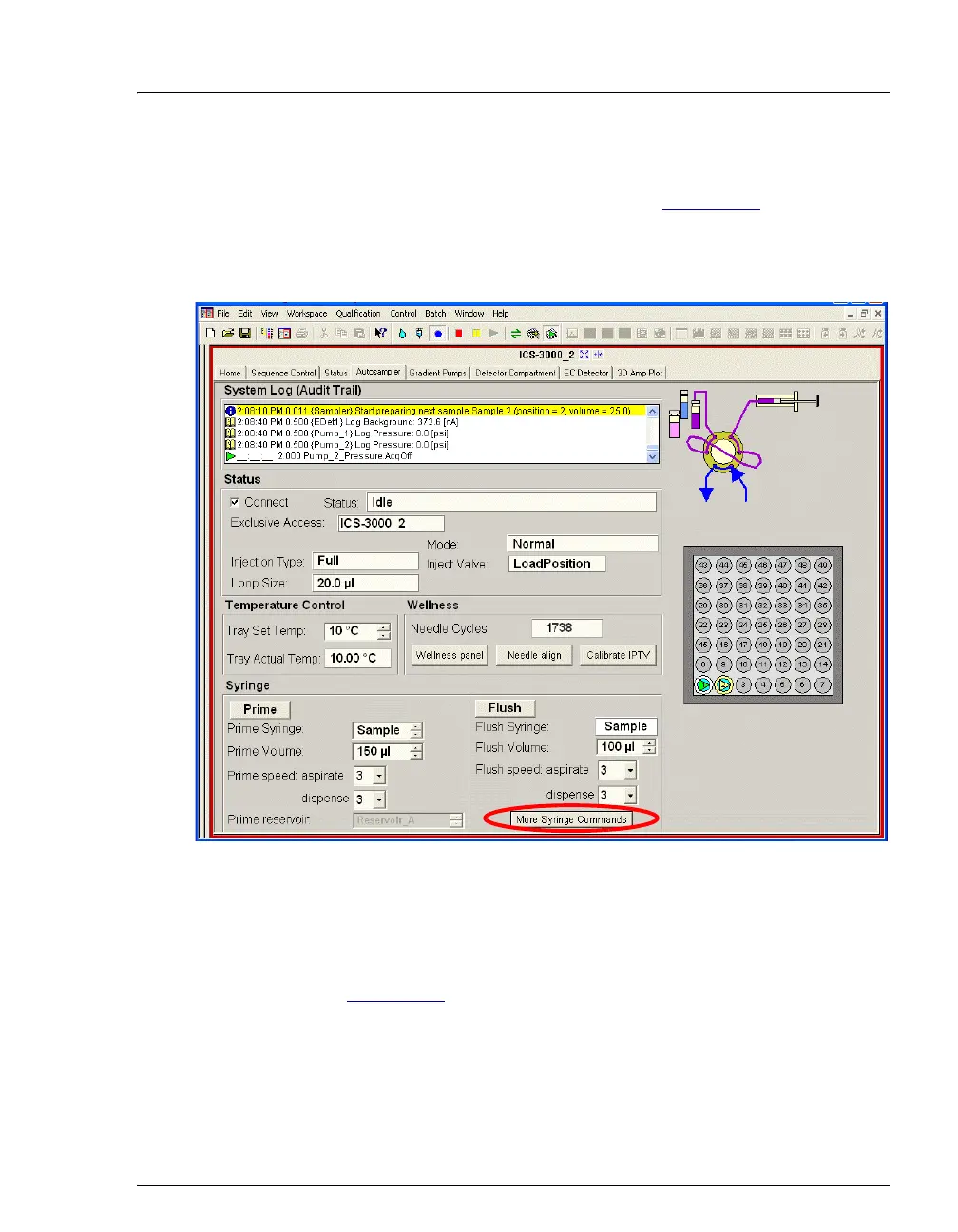
1. Go to the Autosampler Control panel (see Figure 3-31). Under
Syringe, select the desired speeds for aspirating and dispensing
liquids during priming and flushing. 1 is the slowest speed and 5 is
the fastest.
2. To select aspirate and dispense speeds for loading the loop, click the
More Syringe Commands button. A second window appears.
3. In the Load speed fields, select the aspirate and dispense speeds
(see Figure 3-32
).
Figure 3-31. Setting Syringe Speeds on the Control Panel



 To Next Page