2 • Description
Doc. 065051-03 1/08 25
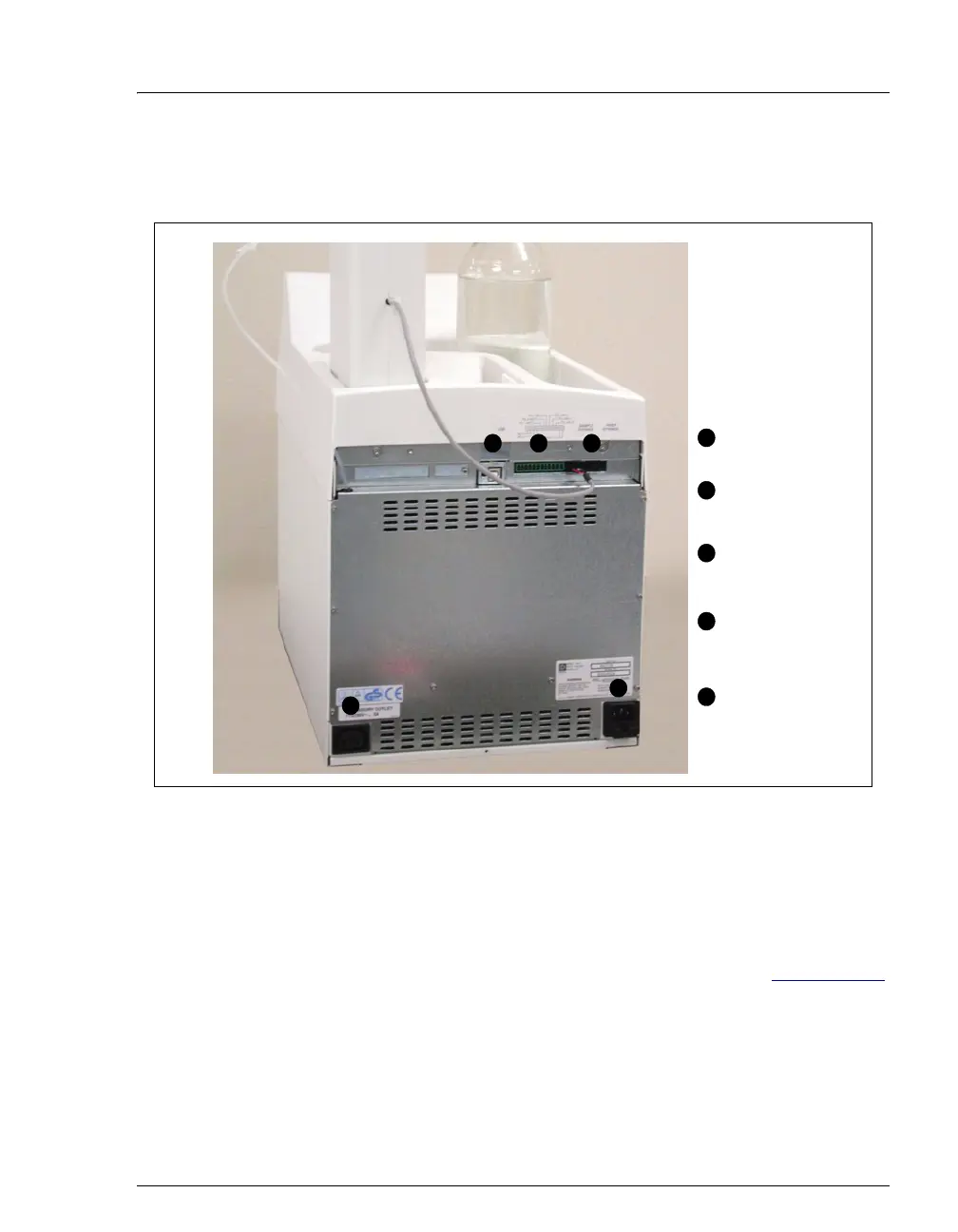
2.4 Rear Panel Features
Figure 2-10. AS Rear Panel
2.4.1 USB Receptacle
The USB receptacle provides a connection to the Chromeleon or
Chromeleon Xpress computer. To enable computer control of the
autosampler, connect a USB cable between the USB receptacle on the AS
rear panel and a USB port on the computer or USB hub. See Section B.3.8
for USB connection instructions.
Syringe
Connectors
Main Power
Receptacle and
Fuse Holder
Auxiliary
Power
Connector
1 2 3
4
5
USB
Receptacle
TTL/Relay
Connectors
1
2
3
4
5



 To Next Page