AS Autosampler Operator’s Manual
10 Doc. 065051-03 1/08
2.2.1 Keypad Button Functions
Button Function
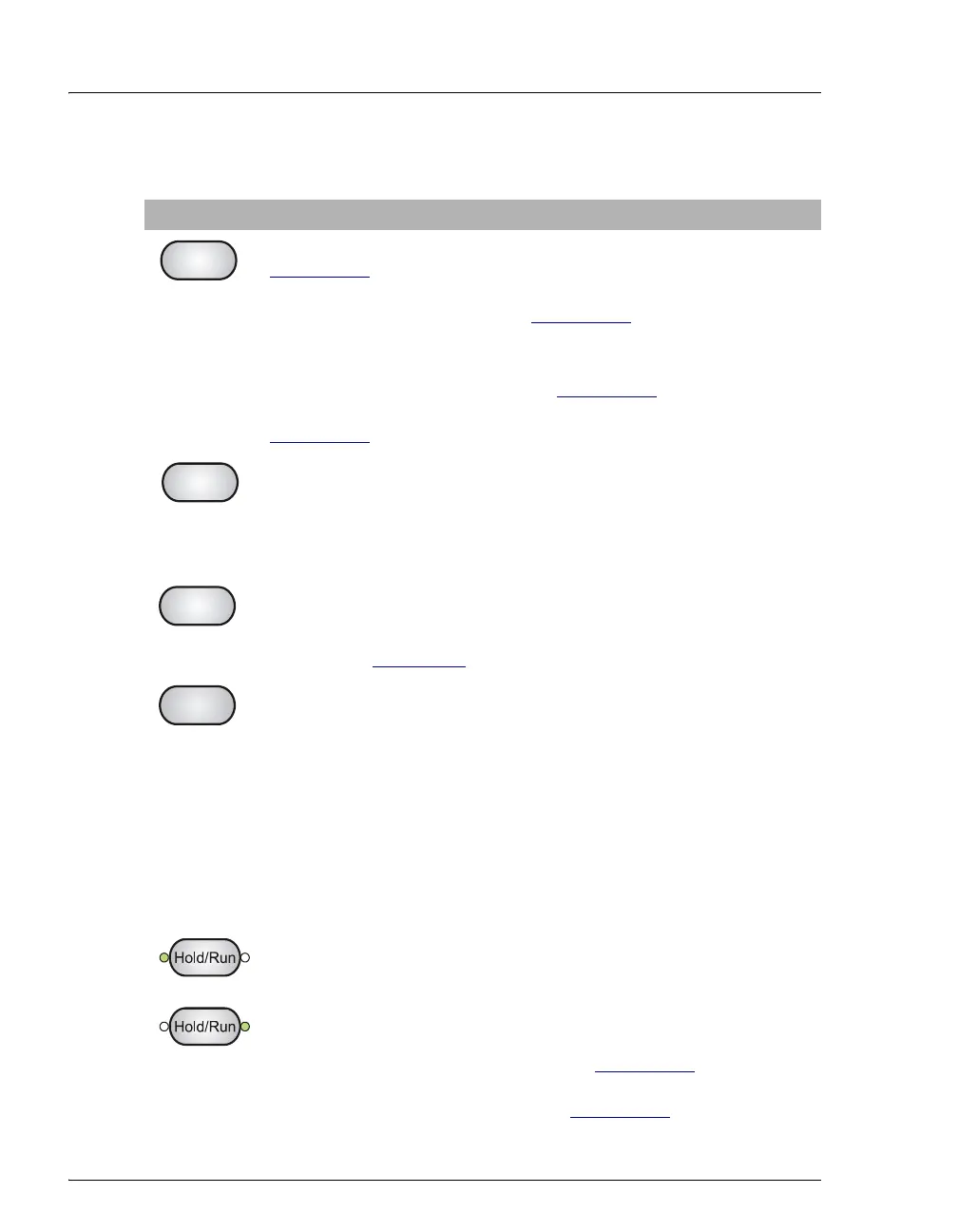
Stops a schedule if the AS is in Local mode, Schedule control (see
Section 2.5.1
). A confirmation message appears; press Stop again to
abort the schedule or Hold/Run to resume.
If the AS is in Direct Control (see Section 2.5.1
), pressing Stop stops
the current syringe and/or sampling arm movement.
Note: Pressing Stop while the AS is in Direct Control, Locked
Remote mode (software control) (see Section 2.5.2
) is not
recommended. Use the controls on the software Control panel (see
Section 2.5.2
) to stop a sequence.
Sends the needle arm to its home position. This button functions only
when the AS is in Local mode. If a schedule is in progress, it must be
on hold. If you press Home when a schedule is on hold, and then
resume the schedule, the needle arm returns to the location it was in
when you pressed Home.
Inserts a new step into a method or schedule. Move the cursor to the
leftmost field on the
SAMPLE PREP, TIMED EVENTS, or SCHEDULE
screen and press Insert. The new step is added above the cursor
position. See Appendix D
for details about front panel operation.
Delete performs several functions:
• Cancels an entry that is in progress and restores the previous value.
• Returns a field to its default value (if an entry is not in progress).
• Deletes a line in a method or schedule. To do this, position the
cursor in the leftmost field of the line that you want to delete and
press Delete twice.
• Deletes an entire method or schedule. To do this, position the
cursor in the method or schedule edit field, or in the time field of
the
INIT step, and press Delete twice.
At power-up, the AS is on hold (the left LED is illuminated). After you
select a schedule to run, pressing Hold/Run starts the schedule (the
right LED is illuminated). When the schedule is complete, the AS
returns to hold. When running, press Hold/Run to pause the schedule.
This button functions only when the AS is in Local mode.
Note: If the wait operation is enabled (see Section 2.7.1
), the AS
pauses when it reaches the wait step in the method. Press Hold/Run to
continue. You can disable the wait (see Section 2.7.4
).
Stop
Home
Insert
Delete
(Hold)
Run



 To Next Page