C • Display Screens
Doc. 065051-03 1/08 255
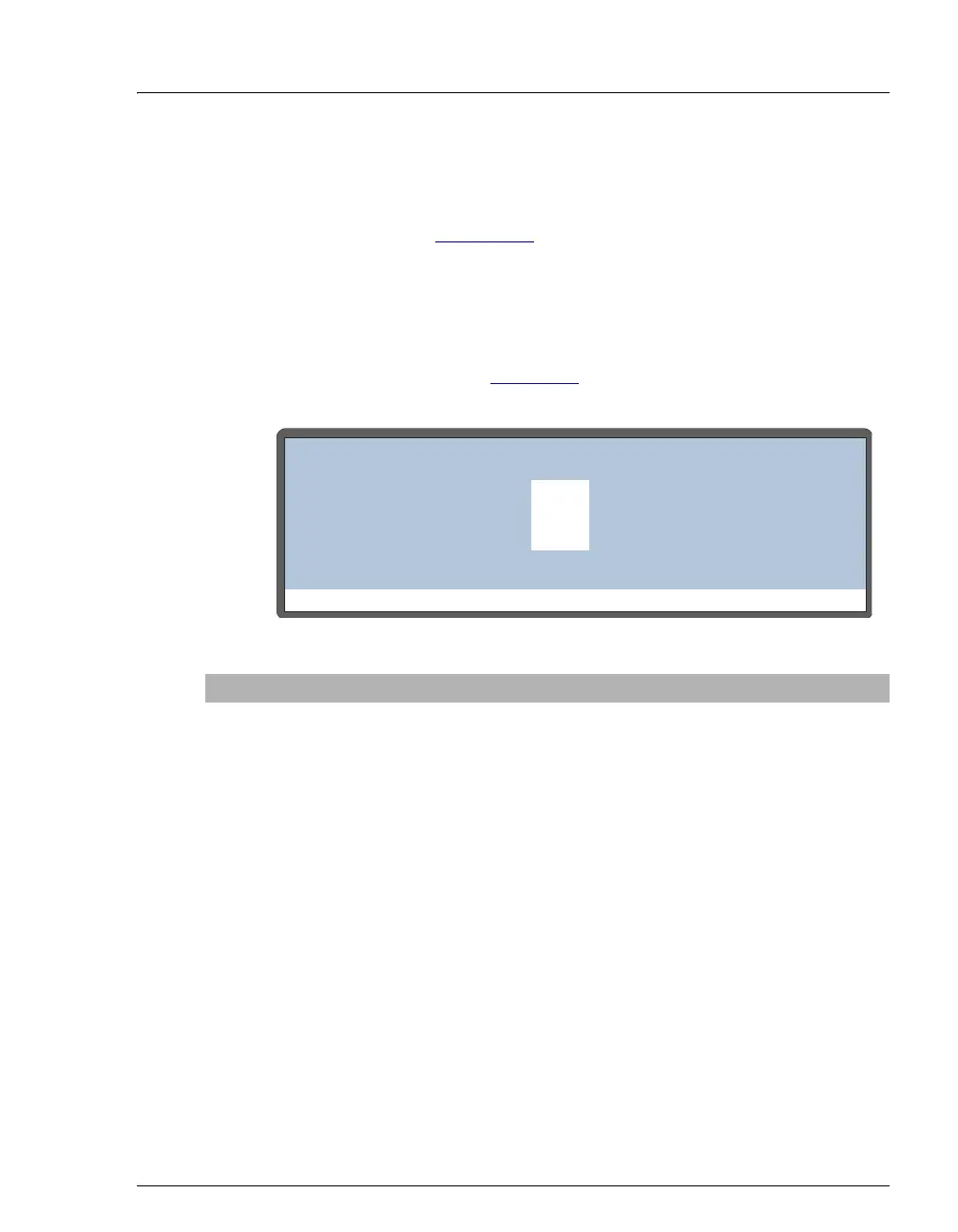
C.6.6 Inject Port Alignment Screen
Use the INJECT PORT ALIGNMENT screen to align the sampling needle in
the inject port. See Section D.8
for detailed instructions.
NOTE You can also align the inject port from the
Chromeleon or Chromeleon Xpress Control panel.
This is an easy to use method and is recommended
when Chromeleon or Chromeleon Xpress is
available. See Section 5.8
for detailed instructions.
Figure C-21. Inject Port Alignment Screen
Screen Field Description Values
X ADDRESS
The X-axis position of the needle arm. 1290 to 1390
(default=1340)
Y ADDRESS
The Y-axis position of the needle arm. 1880 to 1950
(default=1930)
Z ADDRESS
The Z-axis position of the needle arm. 180 to 280
(default=230)
Help Prompt
INJECT PORT ALIGNMENT
X ADDRESS: 1340
1930
230
Y ADDRESS:
Z ADDRESS:



 To Next Page