C • Display Screens
Doc. 065051-03 1/08 259
C.8 Time Function In Screen
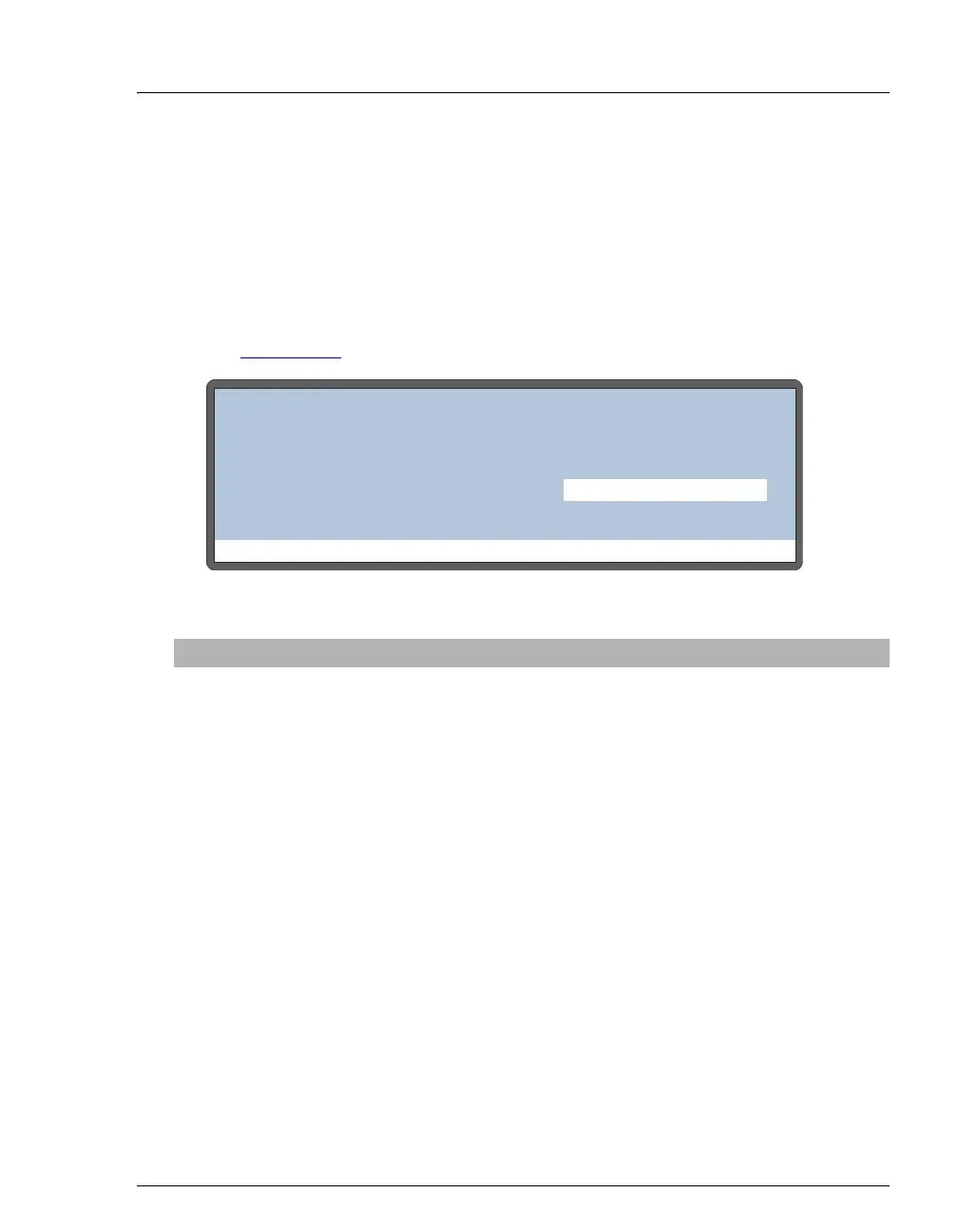
Use the TIME FUNCTION IN screen to:
• Display the AS functions that can be controlled via TTL input from another
device
• Select a TTL signal mode for each function
See Appendix E
for details about TTL-controlled functions and connections.
Figure C-24. Time Function In Screen
Screen Field Description Values
MODE
Select the signal mode that corresponds to the
signal type of the controlling device.
NORMAL
EDGE
, the default mode, is compatible with
the TTL output signals provided by Dionex
modules.
NORMAL EDGE
INVERTED EDGE
NORMAL PULSE
INVERTED PULSE
UNUSED:TTL1
Not active.
START-
CONTINUE:
TTL2
A signal to TTL2 from the controlling device
starts the schedule (if it is not currently
running), or continues the current schedule (if
the AS is at the wait step of a method).
TRAY TEMP
ON/OFF:
TTL3
A signal to TTL3 from the controlling device
turns the sample temperature control option on
and off.
UNUSED:TTL4
Not active.
Help Prompt
TIME FUNCTION IN
TTL MODE
1
2
3
START-CONTINUE:
TRAY TEMP ON/OFF:
NORMAL EDGE
UNUSED:
4
UNUSED:



 To Next Page