AS Autosampler Operator’s Manual
138 Doc. 065051-03 1/08
5.4.1 Removing the Old Sampling Needle Assembly
1. Press Menu, 8, and 5 to go to the LIQUID CONTROL screen.
2. Move the cursor to the
VIAL# field. Press Select ∇ to select FLU and
press
Enter.
The needle arm moves to the flush port.
3. Turn off the power and open the autosampler door.
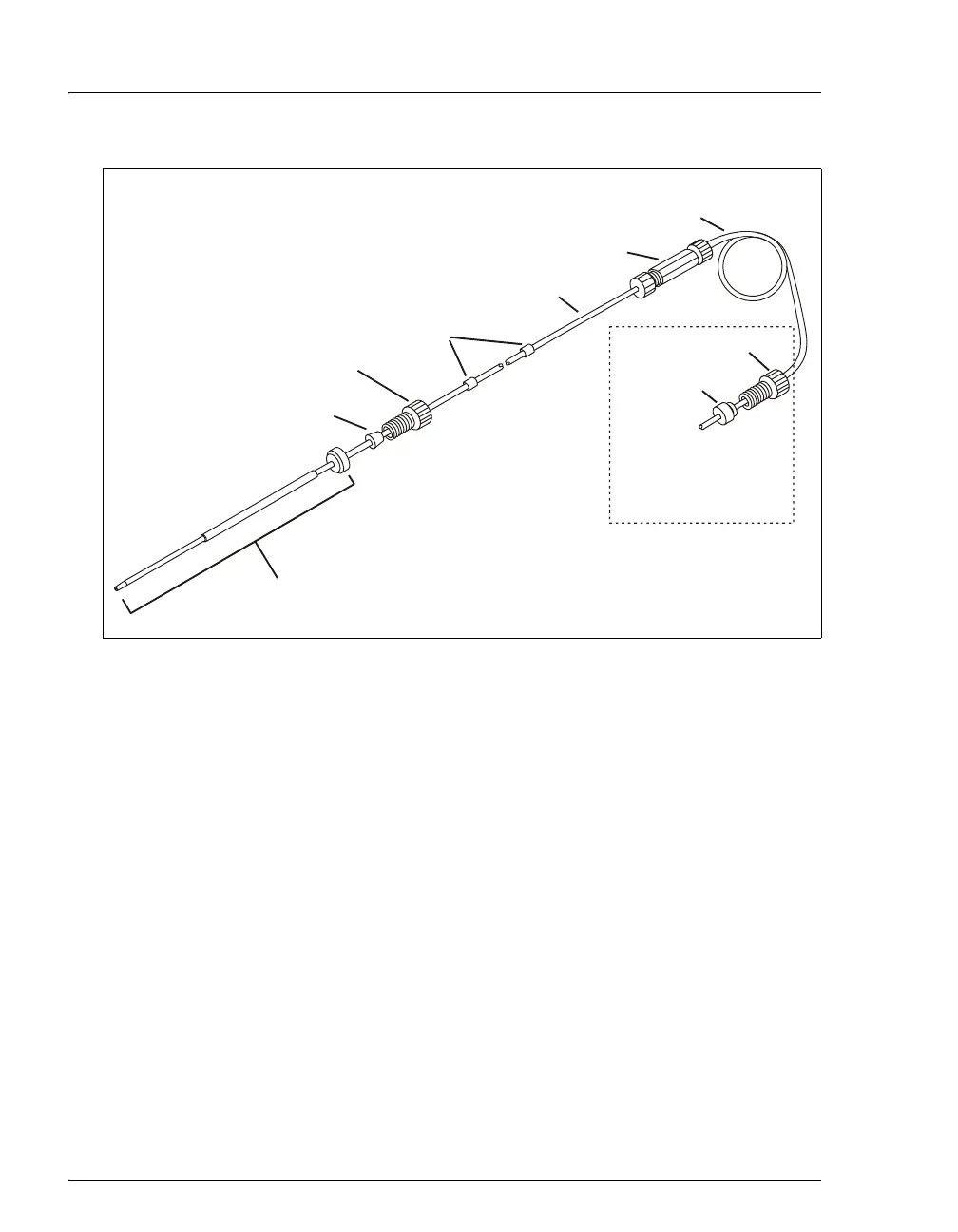
Figure 5-9. 8.5 mL PEEK Sampling Needle Assembly (P/N 061267)
PEEK Needle
Yellow Sleeves
Ferrule
(P/N 052231)
Bolt
(P/N 052230)
Tubing
0.8-mm (0.032-in) ID
Tubing
1.5-mm (0.062-in) ID
Coupler
Ferrule
(P/N 064553)
Bolt
(P/N 052267)
(Shipped unattached.
Connect to the sample
syringe after installing
the needle assembly.)



 To Next Page