D • Front Panel Control
Doc. 065051-03 1/08 299
D.6.1 Creating a New Schedule
1. Go to the SCHEDULE screen.
If you are opening the screen for the first time after the power is
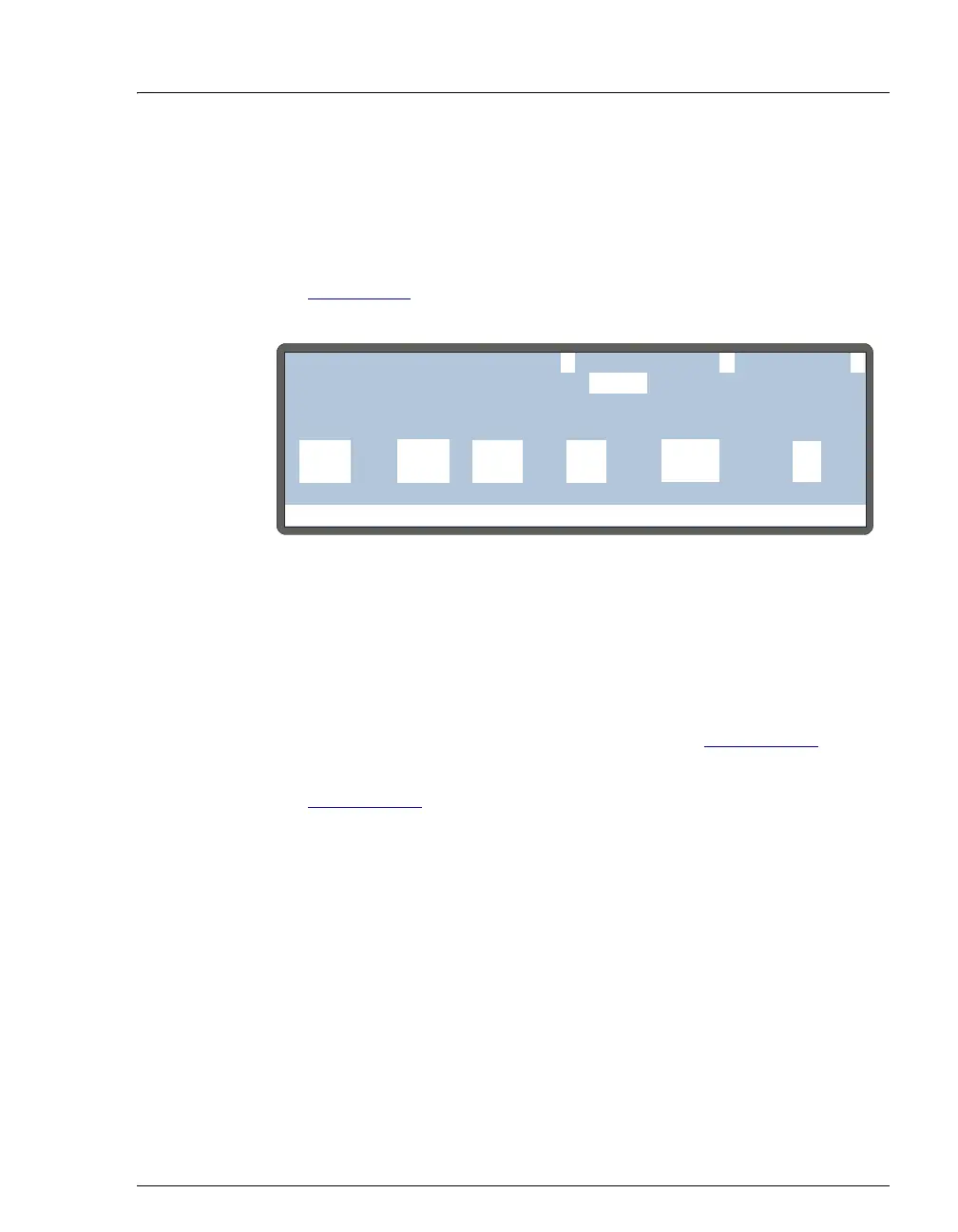
turned on, the screen displays an empty (unused) schedule (see
Figure D-12
). Otherwise, the screen displays the last schedule that
was edited.
2. If a schedule is currently displayed, position the cursor in the
EDIT
field. Enter the number of an unused schedule, or press
Select Δ or
Select ∇
to scroll through the choices (1 through 9).
3. Press
Enter.
4. Select an action to take if a vial is missing (see Section D.6.3
).
5. Define the schedule lines required for your sample injections (see
Section D.6.4
).
NOTE If injections per vial is zero for a particular vial, only the
sample prep phase of the method is run.
6. Save the schedule.
Figure D-12. Schedule Screen (Default Settings)
Help Prompt
SAVE TO
RUNSCHEDULE
25.0 111
1
MISSING VIAL ACTION:
INJ/ INJ
VIAL METHODVOL(uL)
VIAL#
LINE ENDSTART
1
EDIT
STOP
-
-



 To Next Page