AS Autosampler Operator’s Manual
62 Doc. 065051-03 1/08
3.6.2 Determining the Injection Type
To determine the injection type performed by the AS, first select the
sample mode on the
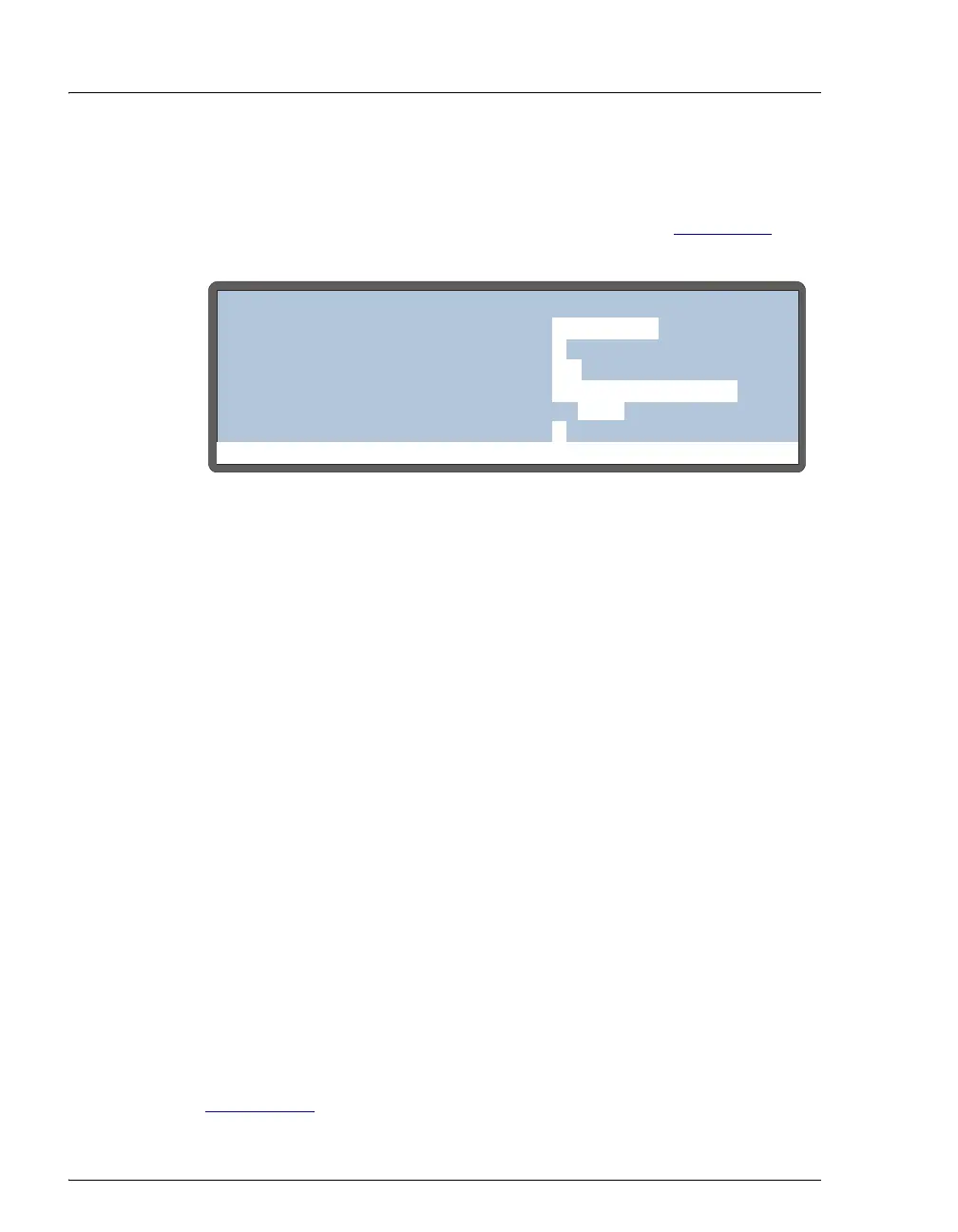
SYSTEM PARAMETERS screen (see Figure 3-14).
Press
Menu, 5, and 5 to go to the SYSTEM PARAMETERS screen.
The sample mode corresponds to the AS configuration. The following
sample modes are available:
• Normal—Sample is delivered to a single system; a sample loop is
installed on the injection valve.
• Concentrate—Sample is delivered to a single system; a concentrator
column is installed on the injection valve.
• Simultaneous—Sample is delivered to two systems simultaneously;
a sample loop is installed on both injection valves.
• Sequential—Sample is delivered to two systems alternately; a
sample loop is installed on both injection valves.
• Sequential concentrate—Sample is delivered to two systems
alternately; a concentrator column is installed on both injection
valves.
NOTE The SAMPLE MODE must be selected on the
SYSTEM PARAMETERS screen. It cannot be selected
from Chromeleon or Chromeleon Xpress.
If normal or sequential mode is selected, you must also enter additional
parameters to specify the type of sample loop injection performed (see
Section 3.6.3
).
Figure 3-14. System Parameters Screen
Help Prompt
SYSTEM PARAMETERS
WAIT:
ENABLED
METHOD SYRINGE SPEED:
CUT SEGMENT VOLUME:
INJECT PORT VOLUME:
uL
uL
10
S1 43
3
SAMPLE MODE:
NORMAL
FLUSH SYRINGE SPEED:
4
uLS2



 To Next Page