C • Display Screens
Doc. 065051-03 1/08 247
C.6 Module Setup Menu
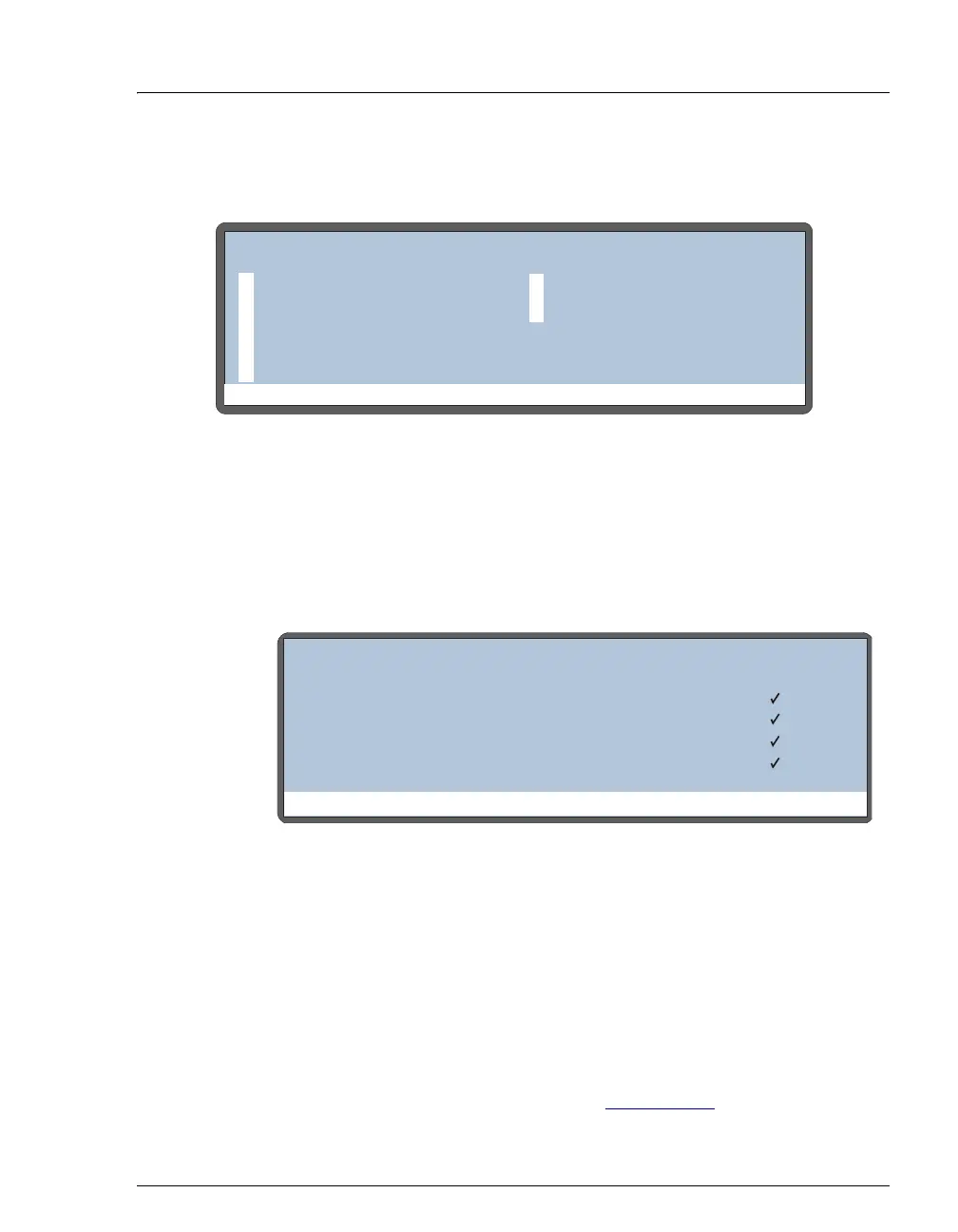
Figure C-13. Module Setup Menu Screen
C.6.1 Installed Options Screen
The INSTALLED OPTIONS screen lists the optional features installed in the
AS. The AS automatically detects which options are installed and displays
a check mark in the appropriate fields. This screen is displayed briefly at
power-up.
NOTES
• The INJECTION VALVE option is always enabled, even if a valve is not
installed in the autosampler compartment. This allows all injection
valve commands issued from Chromeleon or Chromeleon Xpress to
control the valve in an IC system (ICS-1000, ICS-1500, ICS-2000, or
ICS-3000).
• The INJECTION VALVE 2 option is shown only when the simultaneous
injection mode is enabled. Refer to Section 3.6.9
for details about
simultaneous injections.
Figure C-14. Installed Options Screen
Help Prompt
MODULE SETUP MENU
INSTALLED OPTIONS
FRONT PANEL
PLUMBING CONFIG
TIME/DATE
SYSTEM PARAMETERS
INJECT PORT ALIGN
5
61
2
3
4
INTERLOCK BYPASS
7
Help Prompt
INSTALLED OPTIONS
SAMPLE TRAY TEMPERATURE CONTROL
SAMPLE PREPARATION
INJECTION VALVE 1
INJECTION VALVE 2
[ ]
[ ]
[ ]
[ ]



 To Next Page