5•Service
Doc. 065051-03 1/08 145
5.4.3 Resetting the Sampling Needle Assembly Usage Counter
After replacing the sampling needle assembly, reset the Needle Cycles
usage counter from either the AS Wellness panel in Chromeleon or
Chromeleon Xpress or on the front panel
USAGE LOG SCREEN (see
Section 5.2
).
5.5 Removing the Drip Tray
NOTE This section is provided as a reference when performing
service procedures that require removing the drip tray.
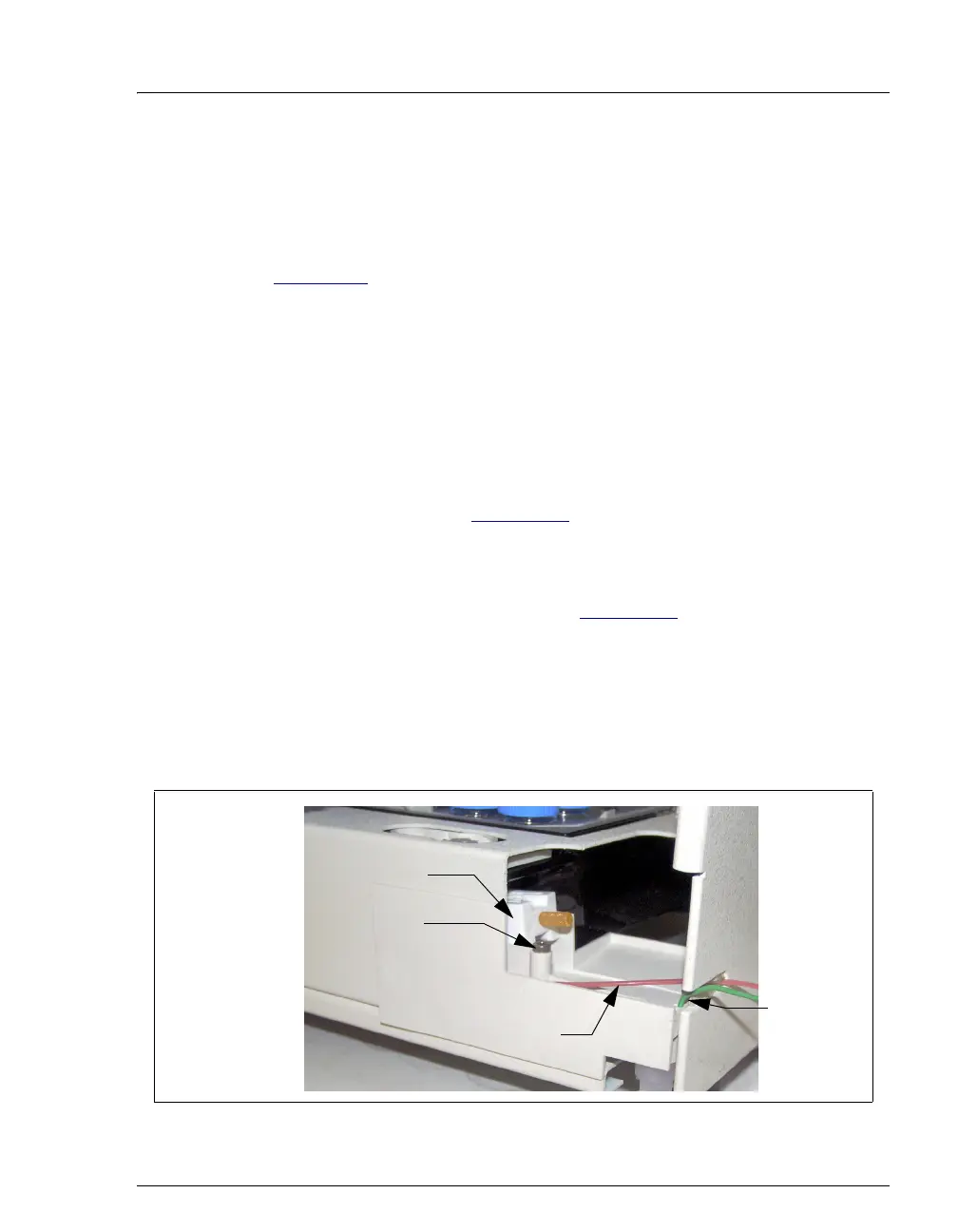
1. Using a 2.5-mm Allen wrench, remove the screw that secures the drip tray to
the autosampler compartment and remove the injection valve waste line from
the opening in the tray (see Figure 5-15
).
2. Pull out the tray (toward the front of the autosampler) about 6 mm (1/4 in).
3. Tilt the bottom of the tray out slightly and push the tray down slightly until the
leak sensor on the inside of the tray (see Figure 5-15
) clears the overhang on
the front of the autosampler.
4. Pull the tray out of the autosampler.
5. The leak sensor is hooked onto the tray and its cable is connected inside the
autosampler. To remove the drip tray completely from the autosampler,
unhook the leak sensor from the tray.
Figure 5-15. Removing the Drip Tray
Screw
Front of the
Drip Tray
Leak Sensor
(P/N 053669)
Injection
Valve
Waste Line
Needle
Seal Line



 To Next Page