AS Autosampler Operator’s Manual
30 Doc. 065051-03 1/08
2.5.2 Computer Control (Locked Remote Mode)
In Locked Remote mode, Chromeleon or Chromeleon Xpress software
sends commands from the host computer via the USB interface.
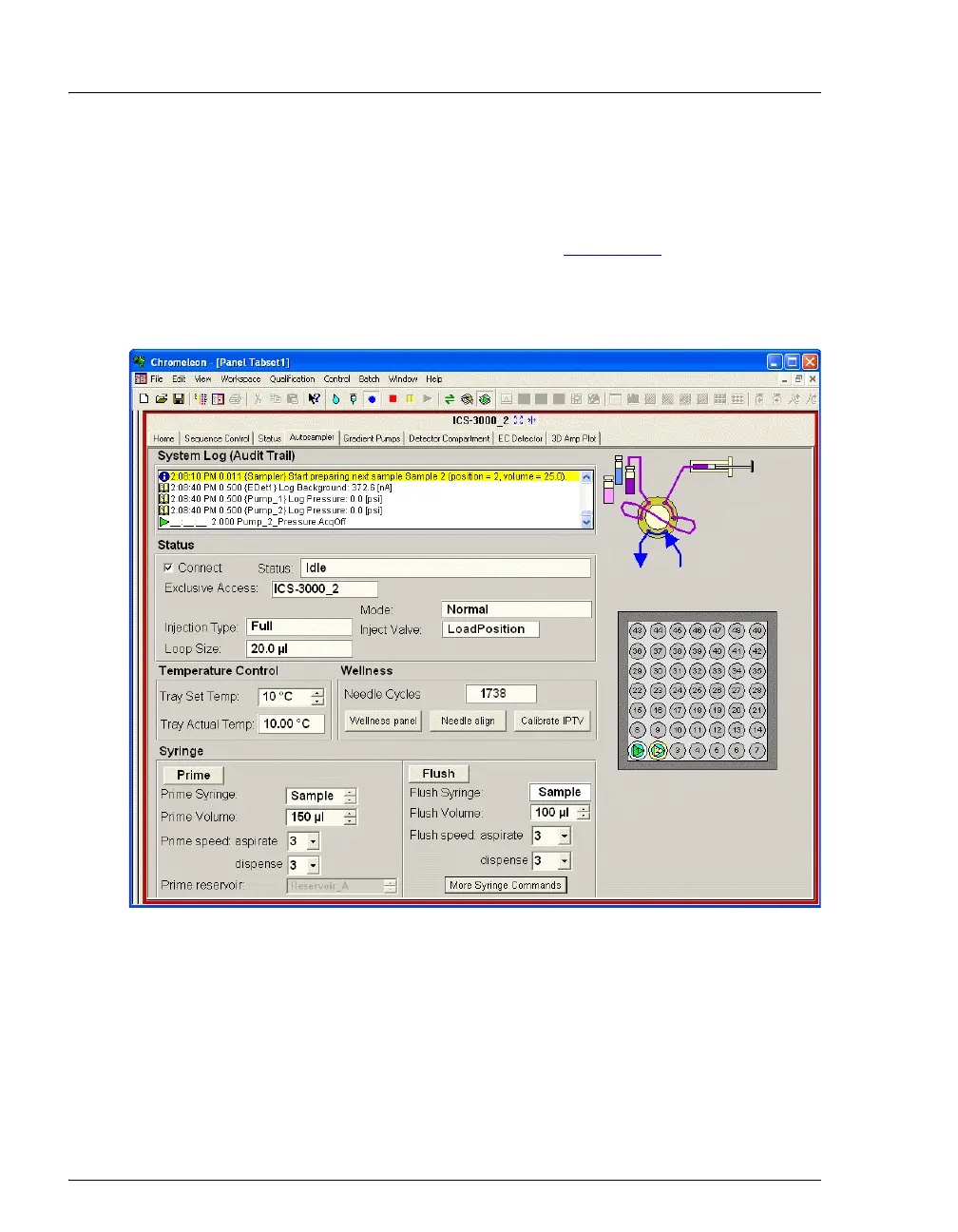
Connecting the AS to a Control panel (see Figure 2-13
) immediately
selects the Locked Remote mode. In this mode, you cannot change any
operating parameters from the front panel keyboard. To return the AS to
Local mode, clear the Connect check box on the AS Control panel.
There are two modes for controlling the AS using Chromeleon or
Chromeleon Xpress:
• In Direct mode, you select operating parameters and commands
directly from the Control panel. The AS executes the commands
immediately.
Figure 2-13. Example AS Control Panel



 To Next Page