C • Display Screens
Doc. 065051-03 1/08 251
C.6.4 Time/Date Screen
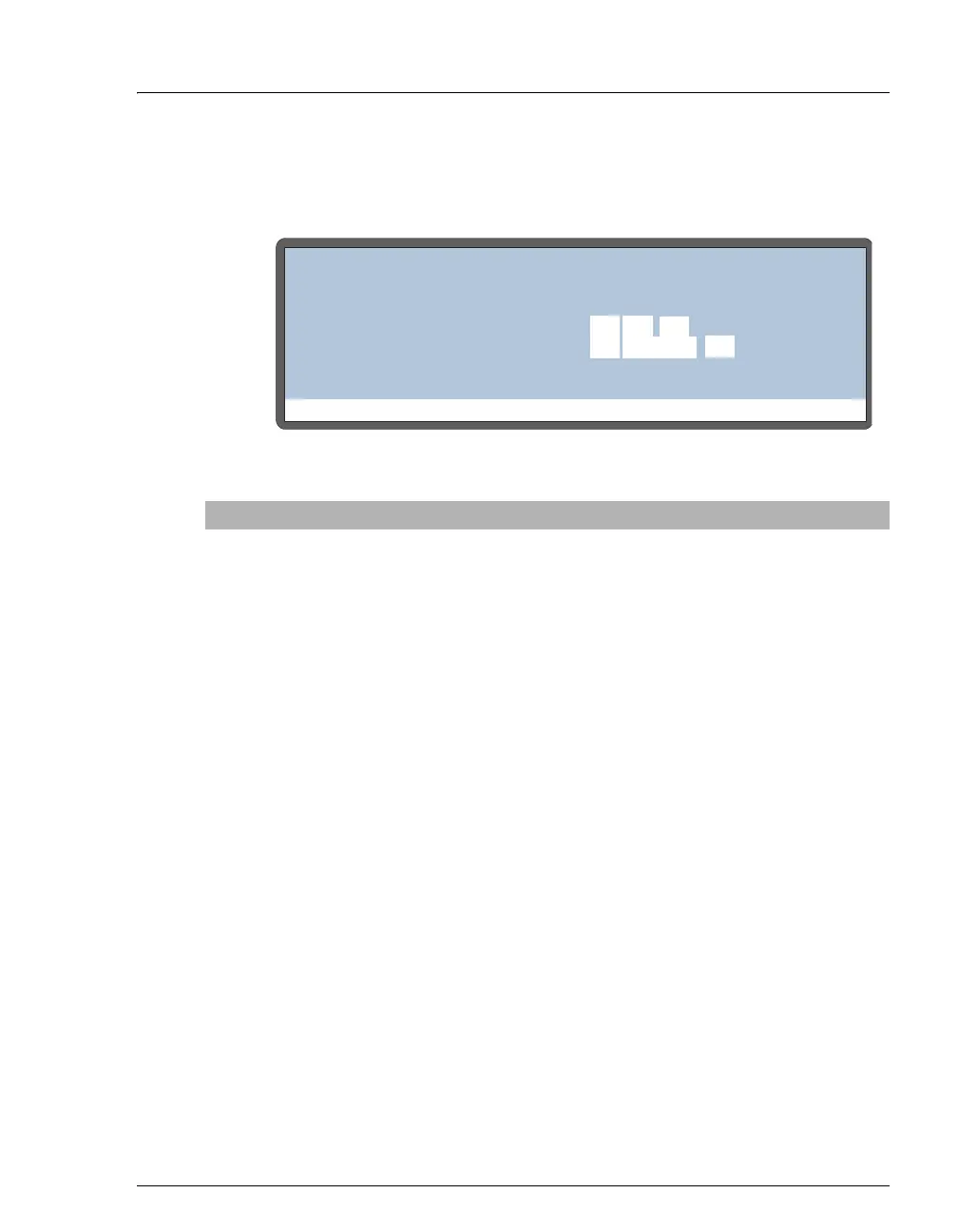
Use the TIME/DATE screen to set the time and date on the real-time clock.
Figure C-18. Time/Date Screen
Screen Field Description
ACTUAL TIME
Displays the time on the real-time clock.
SET TIME
Sets the 24-hour real-time clock. Enter the hour first, followed
by minutes, and then seconds. For example, if the time is
8:35 a.m. and 50 seconds, enter 08:35:50. If the time is 8:35 p.m.
and 50 seconds, enter 20:35:50. Press numeric buttons to enter
the time directly, or press Select Δ or Select ∇ to increase or
decrease the current value.
DATE
Sets the date on the real-time clock. Press numeric buttons to
enter the day and year directly, or press Select Δ or Select ∇ to
increase or decrease the current values. Press Select Δ or
Select ∇ to select the month.
Help Prompt
TIME/DATE
ACTUAL TIME:
SET TIME:
DATE:
16
12:35:00
12:34:56
JUNE
06



 To Next Page