C • Display Screens
Doc. 065051-03 1/08 229
C.2 Main Status Screen
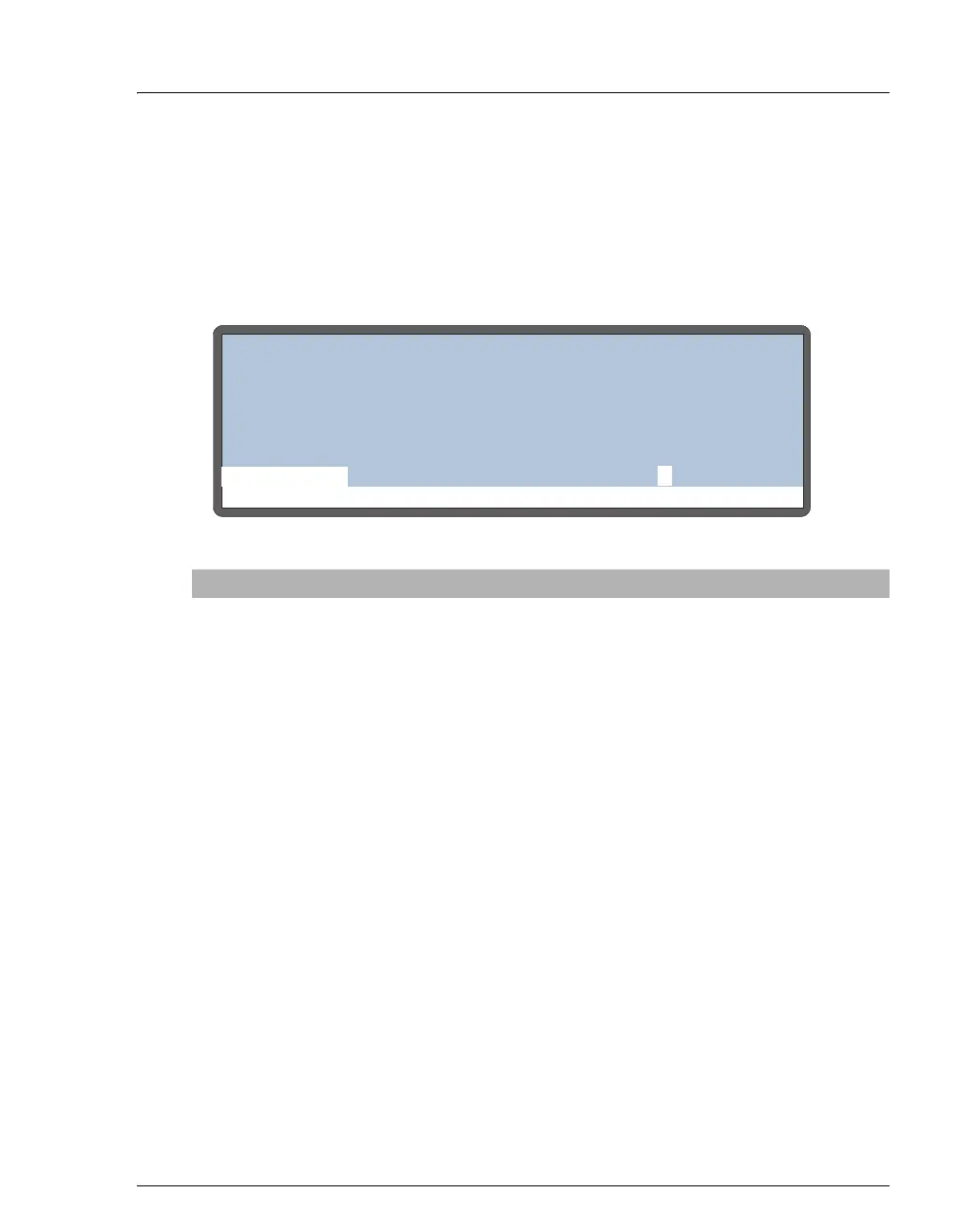
Use the MAIN STATUS screen to:
• Display the status of basic operating parameters
• Select operating and control modes
Figure C-3. Main Screen
Screen Field Description
Status Line
(top of
screen)
The top line on the screen displays the instrument's current operating
status. The following status values are displayed as they occur:
IDLE
No method is currently running.
PREPARING TO
RUN SCHEDULE
The AS is performing pre-schedule operations,
such as flushing.
HOLDING
The schedule and method are on hold.
CHECKING FOR
SAMPLE VIAL
PRESENCE
At the beginning of a method, the AS checks that
the specified sample vial is present.
PIPETTING...
The AS is pipetting from one vial to another
during the method’s sample prep steps.
DISPENSING...
The AS is dispensing from a reservoir during the
method’s sample prep steps.
MIXING...
The AS is mixing the vial contents during the
method’s sample prep steps.
FLUSHING...
The needle is being flushed (either during sample
prep or between schedule lines).
DELAYING xx.x
min
The AS is pausing for the period of time
specified in the sample prep phase of the method.
Help Prompt
IDLE
TIME
VOL
METHOD:01
SCH LINE
VIAL#
INJ#
/
TRAY:
min
uL
1
LOCAL
10 99.9
20.01
3
20
°C=



 To Next Page