AS Autosampler Operator’s Manual
130 Doc. 065051-03 1/08
5.2.1 Resetting a Usage Counter on the AS Wellness Panel
1. Open a panel tabset in Chromeleon or Chromeleon Xpress and select
the Autosampler tab.
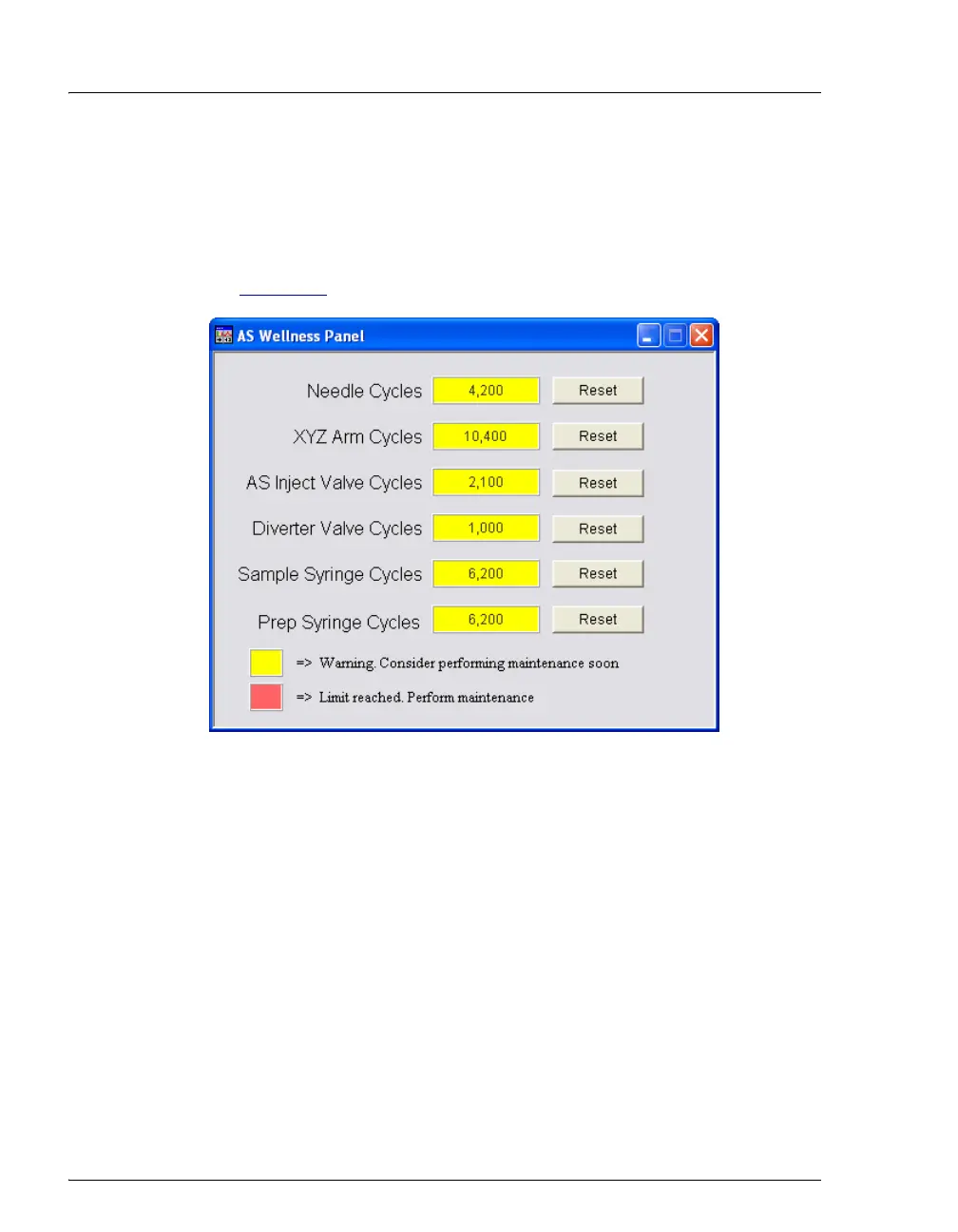
2. Click the Wellness panel button to open the AS Wellness Panel (see
Figure 5-1
).
3. Click the Reset button for the part that you replaced or serviced.
The number is reset to zero.
Figure 5-1. Example AS Wellness Panel
(Default Warning Values for All Parameters Shown)



 To Next Page