C • Display Screens
Doc. 065051-03 1/08 243
C.4.3 Timed Events Screen
Use the TIMED EVENTS screen to specify a sequence of events after the
method’s sample prep phase is completed.
SAMPLE TRAY
TEMPERATURE
The sample tray temperature set point. Pressing
Select Δ or Select ∇ turns the tray temperature
control on and off. Available only when the
sample temperature control option is installed.
4 to 60 °C
(default=off)
(default set
point=20)
WAIT FOR
TEMP STABLE
Specifies whether the AS should wait until the
temperature of the sample tray has stabilized
before continuing.
YES/NO
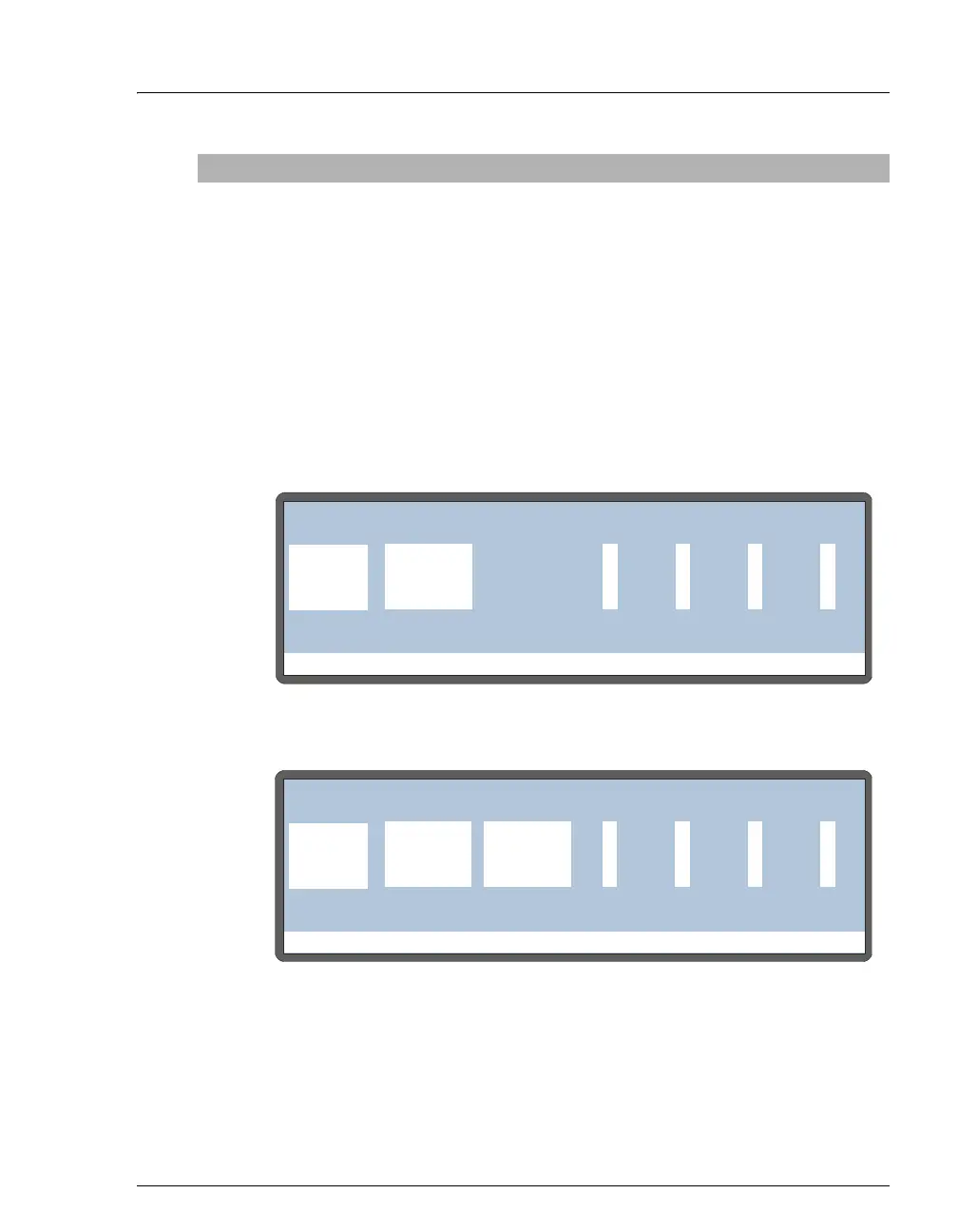
Figure C-10. Timed Events Screen
Figure C-11. Timed Events Screen: Simultaneous Injection Mode
Screen Field Description Values
Help Prompt
METHOD:TIMED EVENTS
0000
TIME
INIT LOAD
INJECT0.00
VALVE
TTL1 TTL2 RLY1 RLY2
1
Help Prompt
METHOD:TIMED EVENTS
0000
TIME
INIT LOAD
INJECT0.00
VALVE1
TTL1 TTL2 RLY1 RLY2
25
VALVE2
LOAD
INJECT



 To Next Page