C • Display Screens
Doc. 065051-03 1/08 237
C.4.1 Sample Prep Screen
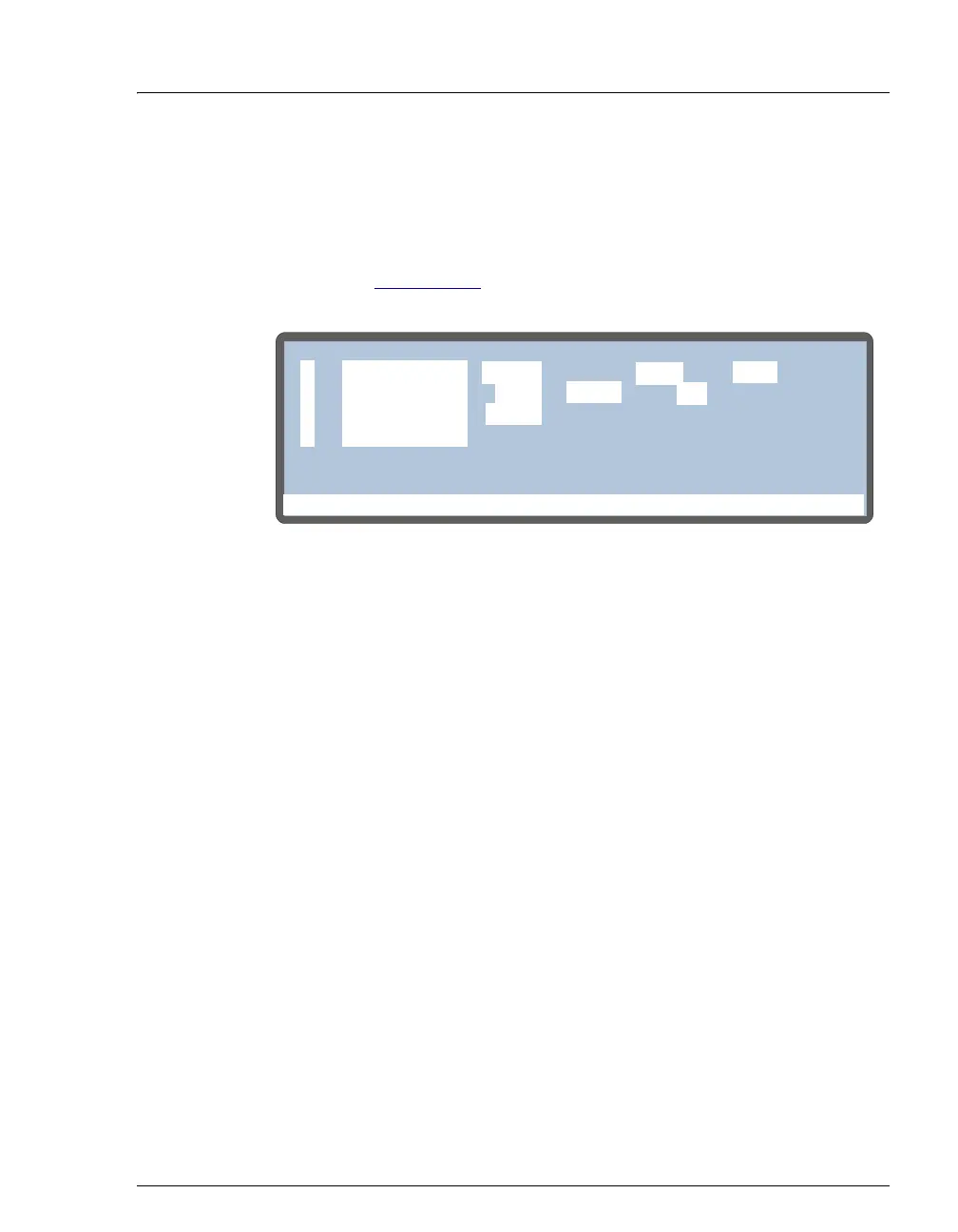
Use the SAMPLE PREP screen to specify a sequence of operations to be
performed before the method’s timed events.
NOTE See Section D.5.3 for details about how to define sample
prep steps.
Notes About Entering Vial Positions
Several of the sample prep operations require you to specify a vial
position. You can enter an absolute or a relative position:
• To specify an absolute vial position, press numeric buttons from 1 to
100 (depending on the number of vial positions available in the
currently installed tray)
• To specify a relative position, press Select Δ or Select ∇ to scroll
through a list of positions:
SMP (the current sample vial), S+1 (one
position past the sample vial), or
S+9 (9 positions past the sample
vial). The destination vial list also includes a
WST (waste) option.
Figure C-8. Sample Prep Screen
Help Prompt
METHOD:SAMPLE PREP
1
20.0
250
10
SMP
SMP
S+1
#
#
uL
uL
uL
to
2
3
4
PIPET
MIX
FLUSH
25
SMP
times
250
WAIT



 To Next Page