D • Front Panel Control
Doc. 065051-03 1/08 301
D.6.4 Defining Schedule Lines
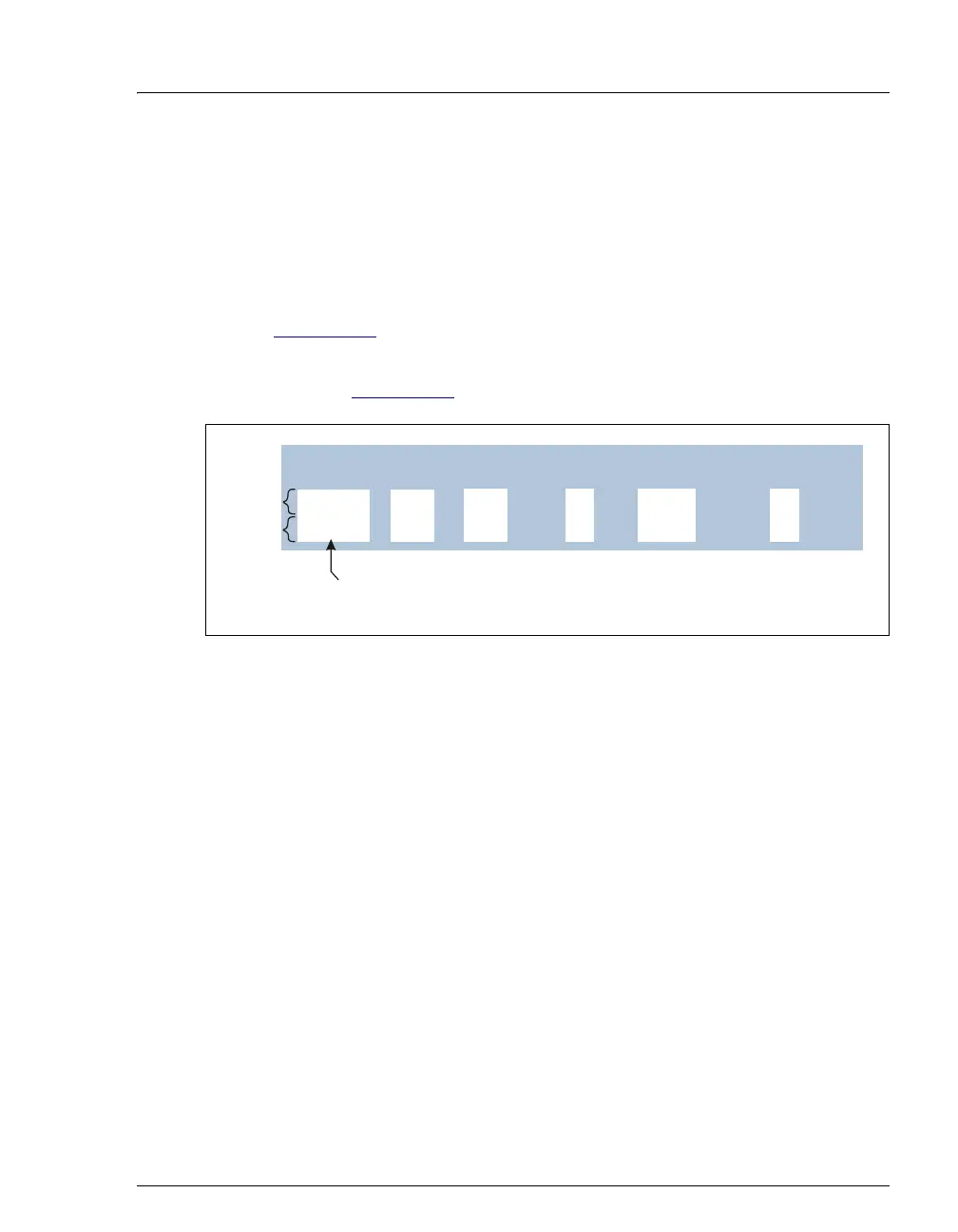
Each schedule line contains operating parameters for one vial. Line
numbers are automatically generated when you define parameters for the
vials in the schedule. If the parameters are different for each vial, line
numbers are shown consecutively. If you define identical parameters for a
series of vials, line numbers are shown in a range format (see
Figure D-13
). A schedule can include up to 999 lines.
Each range of vials (or one horizontal line on the screen) is one schedule
step (see Figure D-13
). A schedule can have up to 203 steps.
Figure D-13. Schedule Screen Example
Inserting Steps
Position the cursor in the LINE field below where you want the new step to
appear and press
Insert.
Notes
• The new step is inserted above the cursor.
• The START and END vial numbers are set to one more than the
previous end number. Other parameters (injections per vial, injection
volume, and method number) are copied from the previous step.
• If you insert a new step at the beginning of a schedule, parameters are
copied from the first step.
• To add a step at the end of a schedule, position the cursor on the blank
step at the bottom of the screen and press
Insert.
Deleting Steps
Position the cursor in the step's LINE field and press Delete twice.
25.0 1
11 1
INJ/ INJ
VIAL METHODVOL(uL)
VIAL#
LINE ENDSTART
1
Line Numbers in
Range Format
Step 1
12.3 12514 3 2-11
Step 2



 To Next Page