AS Autosampler Operator’s Manual
40 Doc. 065051-03 1/08
2.7.7 Understanding the Status Display During a Run
During runs, the MAIN STATUS and DETAIL STATUS screens display the
operations currently being performed. Because of sample prep overlap,
information on multiple injections may be displayed simultaneously at
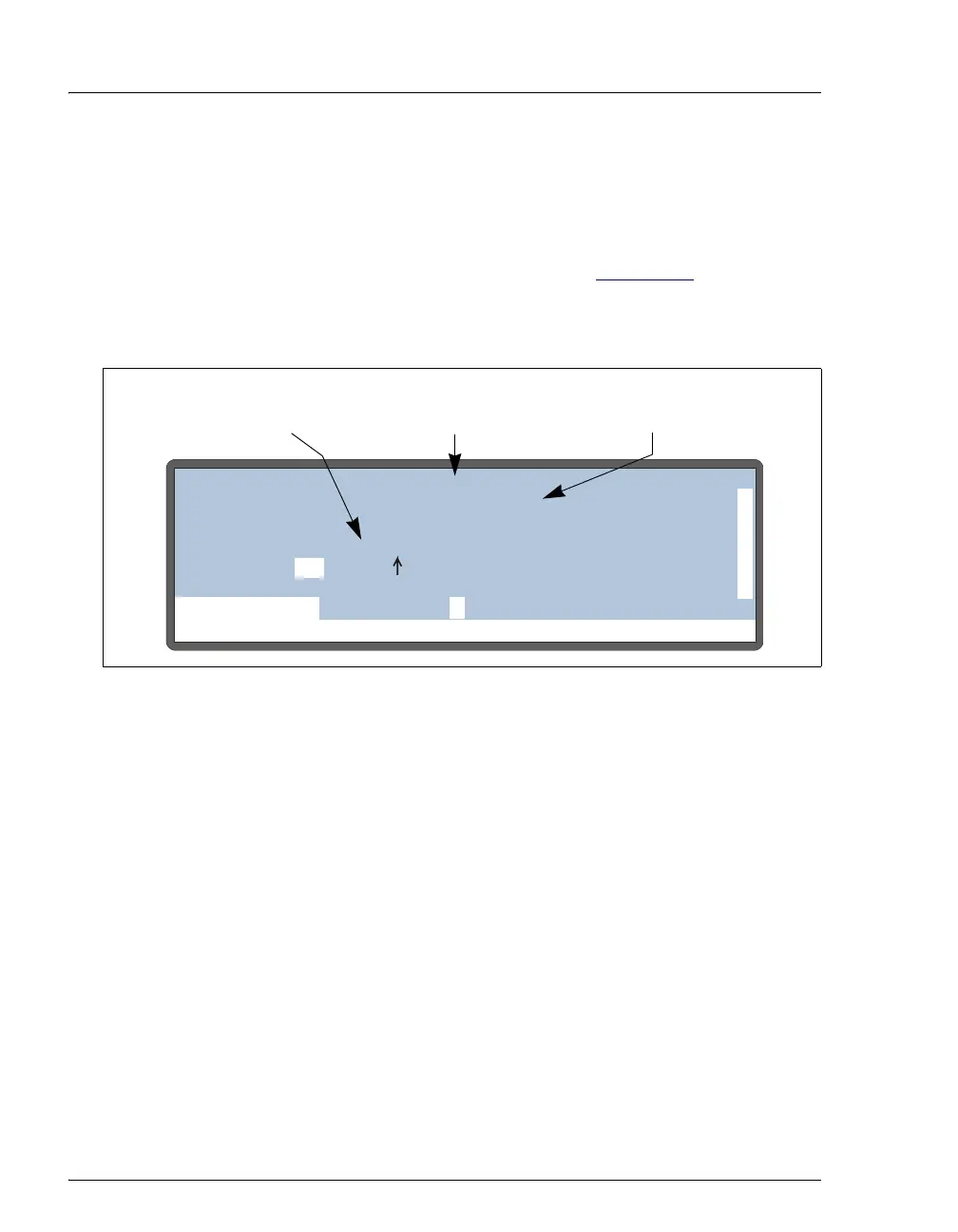
certain points in the schedule. For example, in Figure 2-21
, the AS is
injecting the sample and performing the timed events for the first
injection from vial 1 while preparing for the second injection.
Notes
• The INJ# field is updated when the AS loads the loop for the next
injection.
• The TIME field and the METHOD timed events clock are reset to zero at
injection.
• The TIME field counts up from the injection until the next injection
occurs.
• The METHOD timed events clock counts up until all timed events have
been performed for an injection. The clock then stops and is no longer
displayed.
Figure 2-21. Detail Status Screen Example
Help Prompt
FLUSHING
VIAL#:
TIME:
INJ#:
VOL:
METHOD: TRAY:
LOOP:
12.5
12.53
25
100
1
1/3
12mL
uL
uL
min
TTL1
TTL2
RLY1
RLY2
0
1
0
0
L
NORMAL PARTIAL
SCH 1
LOCAL
DETAIL
LINE 10
TRAY:
25
20 °C
INJ VLV
Preparing for
Injection #2
Elapsed Time
Since Injection #1
Method Timed Events
Clock for Injection #1



 To Next Page