AS Autosampler Operator’s Manual
36 Doc. 065051-03 1/08
2.7.5 Understanding the Cycle Time
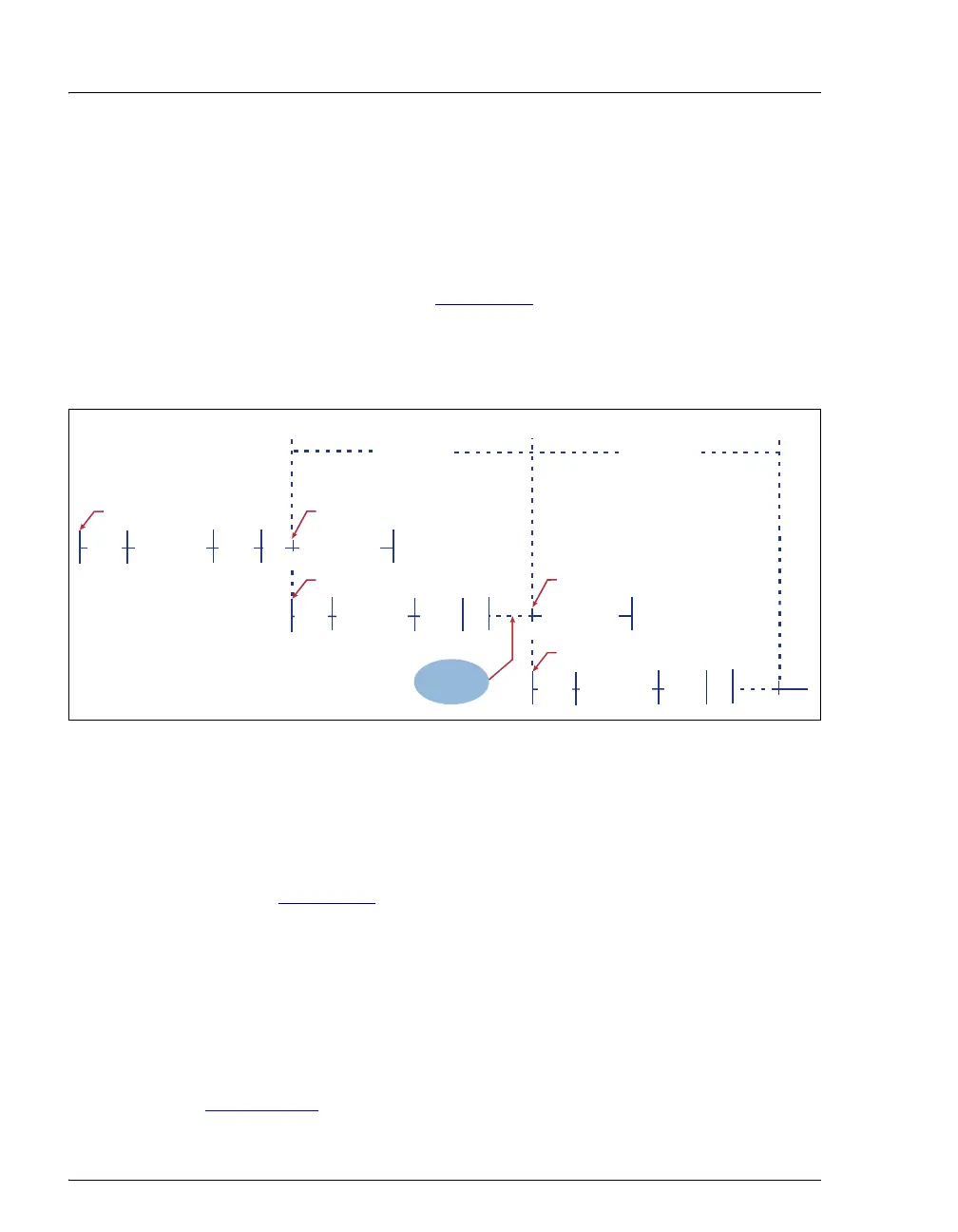
Cycle time is an optional feature that can be used to control the time
between injections. When a method is assigned a cycle time, the AS
delays sample injection until the specified time has elapsed since the
previous injection. Cycle time is measured from the start of the previous
method's timed events (see Figure 2-18
). Assuming injection occurs at
time zero for each method (the default), specifying a cycle time allows a
consistent time interval between injections, regardless of differences in
sample prep and timed events among methods.
Figure 2-18. Cycle Time Example
A cycle's duration is never shorter than the specified time. However, cycle
time will be ignored, thus delaying injection, if any of the following
events occurs:
• WAIT FOR TEMP STABLE is enabled in the METHOD SETUP screen
(see Section C.6
) and the temperature did not stabilize by the end of
the cycle time.
• The sample prep wait operation is enabled and a run command did
not occur by the end of the cycle time.
• The previous method’s timed events extend beyond the cycle time.
If the cycle time expires before the injection occurs, a warning message is
displayed and the message is logged on the
MESSAGE LOG screen (see
Section C.9.6
).
0.0
Injection 1Start First Method
Cycle Time
Wait for end
of cycle time
SAMPLE PREP
WASH/
FLUSH
SETUP TIMED EVENTSINIT
0.0
Injection 2
Start Next Method
SAMPLE PREP SETUP
TIMED EVENTS
INIT
Cycle Time
.
Start Next Method
SAMPLE PREP SETUP INIT
WASH/
FLUSH
WASH/
FLUSH



 To Next Page