AS Autosampler Operator’s Manual
236 Doc. 065051-03 1/08
C.4 Method Menu
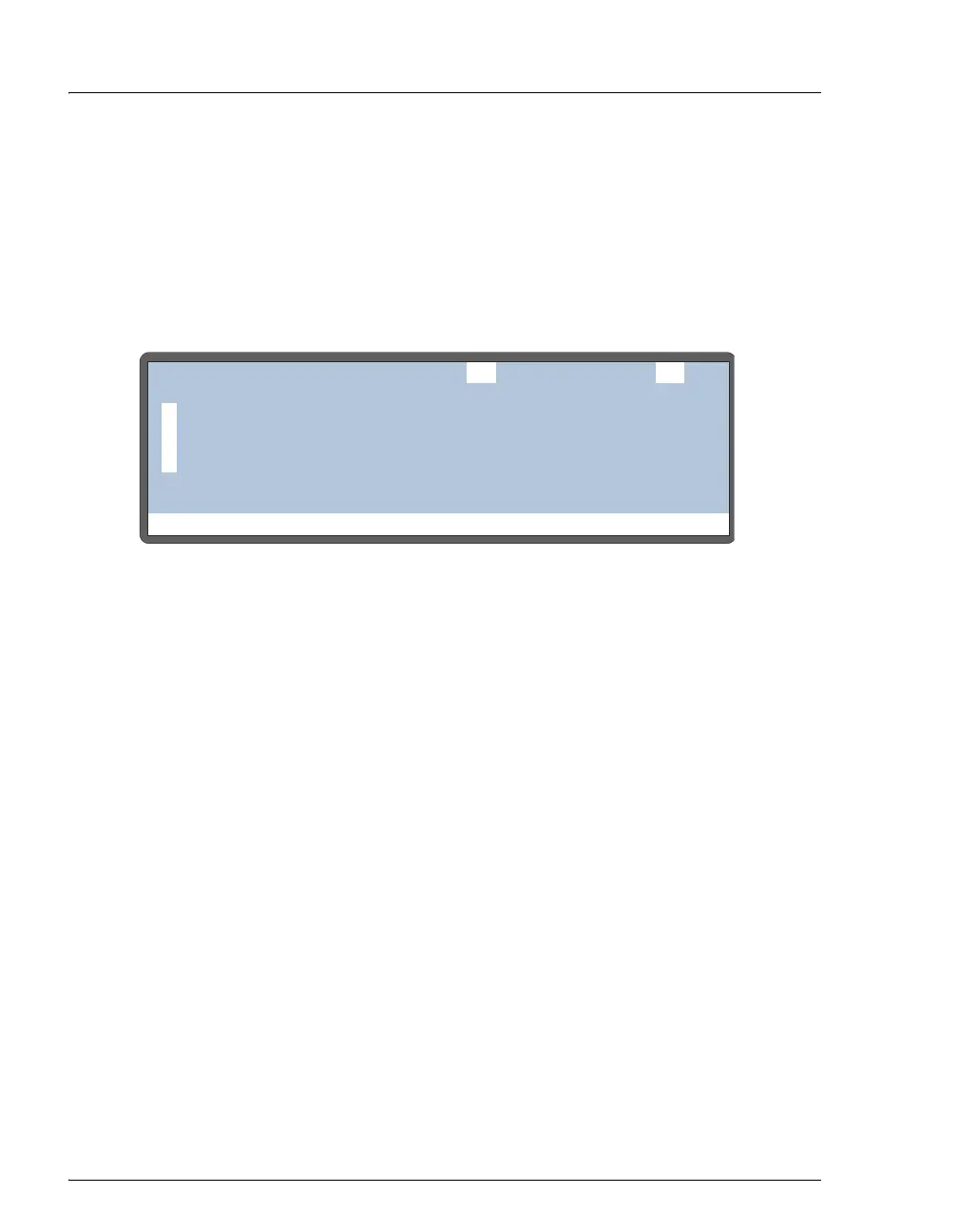
Use the METHOD MENU to:
• Enter the number of the method to be created or edited
• Enter the number to save the method to
• Access the three method editing screens
To open a method editing screen, move the cursor to the screen’s number and
press
Enter. To return to this screen, press Menu.
NOTE A method can have a maximum of 100 steps. The total
includes the sample prep steps, the method setup (which
counts as one step), and the timed events steps. For
example, a default method would have a total of four
steps: one for the sample prep Wait step, one for the
method setup, and two timed events (INIT and time
0.00).
Figure C-7. Method Menu
Help Prompt
METHOD MENU
1
2
3
SAMPLE PREP
SETUP
TIMED EVENTS
EDIT SAVE TO25
25



 To Next Page