3 • Operation and Maintenance
Doc. 065051-03 1/08 51
3.2 Selecting Computer or Front Panel (Local) Control
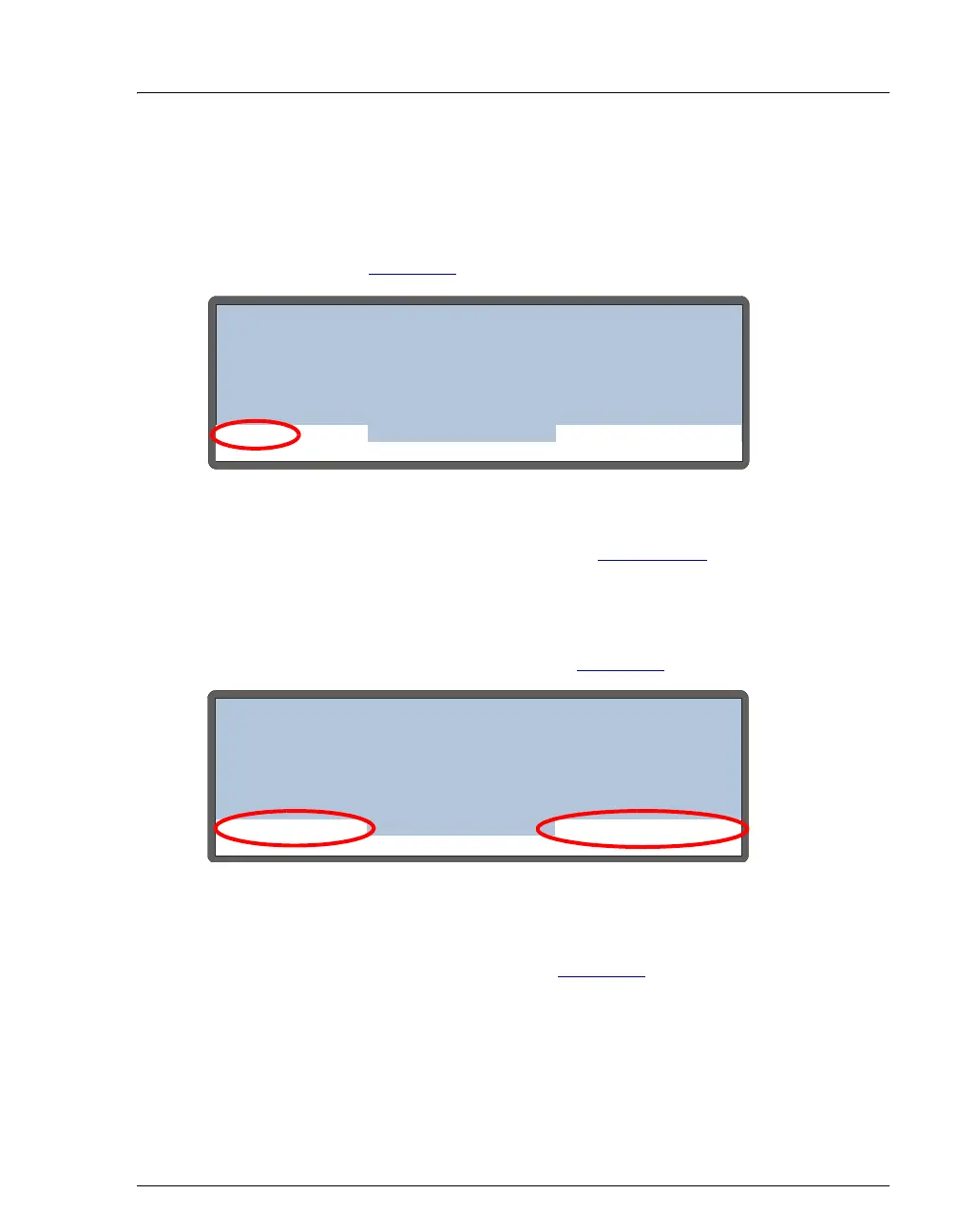
When the AS is powered up, it is always in front panel (Local) control. The MAIN
and
DETAIL screens indicate this by displaying LOCAL in the operating mode field.
See the example in Figure 3-4
.
To select computer control, follow the steps in Section 3.2.1
to connect the AS to
a Chromeleon or Chromeleon Xpress Control panel.
When the AS is under computer control, the front panel
MAIN and DETAIL screens
indicate this by displaying
LOCKED RMT and DIRECT CONTROL in the operating
and control mode fields. See the example in Figure 3-5
.
To return the AS to Local mode, clear the Connect check box on the Chromeleon
or Chromeleon Xpress Control panel (see Figure 3-6
).
Figure 3-4. Main Screen—Local Control
Figure 3-5. Main Screen—Computer Control
Help Prompt
IDLE
TIME
VOL
METHOD: 0
DIRECT CONTROL
VIAL#
INJ#
/
TRAY:
min
uL
LOCAL
5 99.9
25.011
°C
- -
Help Prompt
IDLE
TIME
VOL
METHOD: 0
DIRECT CONTROL
VIAL#
INJ#
/
TRAY:
min
uL
LOCKED RMT
5 99.9
25.011
°C
- -



 To Next Page