C • Display Screens
Doc. 065051-03 1/08 249
C.6.3 Plumbing Configuration Screen
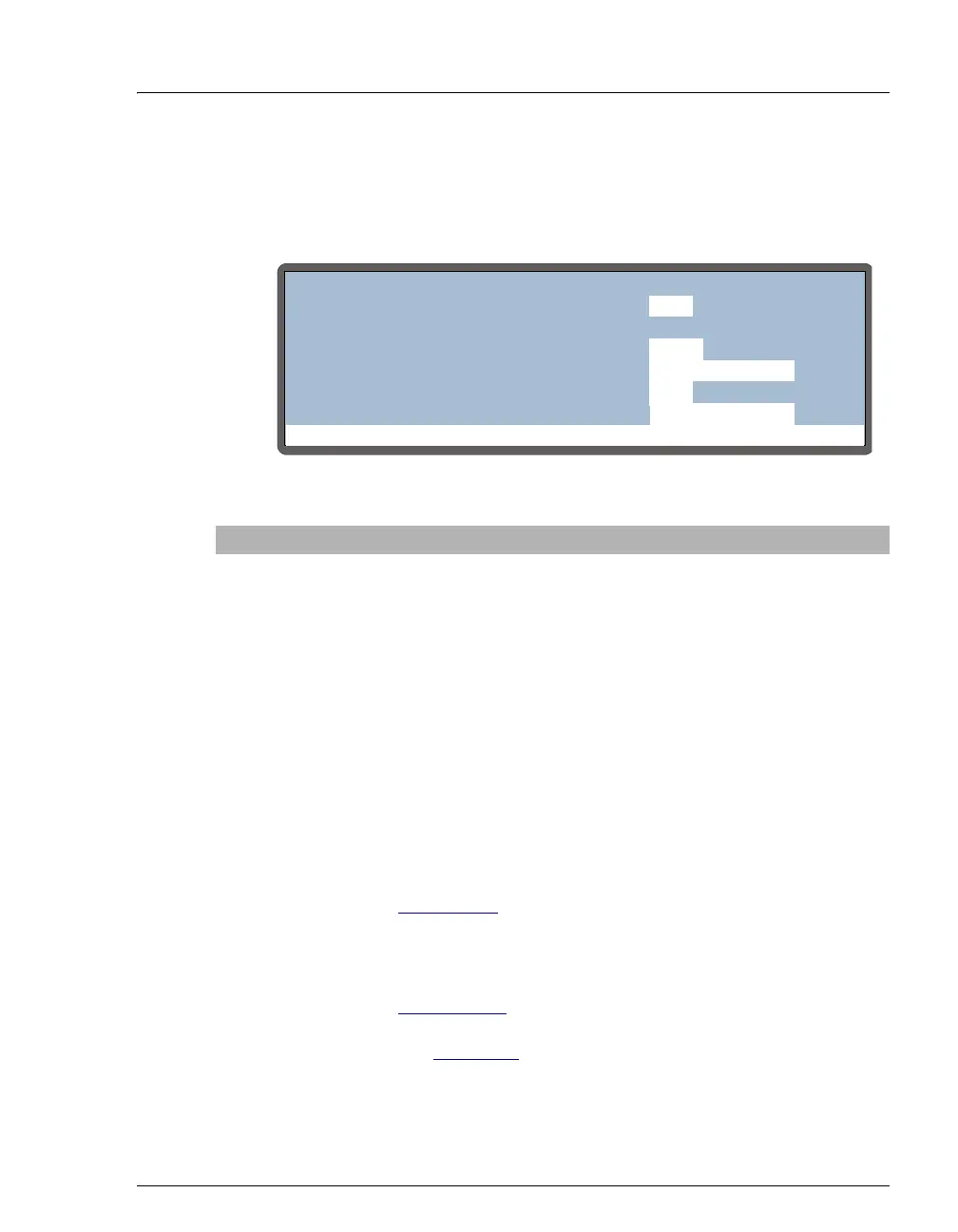
Use the PLUMBING CONFIGURATION screen to specify the plumbing
options installed in the
AS.
Figure C-17. Plumbing Configuration Screen
Screen Field Description Values
LOOP SIZE
V1
The volume of the loop installed on the
first (or only) injection valve. The upper
limit depends on the volume of the sample
syringe installed:
500 μL (if the syringe volume is ≤1mL)
4,000 μL (if the syringe volume is 5 mL)
8,000 μL (if the syringe volume is 10 mL)
This field is not available in concentrate
mode.
2.0 to 99.9 μL
100 to x μL
(default=25)
LOOP SIZE
V2
The volume of the loop installed on the
second injection valve. This field is
available in simultaneous and sequential
injection modes only.
• In simultaneous mode (see
Section 3.6.9
), the value entered for
LOOP SIZE V2 is for informational
purposes only.
• For sequential mode (see
Section 3.6.11
), the value of LOOP
SIZE V2
determines the injection type
(see Section 3.5
). It is also used to
compute the injection volume.
See
LOOP SIZE V1
Help Prompt
PLUMBING CONFIGURATION
LOOP SIZE V1:
SAMPLE SYRINGE VOLUME:
PREP SYRINGE VOLUME:
SAMPLE SYRINGE CONFIG:
5
25
250
READY
uL
uL
mL
PREP SYRINGE CONFIG:
READY
uL
LOOP SIZE V2:



 To Next Page