AS Autosampler Operator’s Manual
136 Doc. 065051-03 1/08
2. Move the cursor to the SAMPLE
SYRINGE CONFIG
field or the PREP
SYRINGE CONFIG field (depending on
which syringe is to be removed).
3. Press
Select Δ to select the INITIALIZE
option.
4. Press
Enter.
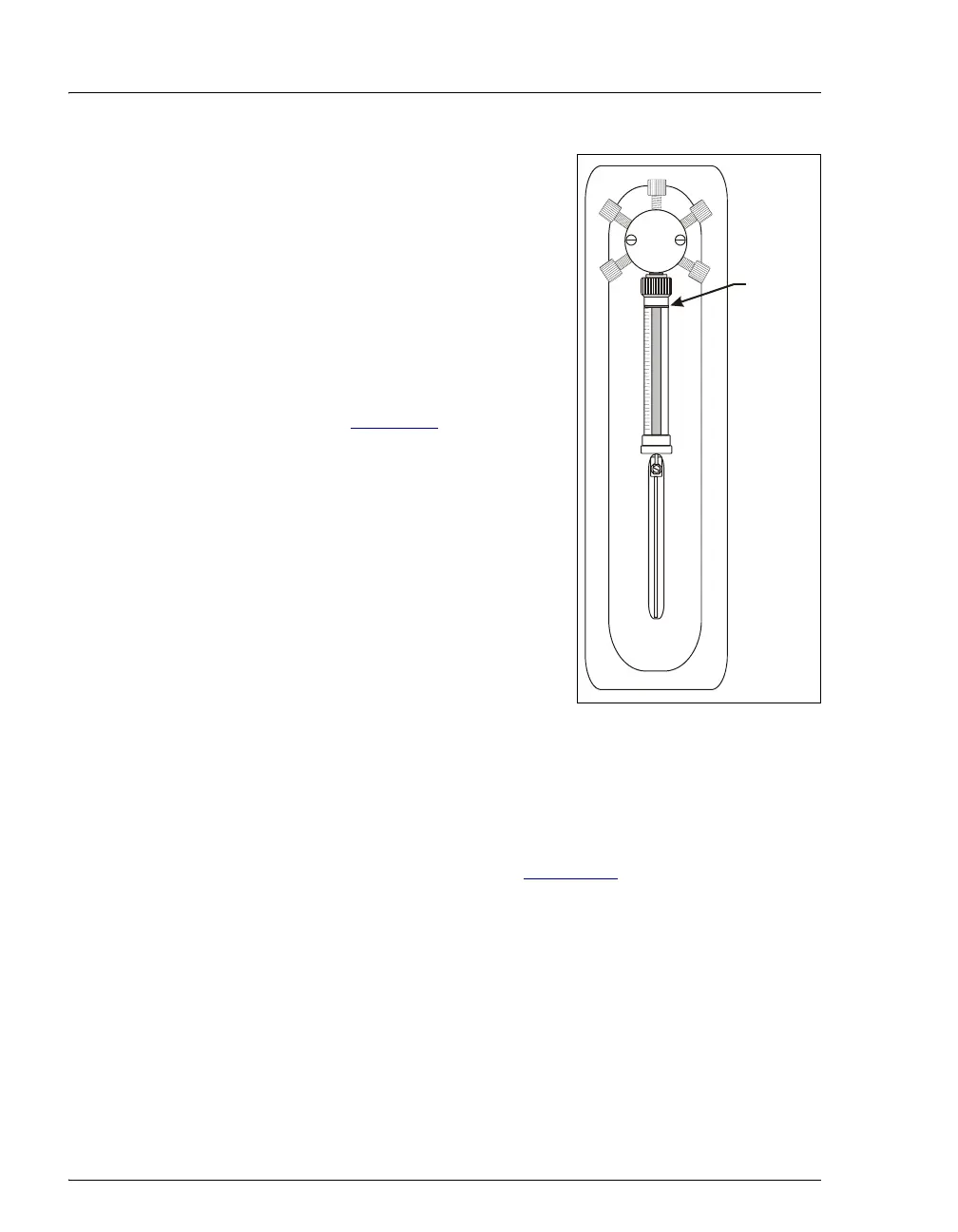
5. The syringe plunger moves down a
small amount. This is its initial
position (see Figure 5-7
).
Figure 5-7. Initializing the Syringe
5.3.5 Resetting the Syringe Usage Counter
After replacing the syringe, reset the syringe usage counter from either
the AS Wellness panel in Chromeleon or Chromeleon Xpress or on the
front panel
USAGE LOG SCREEN (see Section 5.2).
5.4 Replacing the Sampling Needle Assembly
Replace the sampling needle assembly after about 6,200 cycles of use (the cycle
count increments each time the needle is inserted into the inject port). When the
AS is operating under Chromeleon or Chromeleon Xpress control, a reminder
message is displayed in the Audit Trail when the number of cycles reaches this
usage limit. When the AS is operating under front panel control, the
USAGE LOG
Initial
Positio



 To Next Page