AS Autosampler Operator’s Manual
100 Doc. 065051-03 1/08
3.9 Opening the Autosampler Door During Operation
Normally, the autosampler door must remain closed while the AS is running either
a sequence in Chromeleon or Chromeleon Xpress or a schedule from the front
panel. If the door is opened inadvertently, the sampling arm stops immediately
and the sequence or schedule is ended.
To safely open the door during a sequence or schedule, first press the
Door button
on the front panel, and then follow the on-screen instructions.
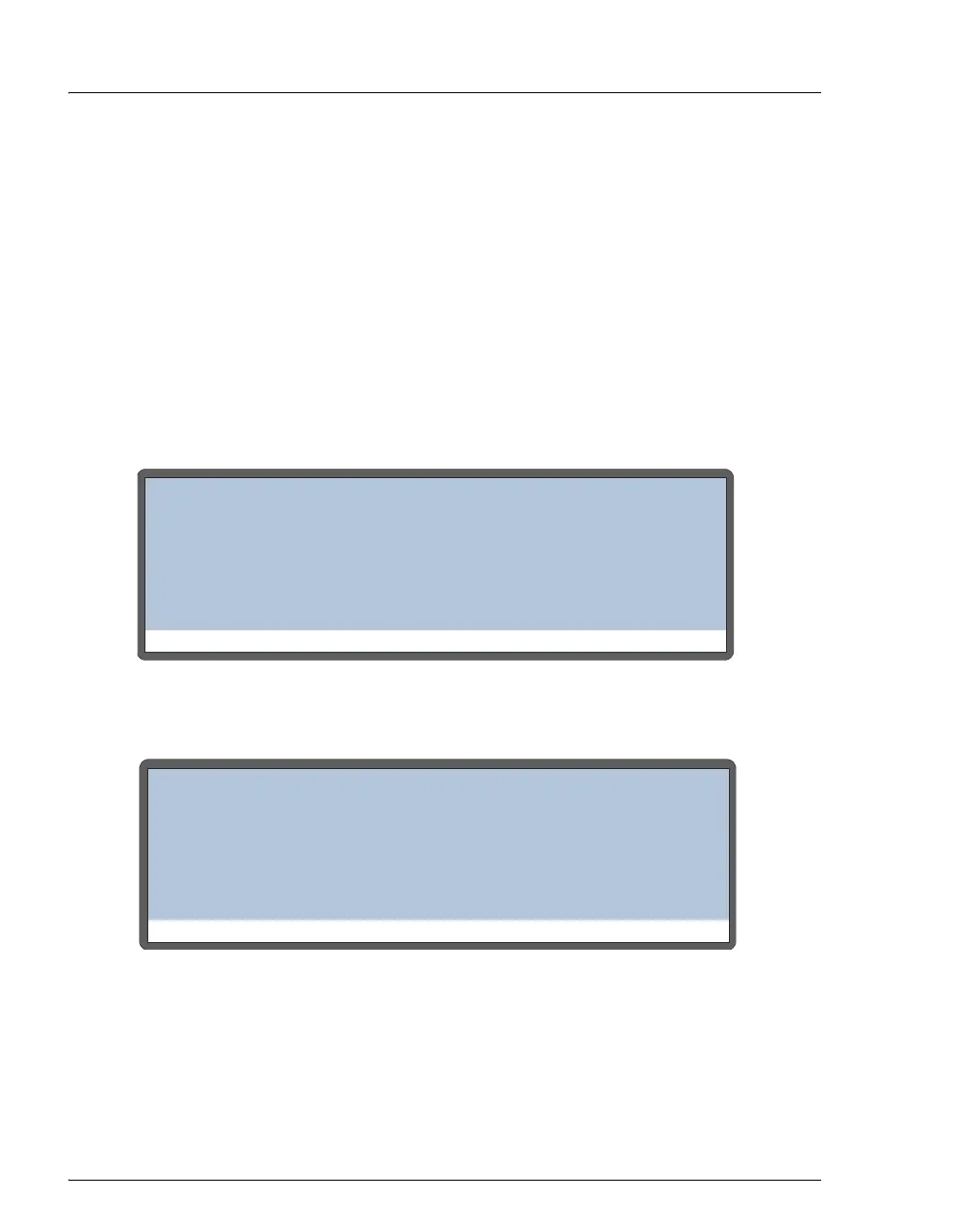
If it is not safe to open the door at this time, one of the following messages
appears. The message depends on whether a Chromeleon or Chromeleon Xpress
sequence or a front panel schedule is running:
Figure 3-36. Open Door Safety Screen: A Chromeleon or
Chromeleon Xpress Sequence Is Running
Figure 3-37. Open Door Safety Screen: A Front Panel Schedule Is Running
STATUS: INJECTING
OPEN DOOR SAFETY SCREEN
NOTE: any key press will exit this mode
ARNING: Autosampler arm motion possible,
not safe to open door. Please wait for
status above to say - IDLE - for at least
10 seconds during RUN (Timed Events).
STATUS: INJECTING
OPEN DOOR SAFETY SCREEN
ARNING: Autosampler arm motion possible,
not safe to open door. Please wait for
status above to say - WAITING FOR CYCLE TIME
NOTE: any key press will exit this mode
TO EXPIRE (Timed Events).



 To Next Page