C • Display Screens
Doc. 065051-03 1/08 245
C.5 Schedule Screen
Use the SCHEDULE screen to program a sequence of injections.
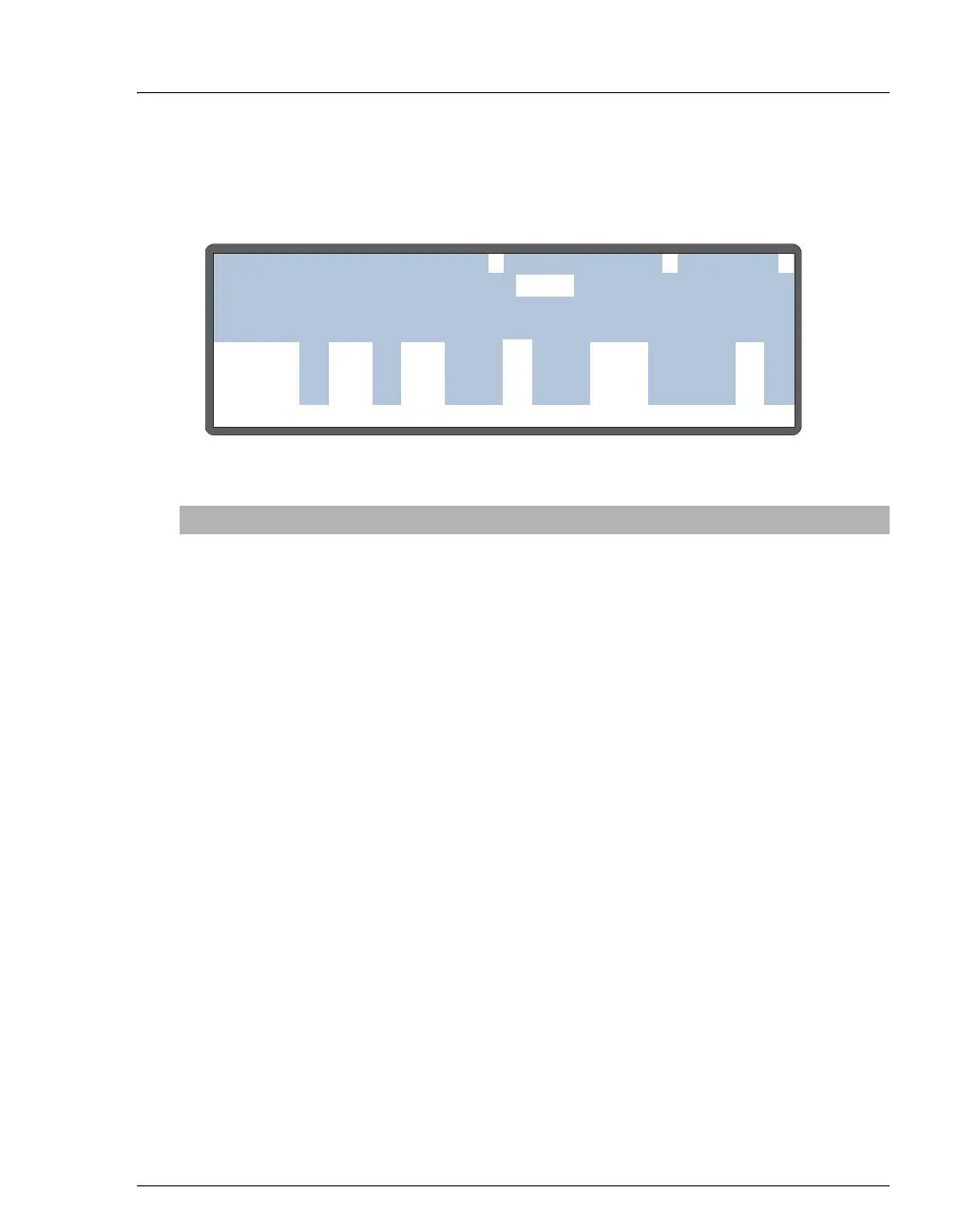
Figure C-12. Schedule Screen
Screen Field Description Values
EDIT
The schedule number to edit. Press a numeric
button to select the number or press Select Δ or
Select ∇ to scroll through the choices. Press
Enter to display the selected schedule.
1 to 9
SAVE TO
The schedule number to save the current schedule
to. It does not have to be the
EDIT number.
1 to 9
RUN
The schedule number to run. Note: The schedule
will not start until you press Hold/Run or send a
TTL/RLY run command.
1 to 9
MISSING VIAL
ACTION
The action the AS takes if a vial is missing from
the tray. Select
SKIP to ignore the missing vial and
move to the next vial in the schedule. Select
STOP
to stop the schedule. To resume, press Hold/Run.
SKIP/STOP
(default=STOP
)
LINE
Each line contains the parameters for one vial in
the schedule. Line numbers are assigned
automatically when you insert steps. (A step is
one horizontal line on the
SCHEDULE screen.) If
consecutive vials have identical parameter values,
line numbers are shown in a range format (see the
example above). A schedule can have a maximum
of 203 steps, containing up to 999 lines.
1 to 999
(automatically
assigned)
Help Prompt
SAVE TO
RUNSCHEDULE
25.0
5.0
1
1
14 3
5
5
1
6
6
1
1
MISSING VIAL ACTION:
INJ/ INJ
VIAL METHOD
VOL(uL)
VIAL#
LINE ENDSTART
EDIT
SKIP
11
1
1-4
5
6
-
-
-
-
25.0



 To Next Page