D • Front Panel Control
Doc. 065051-03 1/08 279
D.5 Creating Methods from the AS Front Panel
NOTE This section describes how to create methods from the
front panel (Local mode). To create methods (programs)
from the computer, refer to the Chromeleon or
Chromeleon Xpress user’s guide or Help.
A method defines a series of operating instructions that tells the AS how to
perform a single injection. A method consists of three phases:
• Sample prep (Section D.5.3)
• Method setup (Section D.5.4)
• Timed events (Section D.5.5)
Parameters for each phase are defined on separate screens. A method definition
always includes the parameters from all three of the screens.
Notes
• The method phases are run in the order listed above. See “Local/Schedule
Control Mode” on page 28 for details.
• A method can have a total of 100 steps, including the sample prep steps, the
method setup (which counts as one step), and the timed events steps.
• You can create a new method when the AS is running, on hold, or stopped.
D.5.1 Creating a Method
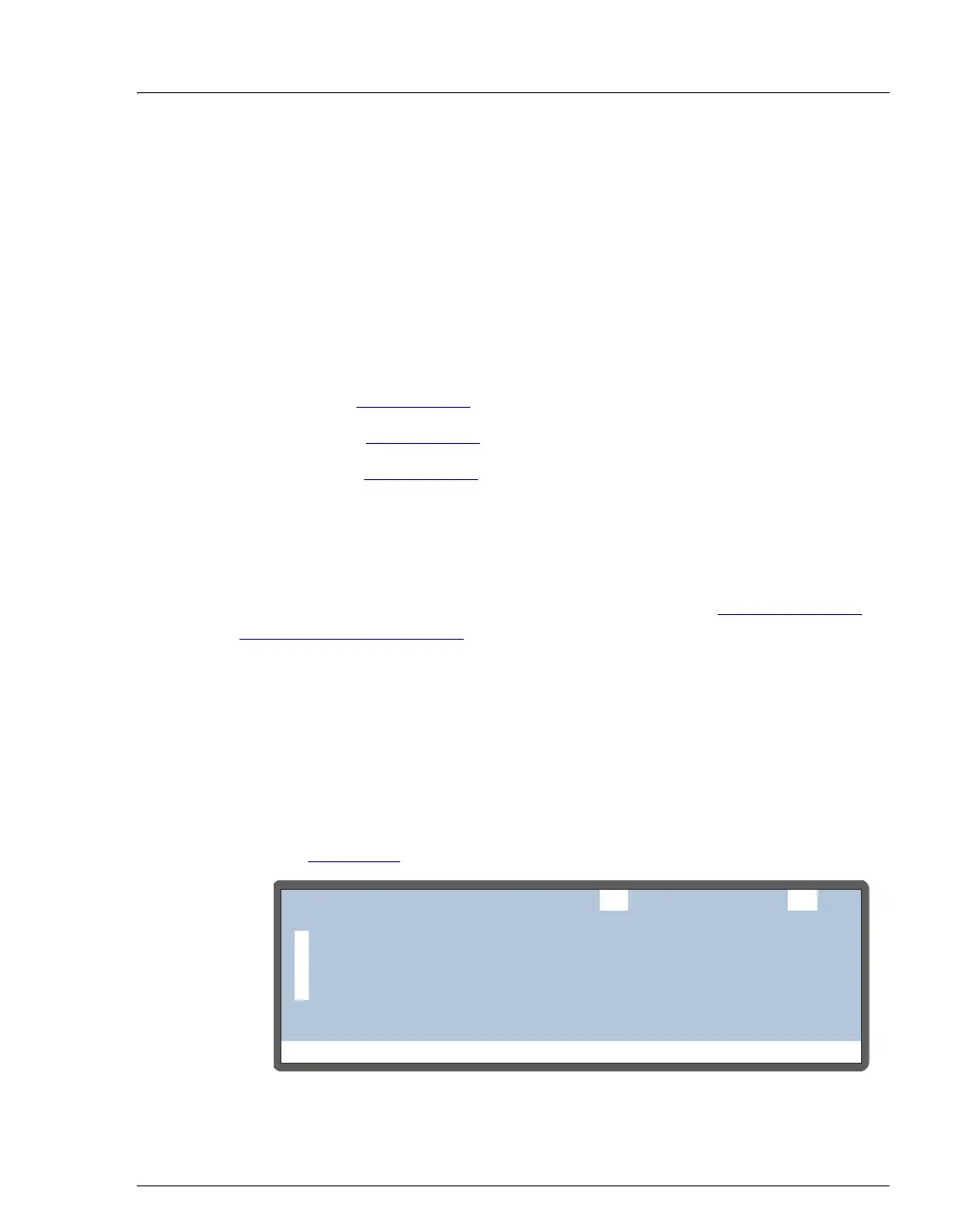
1. Press Menu and 3 to go to the METHOD MENU screen (see
Figure D-5
).
Figure D-5. Method Menu
Help Prompt
METHOD MENU
1
2
3
SAMPLE PREP
SETUP
TIMED EVENTS
EDIT SAVE TO25
25



 To Next Page