AS Autosampler Operator’s Manual
28 Doc. 065051-03 1/08
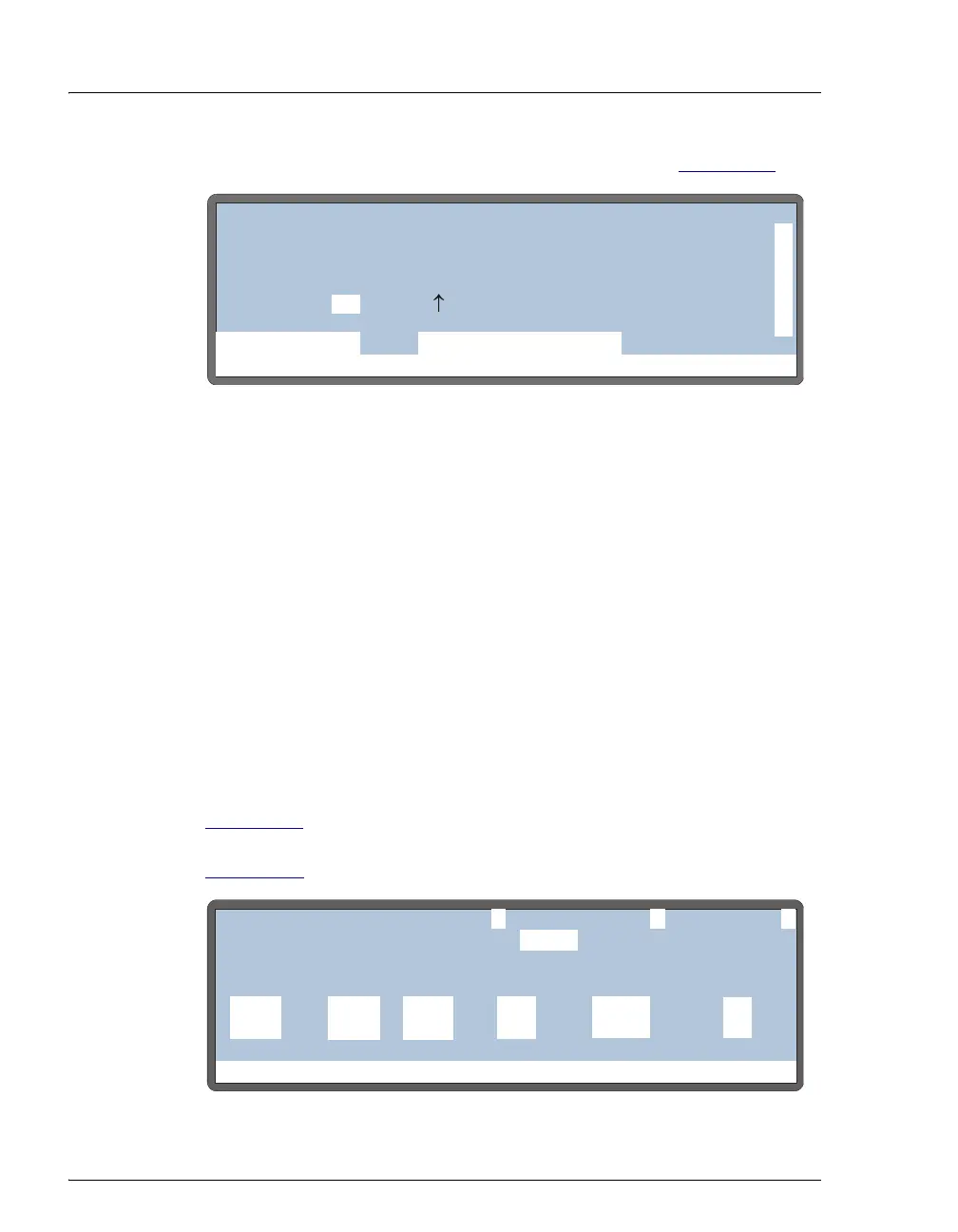
Set these functions from the DETAIL STATUS screen (see Figure 2-11).
Local/Schedule Control Mode
The AS runs all injections according to a programmed schedule. The
schedule defines a series of vials to be sampled and the operating
parameters to run on each vial. A schedule consists of the following
parameters:
• The vials to sample
• The number of injections to draw from each vial
• The volume of each injection
• The method to run on each injection
• The action to take when a scheduled vial is missing
You program, save, and edit schedules from the
SCHEDULE screen (see
Figure 2-12
). The AS can store up to nine schedules in memory. The
stored schedules are retained in memory when the AS is turned off.
Section D.6
describes how to create schedules.
Figure 2-11. Detail Status Screen Example
Figure 2-12. Schedule Screen
Help Prompt
IDLE
VIAL#:
TIME:
INJ#:
VOL:
METHOD:
TRAY:
TRAY:
LOOP:
20 °C25
100
2mL
uL
uL
min
TTL1
TTL2
RLY1
RLY2
0
1
0
0
LOCAL
DETAIL
DIRECT CONTROL
INJ VLV L
NORMAL FULL
Help Prompt
SAVE TO
RUNSCHEDULE
25.0 111
1
MISSING VIAL ACTION:
INJ/ INJ
VIAL METHODVOL(uL)
VIAL#
LINE ENDSTART
1
EDIT
STOP
-
-



 To Next Page