AS Autosampler Operator’s Manual
294 Doc. 065051-03 1/08
D.5.5 Defining Timed Events Steps
To go to the TIMED EVENTS screen:
1. Go to the
METHOD MENU.
2. Position the cursor in the 3 field (TIMED EVENTS).
3. Press
Enter.
Figure D-9
shows the default screen.
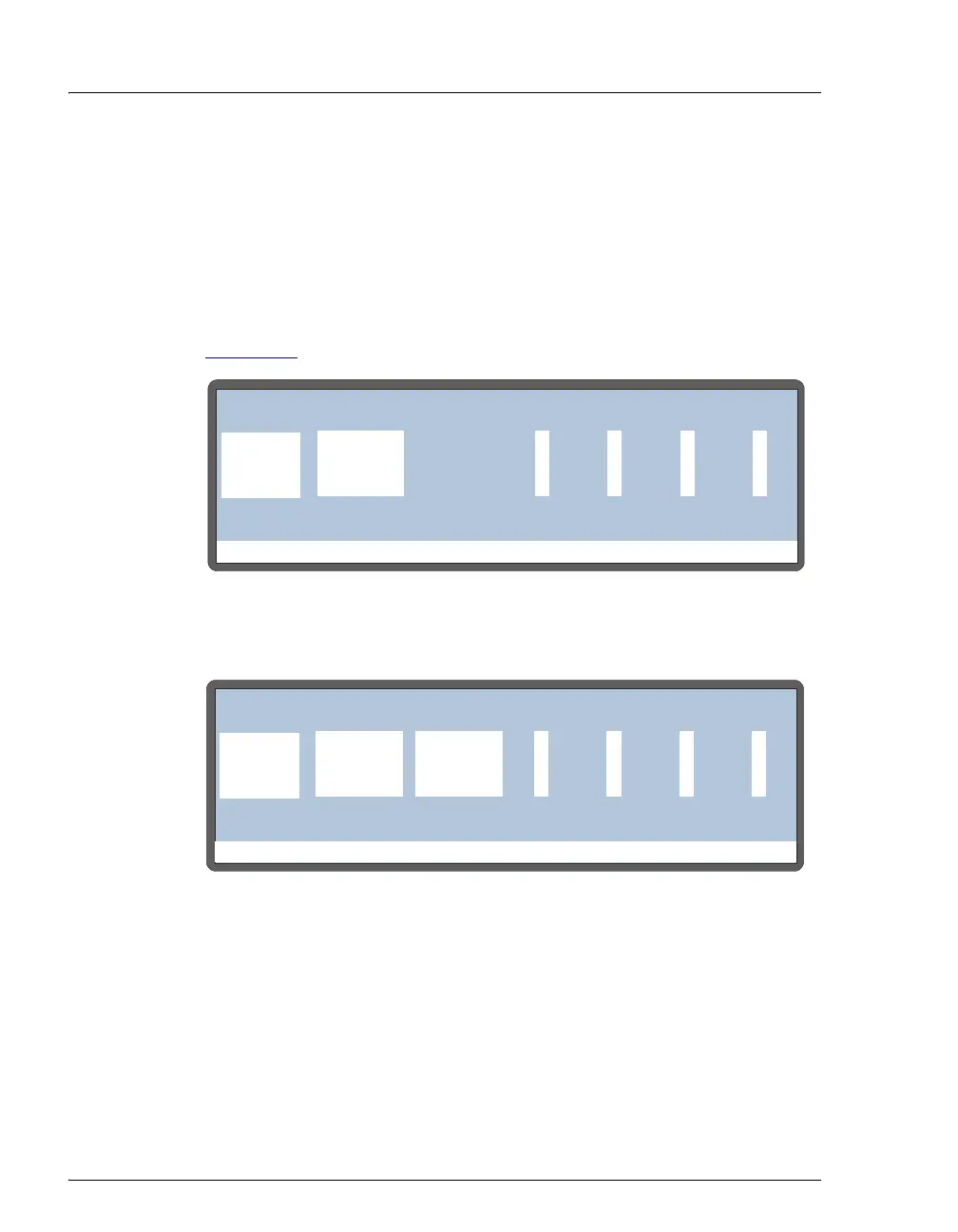
Figure D-9. Timed Events Screen (Default)
Figure D-10. Timed Events Screen (Simultaneous Injection Option)
Help Prompt
METHOD:TIMED EVENTS
0000
TIME
INIT LOAD
INJECT0.00
VALVE
TTL1 TTL2 RLY1 RLY2
1
Help Prompt
METHOD:TIMED EVENTS
0000
TIME
INIT LOAD
INJECT0.00
VALVE1
TTL1 TTL2 RLY1 RLY2
25
VALVE2
LOAD
INJECT



 To Next Page