AS Autosampler Operator’s Manual
214 Doc. 065051-03 1/08
B.3.13 Priming the Liquid Lines
This procedure explains how to prime the liquid lines from the
Chromeleon or Chromeleon Xpress Control panel. If you prefer, you can
use the
FLUSH screen on the front panel to prime the lines (see page 217).
NOTE To reduce bubble formation while priming, degas
the flush solution.
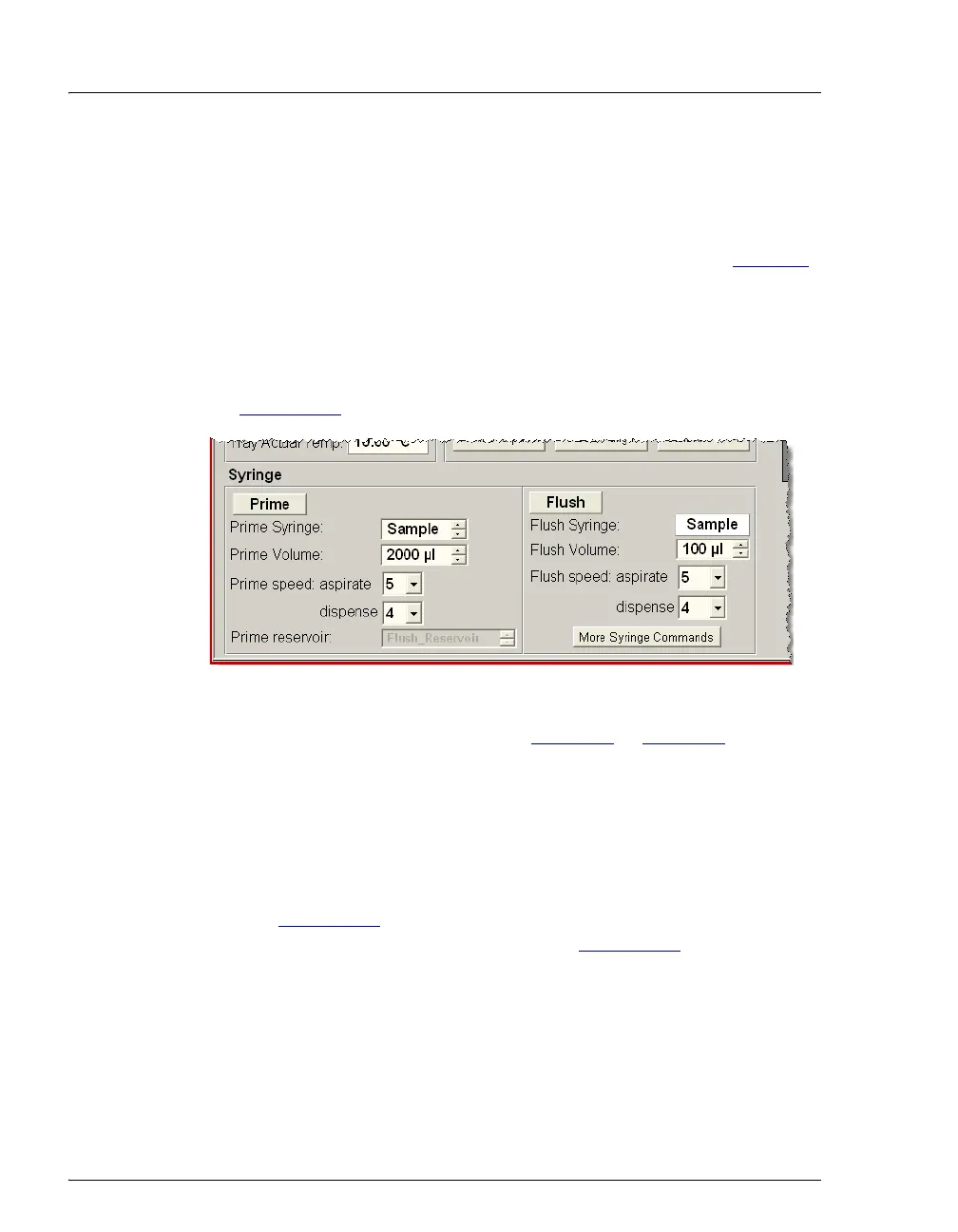
1. Open the Chromeleon or Chromeleon Xpress Control panel (see
Figure B-47
).
2. Enter the Prime Volume. Refer to Table B-2
or Table B-3 for the
suggested volumes.
3. If the sample preparation option is installed, select Prep in the Prime
Syringe list and select Flush_Reservoir in the Prime reservoir list.
4. Click Prime.
The flush reservoir line and sampling needle assembly are primed
(see Figure B-48
). If the sample preparation option is installed, the
reagent holding loop is also primed (see Figure B-49
).
5. Check for bubbles in the lines and repeat the priming procedure, if
necessary, to eliminate the bubbles.
Figure B-47. Prime Commands on the Control Panel



 To Next Page