B • Installation
Doc. 065051-03 1/08 213
Chromeleon or Chromeleon Xpress setup
instructions.
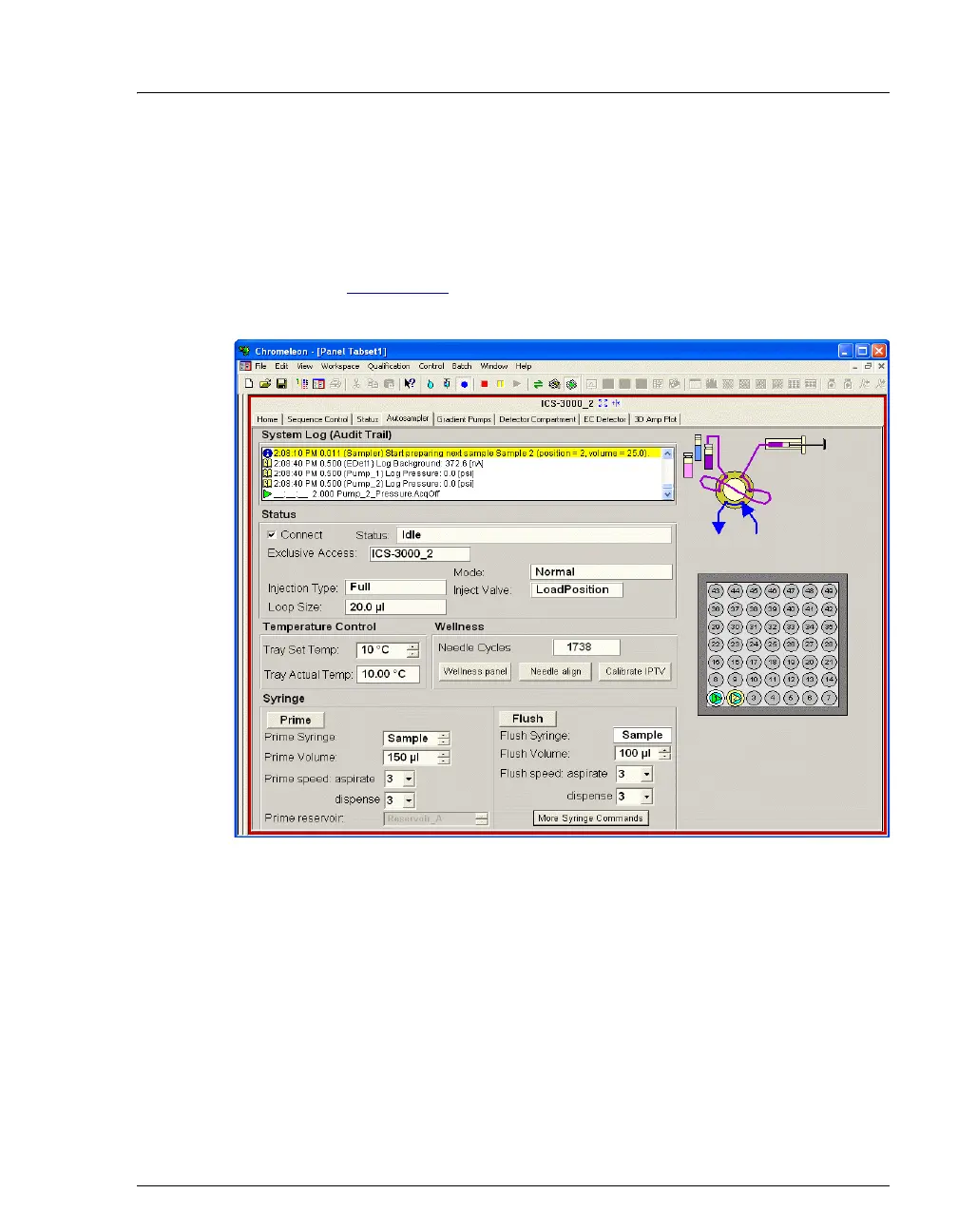
• After configuring the AS in one or two timebases, you can start
Chromeleon or Chromeleon Xpress and connect to a Control panel
(see Figure B-46
). For Chromeleon Xpress, connection to a panel is
automatic.
Figure B-46. Example AS Control Panel



 To Next Page