AS Autosampler Operator’s Manual
208 Doc. 065051-03 1/08
B.3.11 Selecting Module Setup Options
Press Menu and 5 to go to the MODULE SETUP MENU (see Figure B-41).
Set the Time and Date
1. On the MODULE SETUP MENU, press 4 to go to the TIME/DATE screen.
2. The
SET TIME field uses a 24-hour time format
(hour:minutes:seconds). Press numeric buttons to enter the time
directly or press
Select Δ or Select ∇ to increase or decrease the
current values.
3. Move the cursor to the
DATE field.
4. Press numeric buttons to enter the day and year directly, or press
Select Δ or Select ∇ to increase or decrease the current values. Press
Select Δ or Select ∇ to select the month.
5. After selecting the last option, press
Enter before exiting the screen.
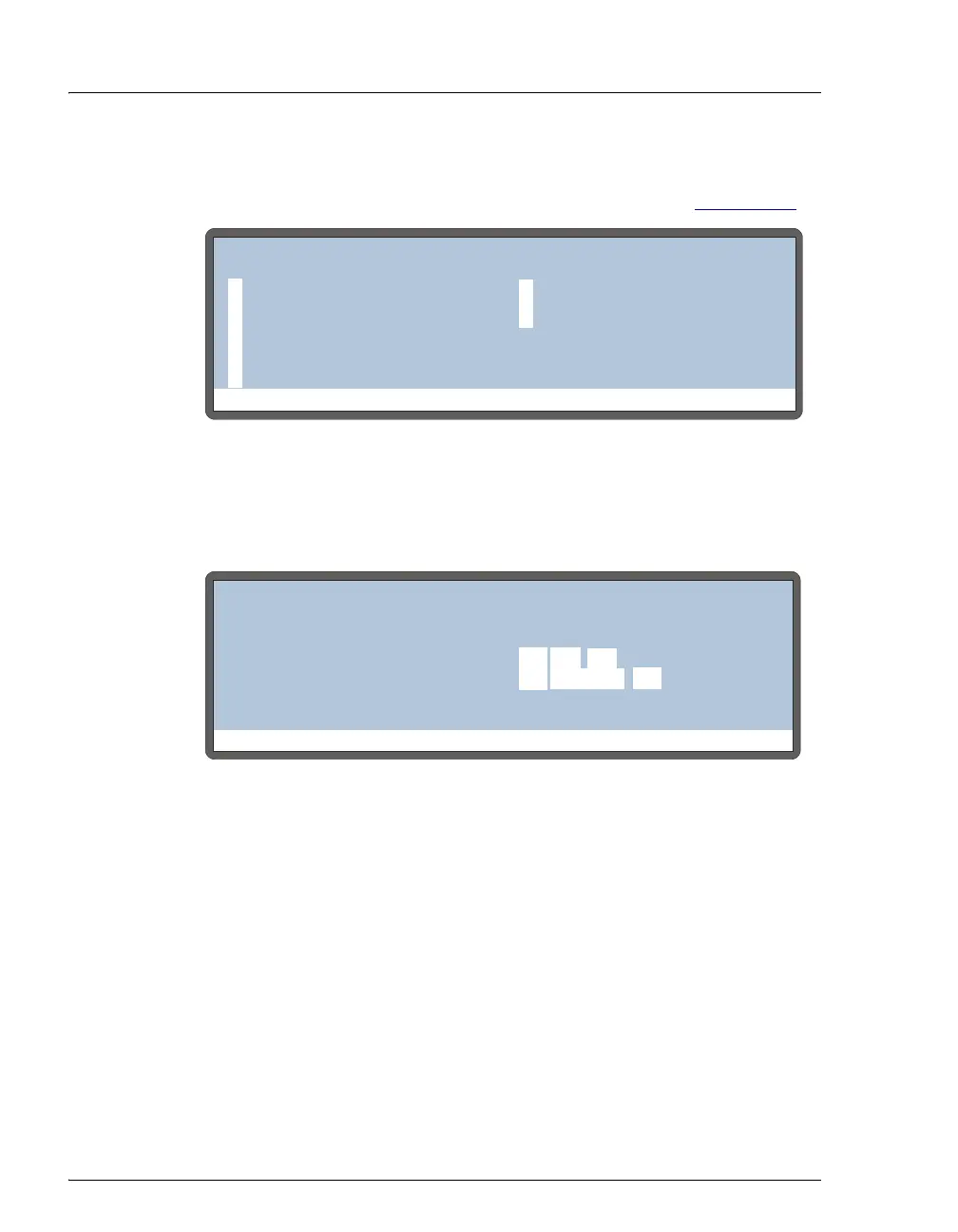
Figure B-41. Module Setup Menu Screen
Figure B-42. Time/Date Screen
Help Prompt
MODULE SETUP MENU
INSTALLED OPTIONS
FRONT PANEL
PLUMBING CONFIG
TIME/DATE
SYSTEM PARAMETERS
INJECT PORT ALIGN
5
61
2
3
4
INTERLOCK BYPASS
7
Help Prompt
TIME/DATE
ACTUAL TIME:
SET TIME:
DATE:
16
12:35:00
12:34:56
JUNE
06



 To Next Page