AS Autosampler Operator’s Manual
12 Doc. 065051-03 1/08
2.2.2 Display Screens
The LCD displays status information and allows access to all AS
operations.
When the power is turned on, the AS performs an initialization sequence
(see Section 3.1.1
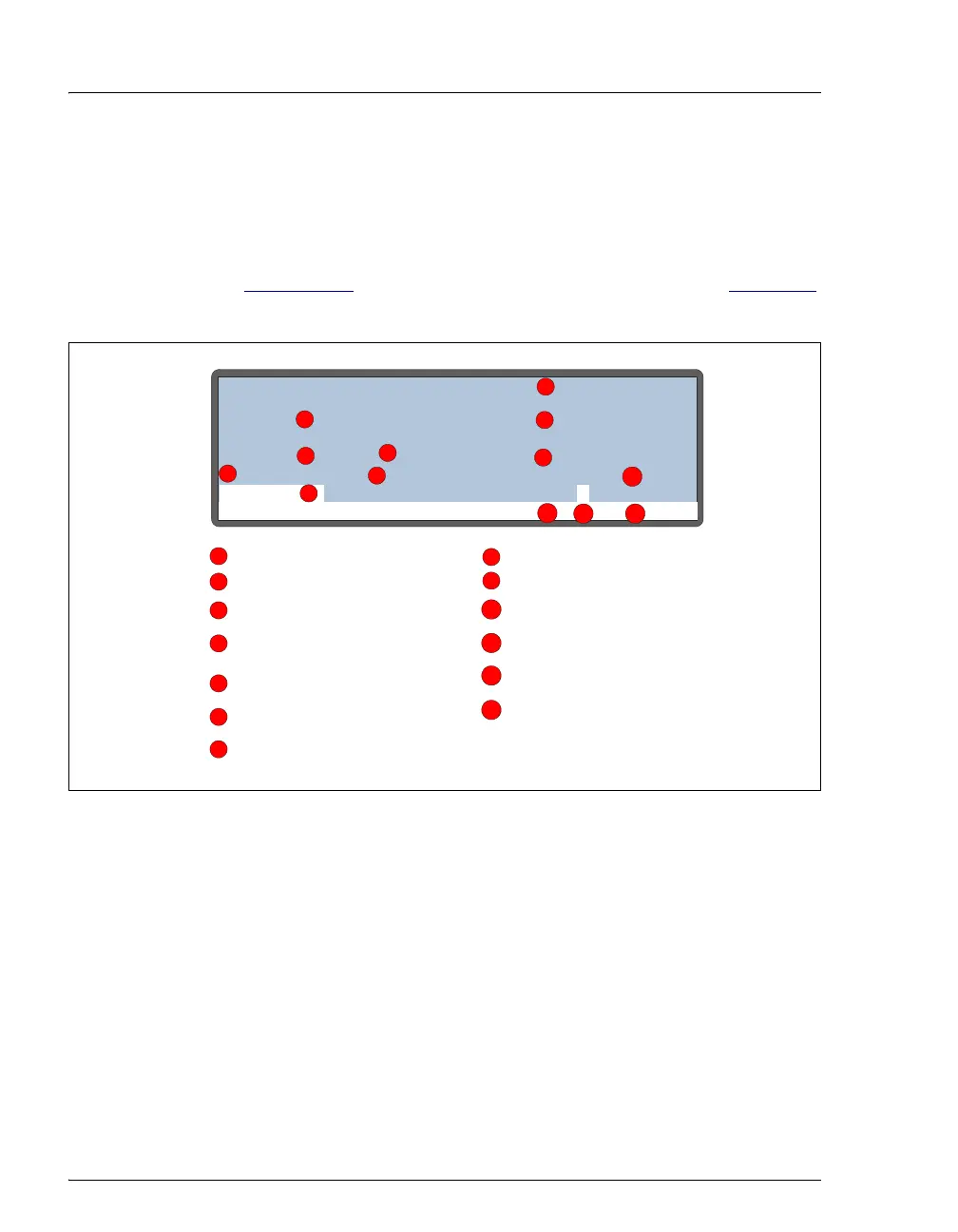
) and then displays the MAIN STATUS screen. Figure 2-3
is an example of the
MAIN STATUS screen during AS operation.
Figure 2-3. Main Status Screen
NOTE TRAY temperature is displayed only when the
sample temperature control option is installed.
Help Prompt
Current vial or well
Time since last injection
Volume to be injected
Current method
Control mode
Current s chedule
Schedule line currently in
progress
Current injection
Total injections s
cheduled
for this vial
Operatin
m ode
Current tray temperature
Operating status
LOADING LOOP
TIME
VOL
METHOD: 01
SCH LINE
VIAL#
INJ#
20
/
TRAY:
min
uL
°C
↑
8
1
LOCAL
10 10.6
20.013
Tray temperature
(increasing)
status
1
1
2
2
3
3
4
4
5
5
6
7
6
7
8
8
9
9
10
10
11
12
11
13
12
13



 To Next Page